Script Planner Assistant▸
 AI Apps
 AI News

Wplace Paint Tool: A Pixel Art Converter Designed for Wplace Players
Wplace Paint Tool: A Pixel Art Converter Designed for Wplace PlayersIntroduction
Wplace Paint Tool is a pixel art conversion tool made specifically for Wplace players. It can directly convert images in common formats like PNG, JPG, and SVG into the pixel grid used in the game, automatically matching Wplace's official 64-color palette to ensure colors are accurate. All processing is done in your own browser — images are not uploaded to the internet, so your privacy is well protected.
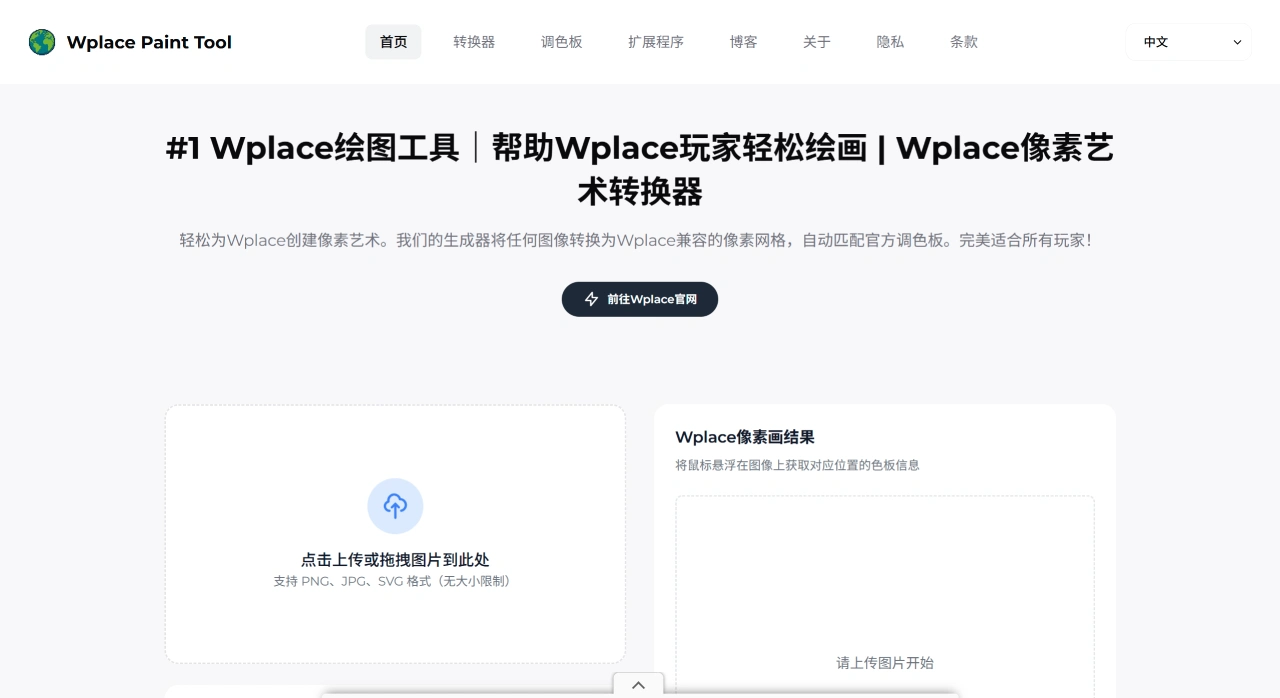
Wplace Paint Tool Features
Image Conversion: Converts PNG, JPG, and SVG images into Wplace-compatible pixel art, automatically matching the official 64 colors.
Pixel Size Adjustment: Use the slider to adjust pixel size — go smaller for fine detail, or larger for blocky pixels, based on your needs.
Color Dithering: Features Floyd-Steinberg dithering technology for smoother color transitions and clearer details.
Real-Time Preview: See the converted result directly in your browser, and zoom in to inspect details.
Grid Info Display: Shows how many pixels there are horizontally and vertically, plus the total count, helping you calculate canvas size.
Free and Premium Color Options: Choose only the free colors, or use the full palette that includes premium-exclusive colors.
Privacy Protection: All processing happens locally in your browser — images are not uploaded to any server.
How to Use Wplace Paint Tool
Upload an Image: Click the upload area on the Wplace Paint Tool homepage, or simply drag and drop a PNG, JPG, or SVG file in.
Adjust Pixel Size: Use the slider to control pixel dimensions — pick a smaller size for fine detail, or larger for chunkier pixels.
Preview and Check Colors: See the converted result in real time. Hover your mouse over any pixel to see the corresponding Wplace color, making it easy to follow along while painting.
Paint in Wplace: Download the converted pixel art reference image, then reproduce your original design in the game by matching the exact color of each pixel in the image.
Wplace Paint Tool Advantages
Completely Free: No registration, no payment required — all features are available.
Easy to Use: The interface is intuitive, so even beginners can get started quickly. Suitable for all players.
Professional Adaptation: Specifically optimized for the Wplace game, ensuring quality output.
Wplace Paint Tool FAQ:
Q: What is Wplace Paint Tool?
A: It's a pixel art generator made for Wplace players. It converts images using the official 64-color palette to help you create art in the game.
Q: Is Wplace Paint Tool really free for Wplace players?
A: Yes, it's completely free — no hidden charges, no subscription needed. You can create compatible pixel art as much as you like.
Q: What image formats does Wplace Paint Tool support?
A: PNG, JPG, JPEG, and SVG formats are all supported.
Q: Are there any size limits on images?
A: No, images of any dimension can be processed, meeting all kinds of Wplace creation needs.
Q: Is my data safe when using Wplace Paint Tool?
A: Yes, it's safe. All processing is done locally in your browser — images are not uploaded anywhere else.
Q: Can I use Wplace Paint Tool to create Wplace artwork?
A: Yes, this tool is designed specifically for Wplace. It helps you plan your painting, reference colors, and make the creation process smoother.