
 Script Planner Assistant▸
 AI Apps
 AI News

Vert.sh: Free and Open-Source Local File Converter
Vert.sh: Free and Open-Source Local File ConverterIntroduction
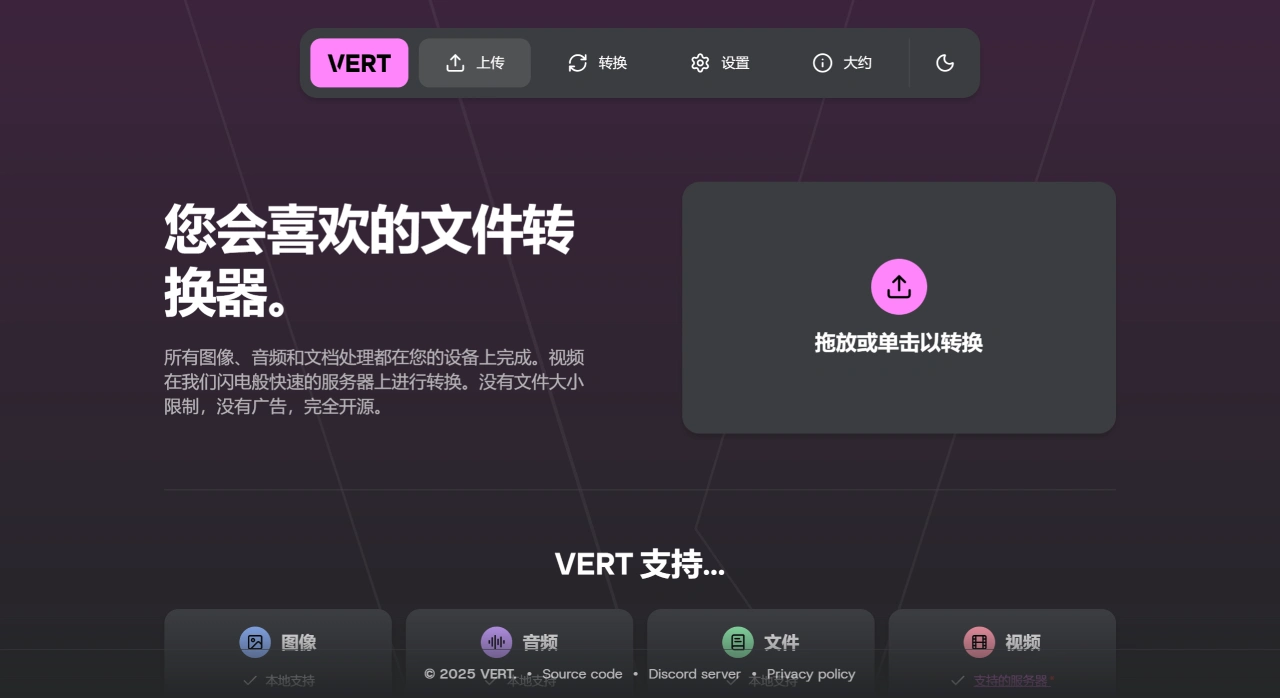
Vert.sh is a completely free, open-source file conversion tool that supports local processing of images, audio, and documents. Data is not uploaded to the server, while video conversions are handled through the official server. It has no file size limit, features a clean and ad-free interface, and all code is open and transparent.
Key Features of Vert
Local-first, Privacy-focused: Images, audio, and documents are converted directly on the user's device via WebAssembly technology, with no need for uploading. Videos are processed by the official server by default, but the official team also provides methods for users to self-host their own video conversion service, giving users full control over their privacy.
Extensive Format Support: Supports over 250 common formats, including virtually all frequently used file types such as JPEG, PNG, MP3, PDF, and MP4, meeting the vast majority of everyday conversion needs.
Unrestricted Use: No limit on file size or number of conversions—available anytime.
Simple and Easy to Use: Built with Svelte, the web interface is intuitive and ready to use instantly, with no learning curve required.
Open-Source and Self-Hostable: The codebase is fully open source (under the AGPL-3.0 license), allowing users to deploy their own service and keep all data entirely local or on their own server—ideal for users with strict privacy requirements.
Who It's For
Individual Users: Photographers processing photos, podcasters editing audio, office workers converting documents—no sign-up needed, just open and use, saving time and effort.
Businesses or Teams: Can self-host the service to ensure the privacy and security of internal file conversions.
Educational Users: Teachers and students can easily convert course materials, assignments, and other documents.
How to Use Vert
1. Use the Official Online Version Directly
Visit the official site: vert.sh
Drag and drop files directly onto the page, or click to upload, select the target format, and click convert.
2. Self-Host Your Own Vert.sh Service
Prepare the Environment
Make sure Bun (a JavaScript runtime) is installed.
Steps
1. Obtain the code
2. Run the following in your computer's terminal (e.g., command line):
git clone https://github.com/VERT-sh/VERT.git
cd vert
3. Install dependencies
bun i
4. Start the local development server
bun dev
5. Then open your browser and visit http://localhost:5173 to use it.
6. Deploy to a production server
7. Create a .env file in the project root directory and configure environment variables as needed.
Build the production version:
bun run build
8. Upload the generated build folder contents to your server and serve it using Nginx or another web server.
GitHub address: https://github.com/VERT-sh/vert













