Script Planner Assistant▸
 AI Apps
 AI News

Tree.FM: Listen to Forest Sounds From Around the World
Tree.FM: Listen to Forest Sounds From Around the WorldIntroduction
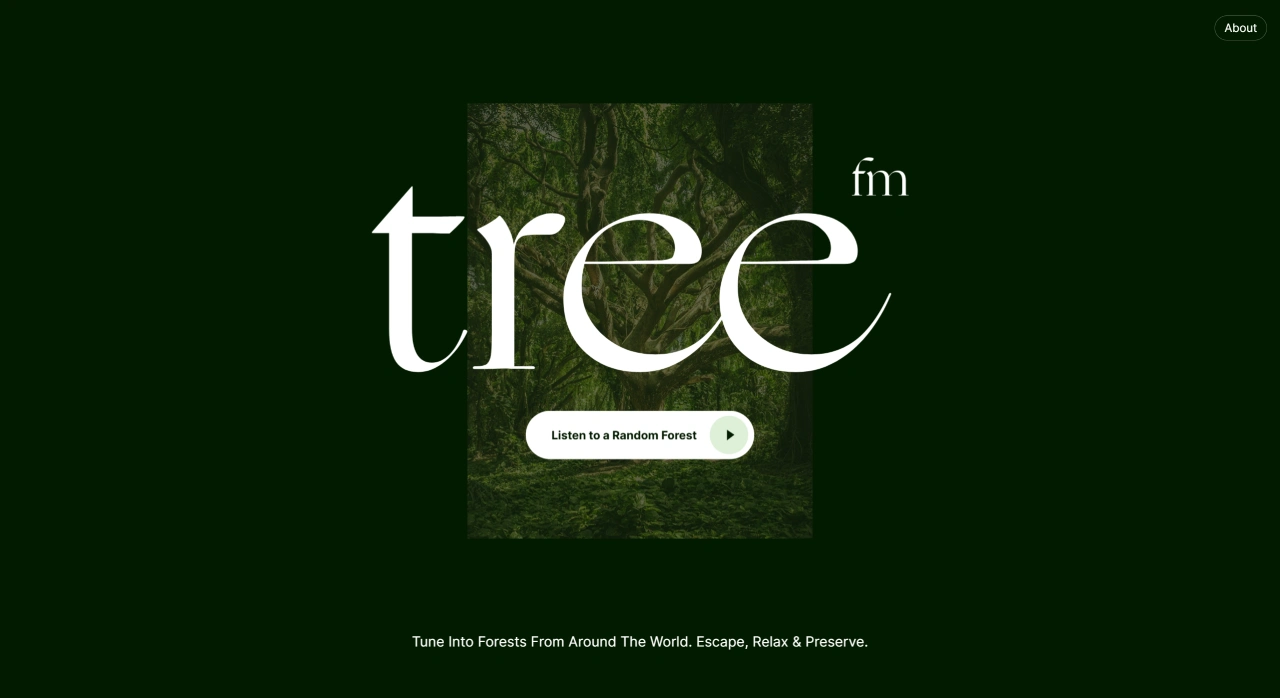
Tree.FM (Tree.FM) is a website that lets you listen to forest sounds from around the world. Through its random listening feature, you can immerse yourself in nature sounds, relax, and escape from the daily hustle and bustle. Moreover, the website encourages everyone to upload their own forest recordings, which helps protect forests and address climate change. It is launched by New Now, with audio materials provided by Sounds of the Forest and aporee, and the cover image from unsplash.
Features of Tree.FM
Random Forest Sound Playback: After entering the website, click the "Listen to a Random Forest" button to randomly play forest sounds from around the world.
Specify a Particular Forest Sound: Users can modify the forest number in the URL (as shown in link 2) to play the sound of a specific forest.
Download Audio: Users can download their favorite forest sounds for offline use.
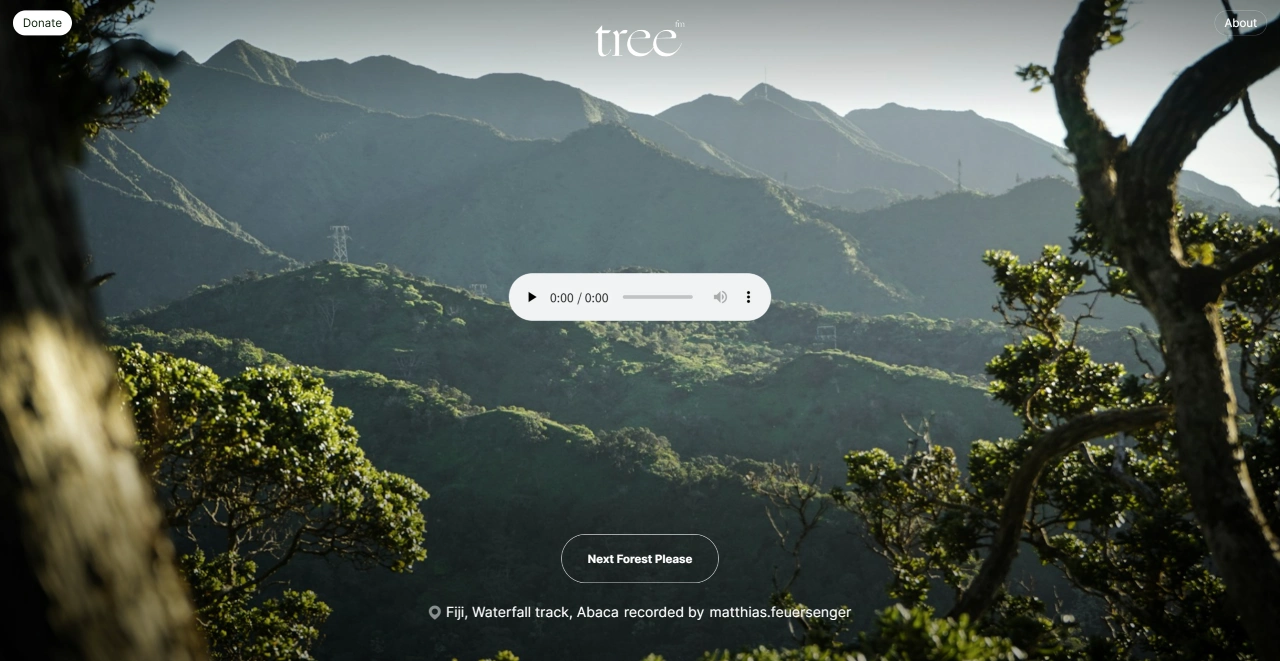
Immersive Experience: When playing forest sounds, photos of the recording locations are displayed, providing a more immersive experience.
No Ad Interference: The website interface is clean and simple, with no ads, offering an excellent user experience.
Use Cases for Tree.FM
Relaxation and Stress Relief: When feeling stressed, listening to nature sounds can help relax your emotions.
Sleep Aid: Playing a quiet forest soundscape before bed can help improve sleep quality.
Focused Work or Study: Playing forest audio during work or study can block out external distractions and improve concentration.
Meditation: It is an ideal background sound for meditation, allowing for a deeper practice.
Travel Planning: Listening to sounds from different forests helps you understand natural environments around the world and provides inspiration for travel planning.
How to Use Tree.FM
Visit the Website: Open the website https://www.tree.fm/.
Random Playback: Click the "Listen to a Random Forest" button on the page to start randomly playing forest sounds.
Specify Playback: If you want to play the sound of a specific forest, you can do so by modifying the forest number in the URL. For example, change the URL to https://tree.fm/forest/5 to play the sound of the 5th forest.
Download Audio: Click the download button to the right of the audio player on the page to save your favorite forest sounds to your local device.
Use the Browser Extension: Users can also add the Chrome extension "tree.fm – listen to a random forest" (currently unavailable) to listen to forest music directly without opening the website.