
 Script Planner Assistant▸
 AI Apps
 AI News

Transor AI: Instant Translation for Web Pages, Documents, Images, and Videos
Transor AI: Instant Translation for Web Pages, Documents, Images, and VideosIntroduction
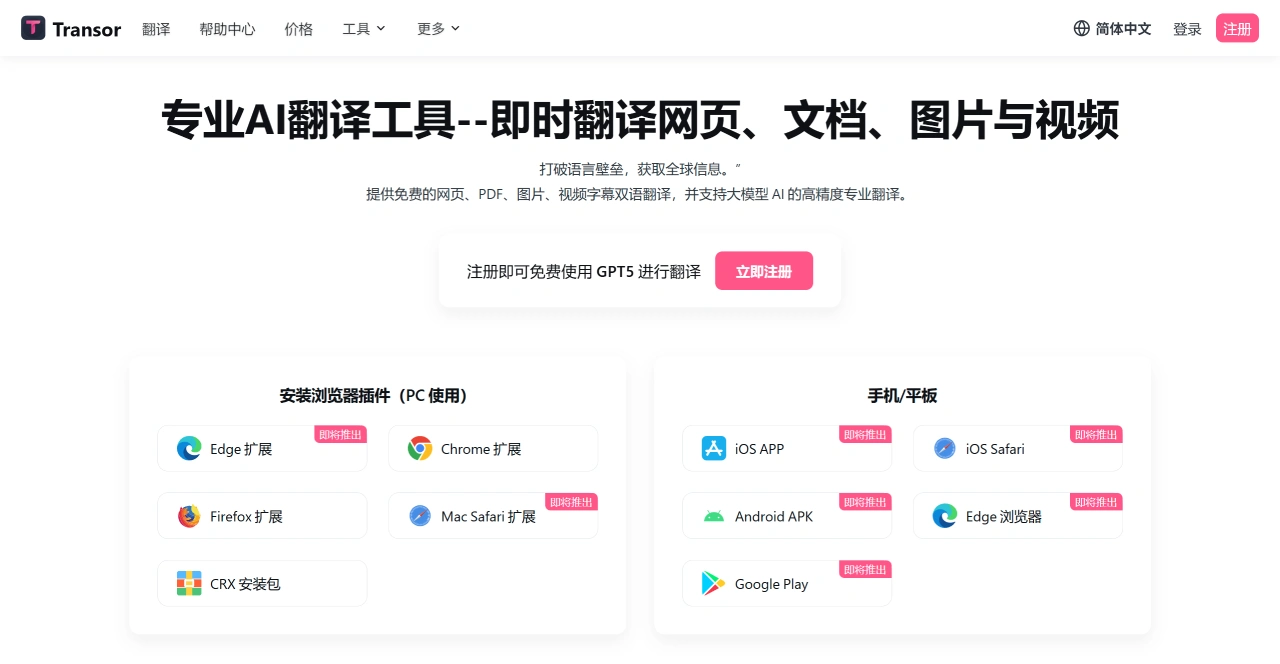
Transor ai is an AI translationtool that supports bilingual translation of web pages, documents, images, and videos. It leverages large models such as OpenAI and Google Gemini to deliver high-precision translation, and is compatible with multiple platforms, including Chrome and Firefox browser extensions (Edge and Safari extensions coming soon), as well as Android and iOS apps (coming soon). Its main features include:
Selection translation: Select any text to translate it, with support for definitions and example sentences.
Input box translation: Press the spacebar three times in a row in a text field to trigger translation.
Bilingual card sharing: Makes studying and communication easier.
Transor AI Specific Features
Web Page Translation
Intelligently identifies core content, reduces formatting interference, and provides bilingual side-by-side reading.
Simple to use: After installing the extension, click the icon or right-click and select "Translate Web Page" to get started.
Video Subtitle Translation
Supports real-time bilingual subtitles on platforms like YouTube and Netflix, with precise timeline alignment.
Compatible with subtitle formats such as SRT, VTT, ASS, and SSA.
Document Translation
Free PDF translation, supporting professional documents such as academic papers and business contracts.
Preserves the original document formatting, including the position of tables and images.
Image Translation
Uses OCR technology to recognize text in images, translating it so it blends naturally into the original design.
Other Features
Multi-engine support: Integrates over 10 translation services including OpenAI, DeepSeek, and Google Gemini, which can be switched freely.
Use cases: Reading foreign-language materials, team collaboration, video learning, content creation, and more.
How to Use Transor AI
Visit the official website to download the extension or client (supports Chrome, Firefox, Windows, Mac, etc.).
Register for a free account to unlock basic features; advanced features require a subscription.
Trigger translation via the extension, right-click menu, or by uploading files, and the bilingual result is generated automatically.
Who Is Transor AI For
Students and researchers: Reading foreign-language materials and papers.
Enterprise teams: Handling cross-border documents and email communication.
Video learners: Watching content with bilingual subtitles.
Content creators: Translating materials such as images and PDFs.
FAQ
Q: What advantages does Transor AI have in web page translation?
Transor AI's web page translation has two main advantages:
Translation does not affect the original web page layout; it automatically identifies the main content area and provides clear bilingual comparison.
Supports multiple translation engines, including OpenAI, Google Gemini, DeepSeek, and more than ten other quality translation services, which users can freely choose from as needed.
In comparison, other translation tools typically support only 1-2 translation services, and they tend to disrupt the page layout while also being less accurate at identifying the translation area.
Q: What are the features of Transor AI's PDF translation? What problems can it solve?
Transor AI's PDF translation has three important features:
Completely free, using large AI models to ensure translation quality.
Preserves the original document formatting, including special elements such as formulas and charts.
Integrates multiple quality translation services to ensure accurate translation of professional terminology.
This addresses three common pain points for users:
Traditional PDF translation tools are either paid or of poor quality.
Manual copy-pasting easily results in lost formatting.
Term translations in professional documents are inaccurate.















