
 Script Planner Assistant▸
 AI Apps
 AI News

Trae Agent: A General Software Engineering Agent Based on Large Language Models
Trae Agent: A General Software Engineering Agent Based on Large Language ModelsIntroduction
Trae Agent is the "AI development expert" inside Trae ai IDE. It isn't the kind of chatbot that only knows how to chat—it's a system that can understand tasks on its own, plan out steps, and call various tools to help you tackle complex development work. Unlike ordinary code completion or Q&A, it's far more proactive: instead of just taking orders, it breaks tasks down by itself and gets to work. It's a bit like upgrading from "copilot" to "designated driver."
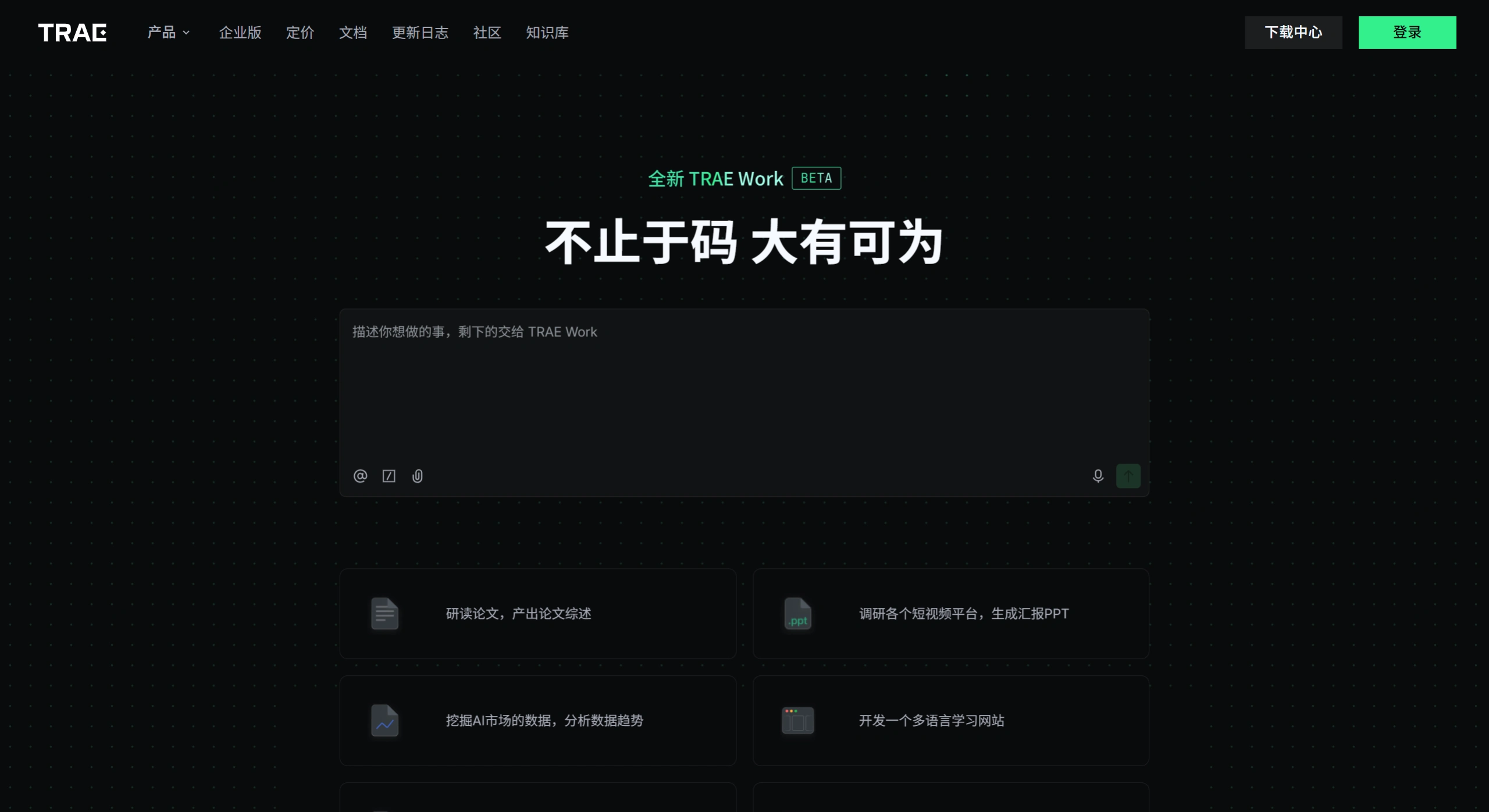
Main Features of Trae Agent
Breaks down tasks on its own: You just give it a rough request, like "build me a to-do web page," and it automatically splits that requirement into several concrete steps.
Operates across multiple files at once: It can create, modify, and delete multiple files by itself, and even set up the environment and dependencies for you.
Calls tools and verifies: It can run terminal commands, read error messages, and fix issues on its own, continuing until the entire project or feature is done.
Working Modes of Trae Agent
IDE mode: Traditional editor layout, suited for those used to hand-coding
Builder mode: Enter a description and a complete project scaffold is generated
SOLO mode: AI takes full control, the traditional IDE UI is hidden away, focused on Vibe Coding. It's still in public beta and requires an invite code. Some testers have reported that using SOLO mode to build a React + Node full-stack project, it can be up and running in 4 minutes
Use Cases for Trae Agent
Quickly scaffold projects: Switch on SOLO mode and tell it in plain language what feature you want. It can generate the entire project code from scratch, perfect for rapidly validating ideas or building prototypes.
Modifying existing projects: In normal development mode, @-invoke SOLO Coder and tell it what feature you want to add to the existing project or what you want to change. It will review the code on its own and plan out the modifications.
Write tests and fix bugs: It can auto-generate test scripts (such as Maestro), as well as one-click review code changes, helping you understand the impact of edits and spot issues early.
Cross-role usage: It's also usable by product, design, and operations folks. For example, drop in a design mockup and it can generate a clickable prototype; toss in an Excel sheet and it can automatically produce charts and analysis reports.
Teams and enterprises: You can create shared team agents, packaging fixed workflows and conventions into AI capabilities. It also supports remote development and secure sandboxes to prevent misoperations.
🚀 How to Use Trae Agent
Invoke it in a conversation: Type the @ symbol in the AI conversation input box, and you'll see a list of available agents—pick one to call it.
Quickly create a custom agent: In the agent list invoked by @, click the "Create Agent" button. You can quickly build a dedicated assistant that fits your workflow via smart generation or manual configuration.
Enable SOLO mode: If you want automated development, just switch directly to SOLO mode. AI will automatically take over the task, from understanding requirements, to writing code, to testing and deployment, handling the entire pipeline for you.
💎 Advantages and Highlights of Trae Agent
Precise and efficient Chinese-language experience: After all, it's launched by ByteDance. It's deeply optimized for the Chinese development environment and domestic tech stacks (such as Feishu and Volcano Engine), so it understands Chinese requirements more accurately, making communication and development smoother.
Powerful end-to-end automation capability: SOLO mode is one of its standout features, able to complete full project development "from 0 to 1"—automatically generating PRDs, writing frontend and backend code, configuring databases, and even one-click deployment, dramatically shortening the development cycle.
Highly customizable: Custom agents give developers a lot of freedom—you can precisely configure the agent's behavior and capabilities based on your team conventions and project characteristics.
Free and great value: Most of Trae's core features are currently free, making it an attractive, high-value choice for individual developers, startup teams, or students.
Open Source Status
Fully open source under the MIT license, with a fairly simple code structure: agent, tool, and config layers
To extend functionality, just subclass the Tool class and hook up your own scripts
The team also built in trajectory recording: all operations, token consumption, and tool calls are automatically logged as JSON, making post-hoc review easy
GitHub URL: https://github.com/bytedance/TRAE-agent
Related News:















