
 Script Planner Assistant▸
 AI Apps
 AI News

StudyFetch: Instantly Turn Course Materials into Interactive Study Tools
StudyFetch: Instantly Turn Course Materials into Interactive Study ToolsIntroduction
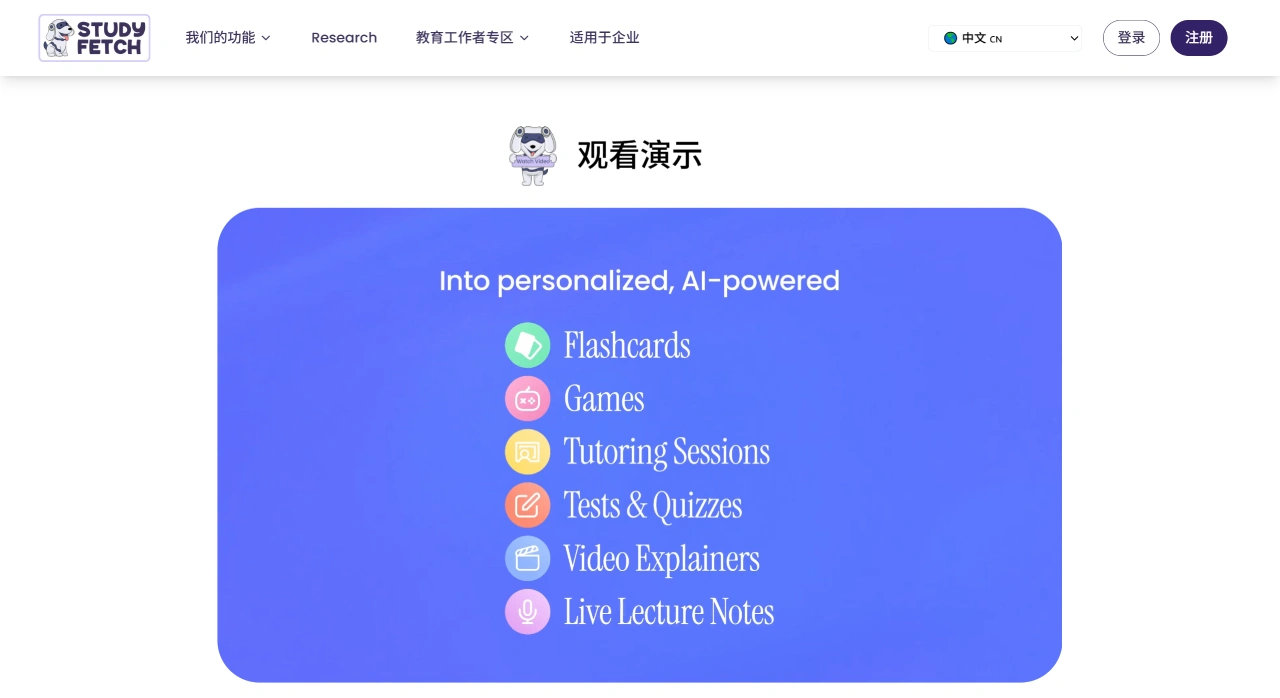
StudyFetch is a learning platform supported by CollegeBoard that converts course materials in various formats such as PDF, DOC, and MP4 into complete study packs including flashcards, quizzes, and lecture summaries with one click. The platform comes with an AI tutor called Spark.E, which provides personalized chat tutoring, essay grading, real-time Q&A, and generates explanatory videos and audio summaries. It also automatically tracks learning progress and analyzes your strengths and weaknesses.
Features of StudyFetch
Learn faster: Quickly transforms course content into interactive learning tools to boost efficiency.
More personalized: Provides content and feedback tailored to your learning progress and habits.
Multilingual: Supports over 20 languages, making it accessible to different users.
Main Functions of StudyFetch
Auto-generated tools: After uploading course materials, it can automatically create flashcards, quizzes, notes, and explanatory videos.
AI tutor assistance: Built-in Spark.E provides real-time Q&A, grades essays and quizzes, and offers study recommendations.
Key point extraction: Turns long texts into simple summaries and generates related questions to help with studying and exam preparation.
Study planning: AI-driven study calendar and progress tracking tools help you organize your learning.
Wide format support: Compatible with course materials in PDF, PPT, video, audio, image, and text formats.
Who StudyFetch Is For
Students: Organize course notes, prepare for exams, complete assignments and projects, and understand knowledge through interactive tools.
Teachers: Prepare teaching materials, track student progress, and provide personalized instructional support.
Researchers: Quickly sort through research materials and improve efficiency.
Advantages of StudyFetch
Saves time: Generates learning tools with one click, no manual organization required.
Effective results: Learn more solidly through interactive learning and personalized tutoring.
Broad adaptability: Suitable for different subjects and learning stages, meeting diverse needs.
How to Use StudyFetch
Sign Up and Log In
Visit the official website, register with your email or Google account, and log in to access the platform's features.
Upload Course Materials
After logging in, click "Create a Set," select the materials you want to upload. Supported formats include PDF, Word, PPT, video, audio, image, and text.
Generate Learning Tools
Notes: Use Notes AI to quickly generate well-organized notes from your materials.
Flashcards: Use Flashcards AI to break complex information into small pieces and generate interactive flashcards with one click.
Quizzes: Use Quizzes AI to create practice questions based on the materials to test your knowledge.
Explainer videos: Use Imagine Explainers to input a video topic, choose the duration and key points, generate and create an explainer video.
Interact with the AI Tutor
The built-in Spark.E provides real-time Q&A, grades essays, and offers study recommendations. It also delivers a learning experience tailored to your progress and habits.
Manage Your Study Plan
Use the study calendar to schedule study time, set assignment deadlines, and plan your progress.
Other Features
Content summaries: Turn long texts into simple summaries to quickly grasp the key points.
Audio recaps: Convert learning materials into podcast-style summaries, ideal for auditory learners.















