
 Script Planner Assistant▸
 AI Apps
 AI News

Guanyun: AI Content Re-Creation Workbench by Neonbit
Guanyun: AI Content Re-Creation Workbench by NeonbitIntroduction
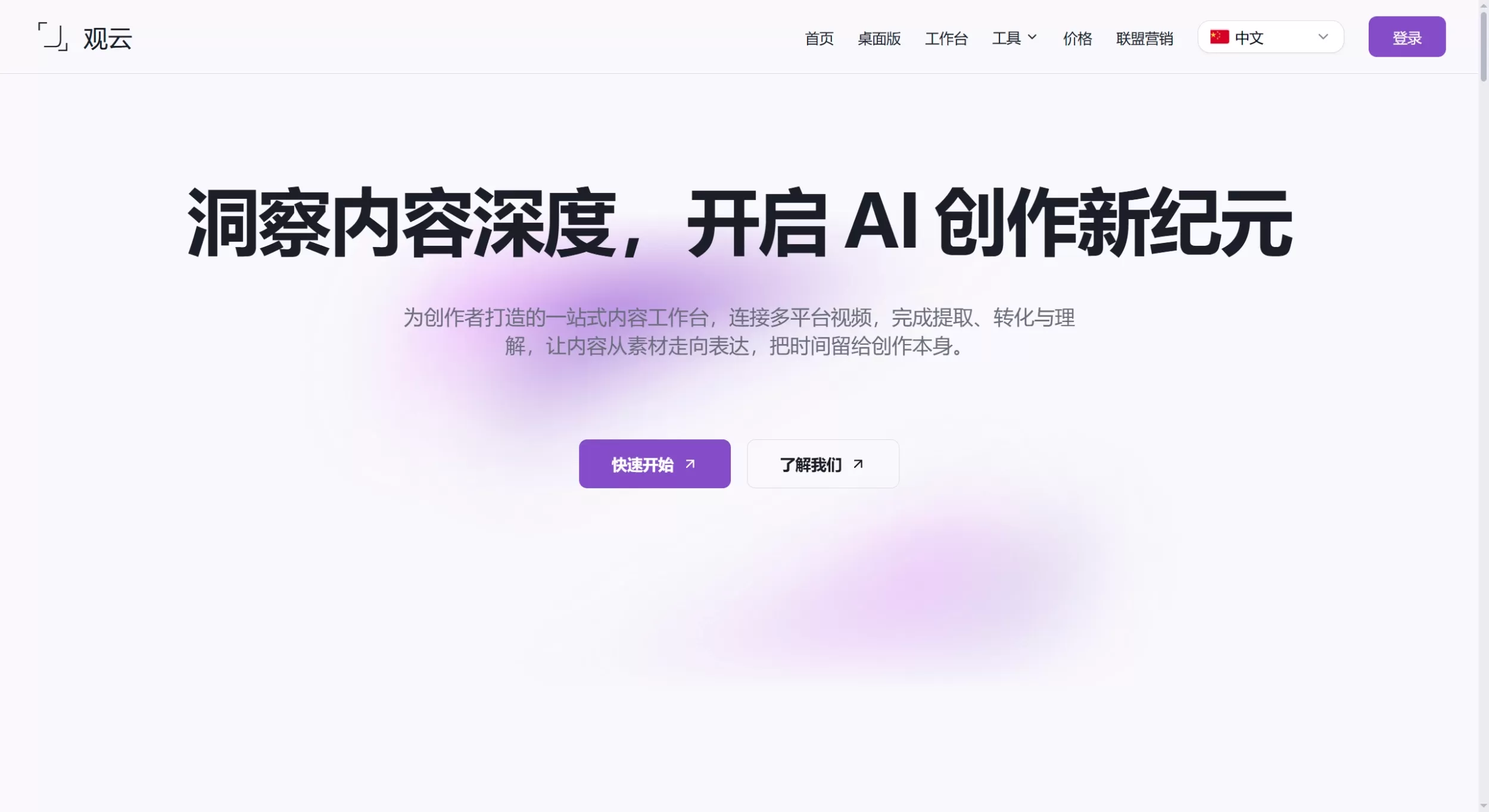
Guanyun is an AI content re-creation platform built by NeonBit, designed to help creators move "from raw materials to expression." It is not just a simple video downloader—it strings together material fetching, content understanding, and creative generation: download videos or audio from public links, use AI to summarize and transcribe subtitles to understand the material, then apply copywriting to remove the AI flavor, generate images, and produce videos to complete secondary creation, letting creators spend their time on expression itself.
Features
Public content download: Extract videos or audio from public links as the starting material for subsequent summarization, transcription, and re-creation.
Video content summarization: AI breaks long videos into summaries, chapters, and key points for a quick understanding of material structure, aiding editing decisions.
Subtitle transcription: Convert video or audio into editable subtitle text with timestamps, supporting search-and-replace, speaker identification, and sentence-by-sentence proofreading.
Copywriting "de-AI flavor": Polish stiff, template-like AI copy into human-like expression, with configurable scene (marketing copy, articles, spoken scripts, social media copy), tone (natural, professional, lively, etc.), length, and target audience.
AI image generation: Generate images directly based on material understanding and creative inspiration.
AI video generation: Push inspiration forward into publishable videos.
Workflow chaining: Download → Understand (summarize/transcribe) → Generate (image/video)—a three-step closed loop.
Use Cases
Short video re-creation and remix: Download reference material, use AI summarization to extract highlight chapters, combine subtitle transcription to capture golden lines, and quickly nail down scripts and editing direction.
Podcast and interview content reuse: Transcribe long audio or video into editable text, extract golden lines for illustrated notes, short video clips, or WeChat official account articles.
Bulk marketing copy optimization: Put stiff AI-generated marketing copy, product descriptions, and spoken scripts into the "De-AI Flavor" module, and polish them into human-like expression based on target audience and platform tone.
Knowledge-based content digestion: Turn online courses, documentaries, and industry talks into structured notes through summarization and transcription for quick absorption of core viewpoints.
Cross-platform content migration: After fetching public videos, use subtitle extraction plus AI rewriting to quickly adapt copy styles and formats for different platforms.
Closed-loop creation chain. Guanyun chains downloading, understanding, and generation together, eliminating the cost of switching between multiple software tools.
Distinctive copy polishing. The "De-AI Flavor" feature addresses the current issue of stiff AI content, supporting adjustments across multiple dimensions such as scene, tone, and audience.
Professional subtitle editing experience. Transcription results come with a visual timeline, search-and-replace, and speaker identification—close to professional subtitle software.
Strong video understanding capability. The summarization module outputs not only summaries but also automatically divides chapters and distills key points from each segment, aiding editing decisions.
Pure web-based, no installation required—open and use right away.
Download function is just the entry point. If you only need to batch download material, the feature depth is not as good as professional downloaders (such as yt-dlp or 4K Video Downloader).
Platform coverage awaits verification. The official website does not clearly list the number of supported download platforms or quality ceiling (the previously advertised 50+ platforms, 4K, etc. are not reflected on the homepage).
AI generation quality depends on the model. Image generation, video generation, and copy polishing are limited by the underlying model capabilities, and commercial-grade output still requires human proofreading.
No desktop client or plugin ecosystem. Currently only the web version is available; heavy creators may be more accustomed to local software or browser plugin workflows.
Get material: Copy the public video or audio link from the target platform, paste it into Guanyun's download module, and extract the file.
Understand content:
Video summarization: Upload or select a downloaded video, and AI will generate summaries, divide chapters, and distill key points.
Subtitle transcription: Convert video or audio into subtitle text with timestamps for search-and-replace, sentence-by-sentence proofreading, and speaker labeling.
Copy polishing: Paste AI-generated original copy into the "De-AI Flavor" module, select scene, tone, length, and target audience, click "Start Correction" to obtain human-like expression.
Generate expression: Based on understanding and inspiration, use AI image generation and AI video generation modules to produce new visual and video content.
Export and publish: Export subtitles, copy, and generated materials, then proceed with subsequent editing or publishing.
Guanyun Pros and Cons
Pros
Cons
FAQ
Q: Do downloaded videos have platform watermarks?
A: Guanyun extracts the video stream from public links. If the original platform video itself carries hardcoded watermarks (such as those added by the creator), they cannot be removed; if they are soft watermarks automatically added by the platform, the extracted result usually has none.
Q: What types of copy does the "De-AI Flavor" feature support?
A: It supports marketing copy, article paragraphs, spoken scripts, social media copy, and more. You can customize tone, length, and target audience, and also supplement brand background and usage scenarios as correction references.
Q: What languages does subtitle transcription support?
A: The official website does not clearly list the supported languages. Based on AI speech recognition technology, mainstream languages such as Chinese, English, and other common languages can usually be recognized.
Q: Can video summarization replace manual viewing?
A: It is suitable for quickly filtering material, grasping structure and core arguments, but when it comes to emotional expression, visual details, and editing rhythm judgments, manual viewing is still required for confirmation.
How to Use Guanyun
Competitor Comparison
| Comparison Dimension | Guanyun | Notion AI / Feishu Miaoji | CapCut (Jianying) | Descript |
|---|---|---|---|---|
| Product Positioning | AI Content Re-creation Workbench | Docs/Meeting Collaboration + AI | Video Editing Tool | Audio/Video Editing + AI |
| Material Acquisition | ✅ Supports public link downloads | ❌ Not supported | ❌ Not supported | ❌ Not supported |
| Video Summarization | ✅ Summary + chapters + key points | ⚠️ Only simple summary | ❌ Not supported | ✅ Supported |
| Subtitle Transcription | ✅ Editable timeline + search-and-replace | ✅ Feishu Miaoji is strong | ✅ Auto subtitles | ✅ Core feature |
| Copy Polishing | ✅ De-AI Flavor (scene/tone/audience) | ✅ Notion AI general rewriting | ❌ Not supported | ⚠️ Script editing |
| AI Image/Video Generation | ✅ Built-in | ❌ Not supported | ✅ Rich CapCut AI features | ❌ Not supported |
| Creation Chain | Download → Understand → Generate (closed loop) | Understand/record → Docs | Edit → Publish | Edit → Publish |
| Target Users | Content creators, marketers, re-creation staff | Team collaborators, knowledge managers | Short video creators | Podcasters, professional audio/video producers |















