
 Script Planner Assistant▸
 AI Apps
 AI News

ScreenshottoCode: AI Screenshot-to-Code Tool with Local Deployment Support
ScreenshottoCode: AI Screenshot-to-Code Tool with Local Deployment SupportIntroduction
What is Screenshot to Code
Screenshot to Code is a design-to-code AI tool powered by GPT and Claude. It can convert screenshots, Figma designs, and webpage URLs into frontend code such as HTML, React, Vue, and Tailwind. It is open source, supports local deployment, and can also be used online, making it ideal for rapid prototyping and design reproduction.
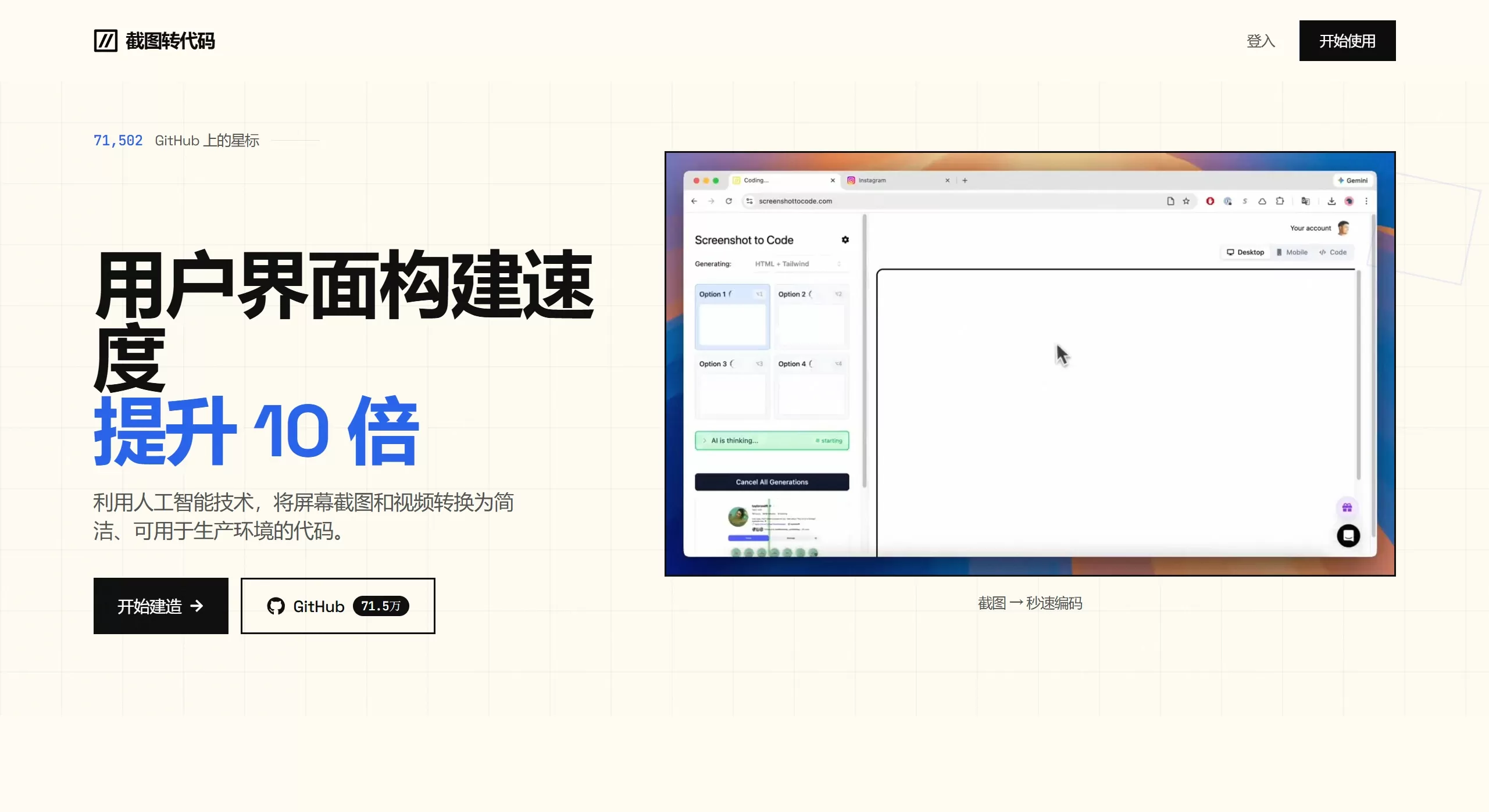
ScreenshottoCode official site screenshot
Features
Multi-framework code generation: HTML + Tailwind, HTML + CSS, React + Tailwind, Vue + Tailwind, Bootstrap, Ionic + Tailwind, SVG
Multi-model backend: Supports code reasoning with models such as Claude Sonnet 3.7 and GPT-4o, while also supporting DALL-E 3 or Flux Schnell to generate similar accompanying images
URL webpage cloning: Automatically screenshots and reconstructs the code structure from an entered URL
Video/screen recording to code: Experimental feature that converts recorded website interactions into interactive prototypes
Real-time code editing and preview: Built-in editor allows adjustments and effect preview after generation
GitHub integration: One-click save of code to a repository
Local private deployment: Runs locally via open-source code from GitHub, keeping data on-premises — suitable for enterprise internal use
Use Cases
Frontend rapid prototyping: Designers provide screenshots, and developers directly receive initial code, shortening the design-to-development pipeline
Website cloning and reference: Quickly replicate the layout and style of reference sites using a URL or screenshot
MVP rapid validation: Startups can generate demonstrable landing pages from design files without writing code by hand
Teaching demonstrations: Convert visual designs into code in real time to support frontend teaching
ScreenshottoCode Pros and Cons
Pros
Open source and locally deployable, with transparent code that can be further developed
Covers mainstream frontend frameworks with a rich tech stack
High fidelity for standard layouts (approximately 85-90%), with generated code that is semantically clear and readable
Cons
The online version requires purchasing Credits (each generation consumes about 5 Credits), and users must supply their own OpenAI/Anthropic API Key
Complex interactions, custom animations, and responsive details still require manual adjustment
Limited reproduction effectiveness for complex pages (e.g., large amounts of dynamic data, deeply nested components)
How to Use ScreenshottoCode
Online version: Visit the official site → purchase Credits → upload a screenshot or enter a URL → select the output framework → wait for generation → preview online and export the code
Local version: Clone the GitHub repository (abi/screenshot-to-code) → configure the OpenAI/Anthropic API Key → start the frontend and FastAPI backend → upload images in the local browser to generate code












