
 Script Planner Assistant▸
 AI Apps
 AI News

RenpyThief: One-Click Chinese Localization Tool for Ren'Py Games
RenpyThief: One-Click Chinese Localization Tool for Ren'Py GamesIntroduction
What is RenpyThief
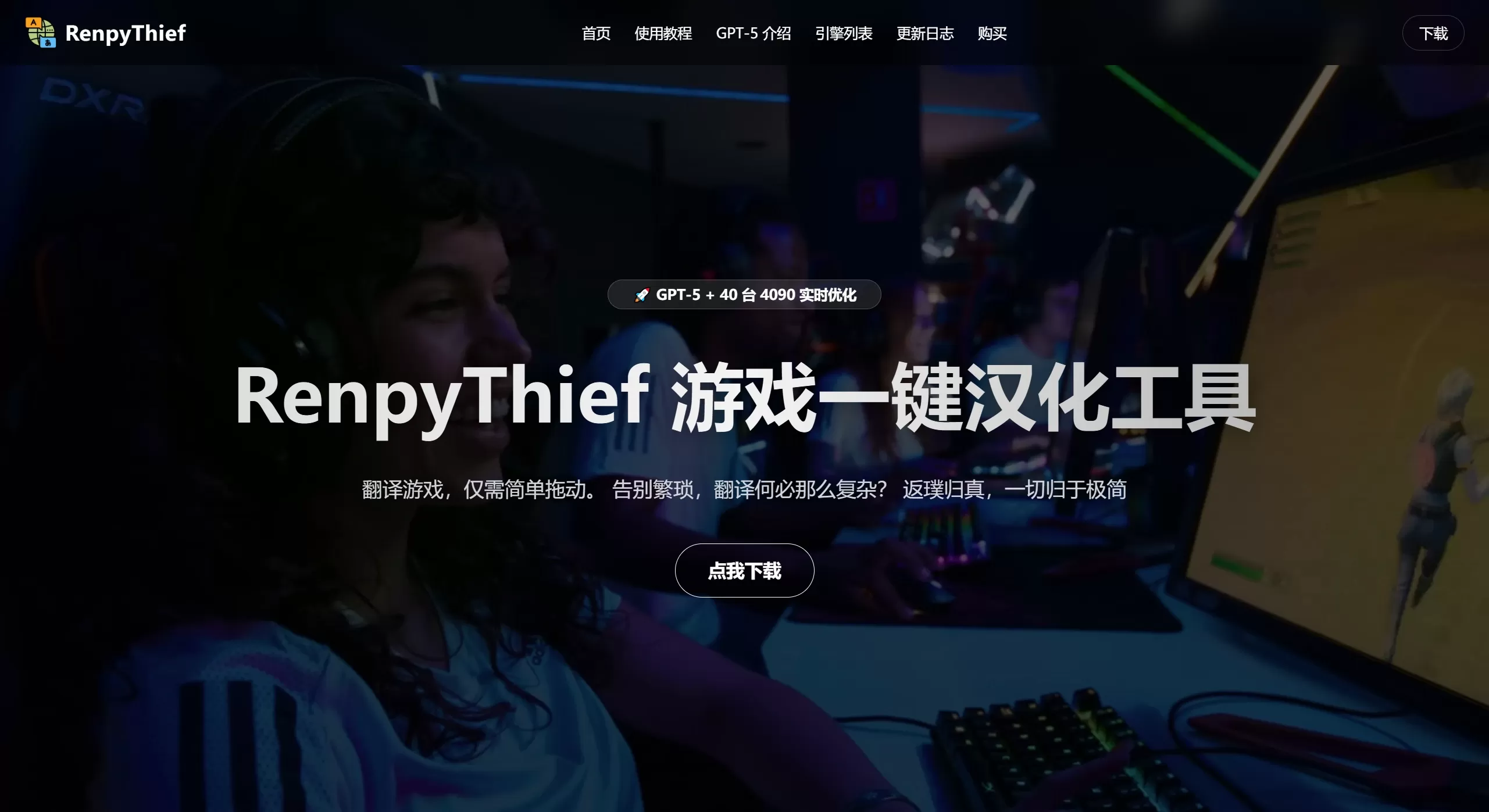
RenpyThief is a real-time Chinese translation tool for Renpy engine games, developed by a Chinese creator. It focuses on "minimal operation." No unpacking, no API or OCR configuration needed — just drag the game's main executable into the software window, and the translation will be displayed in real time as embedded subtitles or floating windows.
RenpyThief Features
One-click translation: Drag the game exe into the software interface, automatically detect the engine and inject the translation — no tedious setup required
AI translation engine: Real-time inference powered by 40 RTX 4090 servers, with GPT-4.1/GPT-5 models optimizing translation quality
Embedded translation: Translations are embedded directly into the game interface (not pop-up windows), preserving the original UI style for a more immersive experience
Instant translation + caching mechanism: The same text is translated only once and cached, so subsequent calls don't consume extra quota and respond quickly
Custom glossary: Customize translations for specific terms to correct inaccurate AI translations of jargon or character names
ChatGPT-4 optimization: Offers unlimited GPT-4 translation optimization to further improve accuracy
Supported Engines
Supports over 40 game engines, mainly including:
Unity (embedded translation, supports floating/effect text)
Ren'Py (supports embedded or pop-up translation)
RPGMaker MV/MZ (dialogue translation, supports cheat features)
WOLF, Tyrano, Kirikiri, Bakin, Godot
Most Galgame and otome game engines
RenpyThief Use Cases
Quickly experience foreign games with no official or community Chinese translation available
One-click Chinese translation for visual novels, Galgames, and otome games
Real-time translation for Unity/RPGMaker indie games
A localization assistant for quickly comparing original text and translation
How to Use RenpyThief
Download and install: Download the software from the official website and extract it to a pure English path (the path must not contain Chinese characters)
Register an account: Each computer can register for free, with daily free quota refresh
Drag in the game: Open RenpyThief.exe, drag the game exe into the main interface, and it will be automatically injected
Start the game: Translation takes effect in real time; you can adjust font, position, and other settings as needed
Hotkeys:
J key: Lock the translation pop-up window position
K key: Enable voice reading
L key: Manually translate text not auto-recognized (for Renpy games)
Up/Down keys: Adjust voice playback speed
RenpyThief Pros and Cons
Pros:
Extremely simple operation, truly zero threshold, bidding farewell to the cumbersome traditional localization process
Translation quality performs well in game contexts, close to a native experience
Wide engine support, covering mainstream visual novel and game development tools
Generous free quota (about 20,000-30,000 characters per day), sufficient for most players
Cons:
The game path cannot contain Chinese characters, which may require adjustments for some users' storage habits
Cutscene subtitles occasionally lag behind in translation (feedback has been submitted to the developer)
No custom API interface is available, so you cannot use your own translation service
Some engines still use pop-up translation rather than fully embedded
Frequently Asked Questions
Q: Does RenpyThief require payment?
Basic features are free, with 20,000-30,000 characters of free translation quota provided daily; premium features or excess usage require purchase.
Q: What languages does RenpyThief support?
Not only English — in theory, any language can be translated into Chinese.
Q: What if the game crashes or behaves abnormally?
Ensure the game path contains no Chinese characters; do not run the software as administrator; you can use the "uninstall mode" in settings to restore normal operation.
Q: How is the translation quota calculated?
Fast-forwarding in the game doesn't consume quota; cached text won't be billed again.















