
 Script Planner Assistant▸
 AI Apps
 AI News

ReactBits: A Free Open-Source Animated & Interactive React Component Library
ReactBits: A Free Open-Source Animated & Interactive React Component LibraryIntroduction
ReactBits is a free and open-source library of animated, interactive React components, featuring a wide variety of animated, interactive, and fully customizable React components that can be used to create stunning user interfaces.
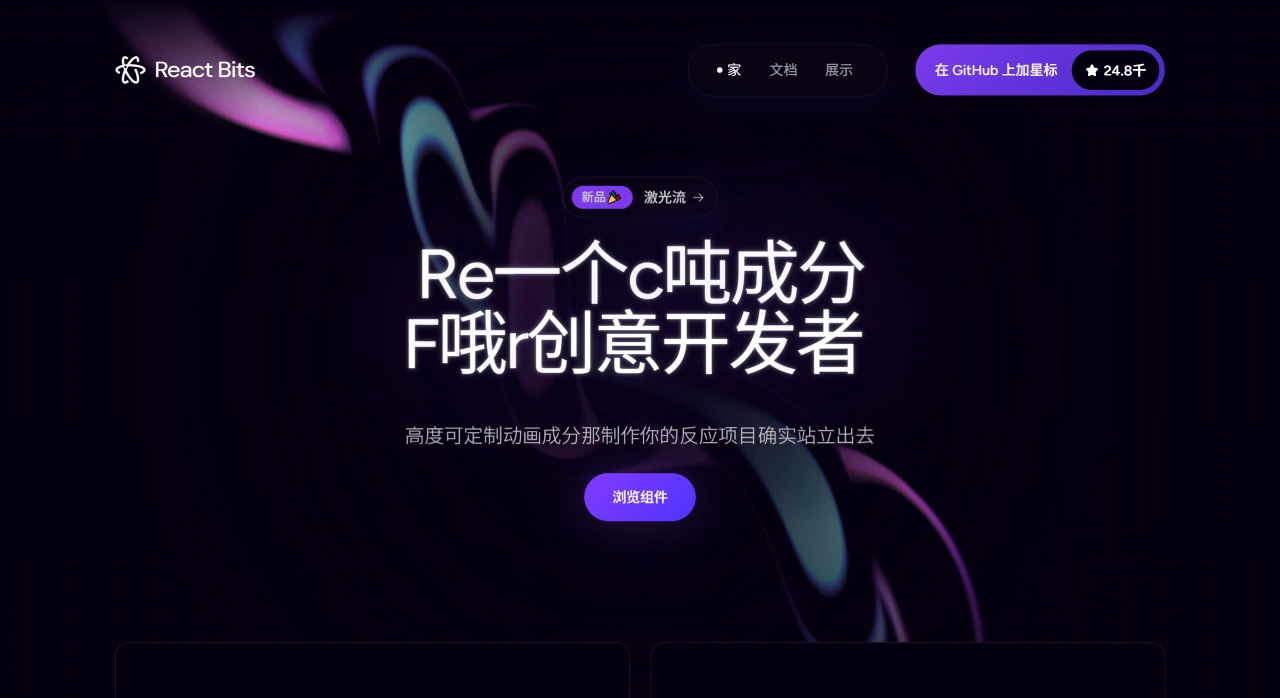
ReactBits Features
Rich animation components: ReactBits offers over 110 animation components, including text animations, button animations, background animations, component animations, and more, capable of meeting the needs of many UI scenarios.
Highly customizable: Each component comes with a number of props options, making it easy to adjust animation effects, colors, speed, and other parameters to meet different design requirements.
Lightweight: The components have minimal dependencies, typically relying on zero or only one animation library, so they won't bloat the project and ensure fast page load times.
Seamless integration: Designed to integrate easily with any React project, no complex configuration needed—just copy and paste the code and it's ready to use.
Multi-stack support: ReactBits supports both JavaScript and TypeScript, and for styling it supports plain CSS and Tailwind CSS, catering to different developer preferences.
Out-of-the-box: No need to master complex animation libraries—simply copy the code from the ReactBits official website's Playground and paste it into your project to run.
ReactBits Component Categories
Text Animations: For example, Split Text, Blur Text, Shiny Text, and more.
Animations: Such as Animated Content, Fade Content, Blob Cursor, and more.
Components: For example, Stack, Dock, Masonry, and more.
Backgrounds: Such as Hyperspeed, Squares, and more.
ReactBits Usage Tutorial
Install individual components on demand: Install any component via the CLI tool jsrepo—very flexible.
Complete CLI setup: Initialize the project configuration and install all components at once.
Run the project locally: After installation, follow the project's instructions to run the local development server and preview the component effects.
Copy and paste code: Simply copy component code directly from the official website's Playground and paste it into your project to use.
ReactBits Project Tech Stack
Frontend framework: React, React Router
Build tool: Vite
Styling: Tailwind CSS, PostCSS
UI component library: Chakra UI
Animation and interaction: Framer Motion, GSAP, React Spring
3D graphics processing: Three.js, React Three Fiber, React Three Drei
Open Source Information
https://github.com/DavidHDev/react-bits














