
 Script Planner Assistant▸
 AI Apps
 AI News

Pixie.haus: An Image-to-Pixel Art Generator
Pixie.haus: An Image-to-Pixel Art GeneratorIntroduction
Pixie.haus is a pixel art generation tool that helps you convert images into pixel-style artwork, and can also directly generate pixel images and animations. After uploading an image, the system automatically converts it and notifies you when it's done; your work is also saved, usually completing in about 3 minutes.
Pixie.haus Features
AI pixel image generation: Enter keywords or upload a sketch, and Pixie.haus can quickly generate pixel artworks like characters, props, and scenes, with detailed visuals and clean edges.
Multiple AI models: Pixie.haus offers models such as FLUX.1 Schnell (fast speed, high cost-effectiveness) and Luma Photon Flash (more detail, richer colors), so you can choose based on your needs.
Animation generation: A dedicated animation model is available, capable of generating smooth 2D and 3D animations. You can upload reference images to maintain consistency, automatically generate 4-8 frame looping animations, and export in formats such as GIF, APNG, and SpriteSheet.
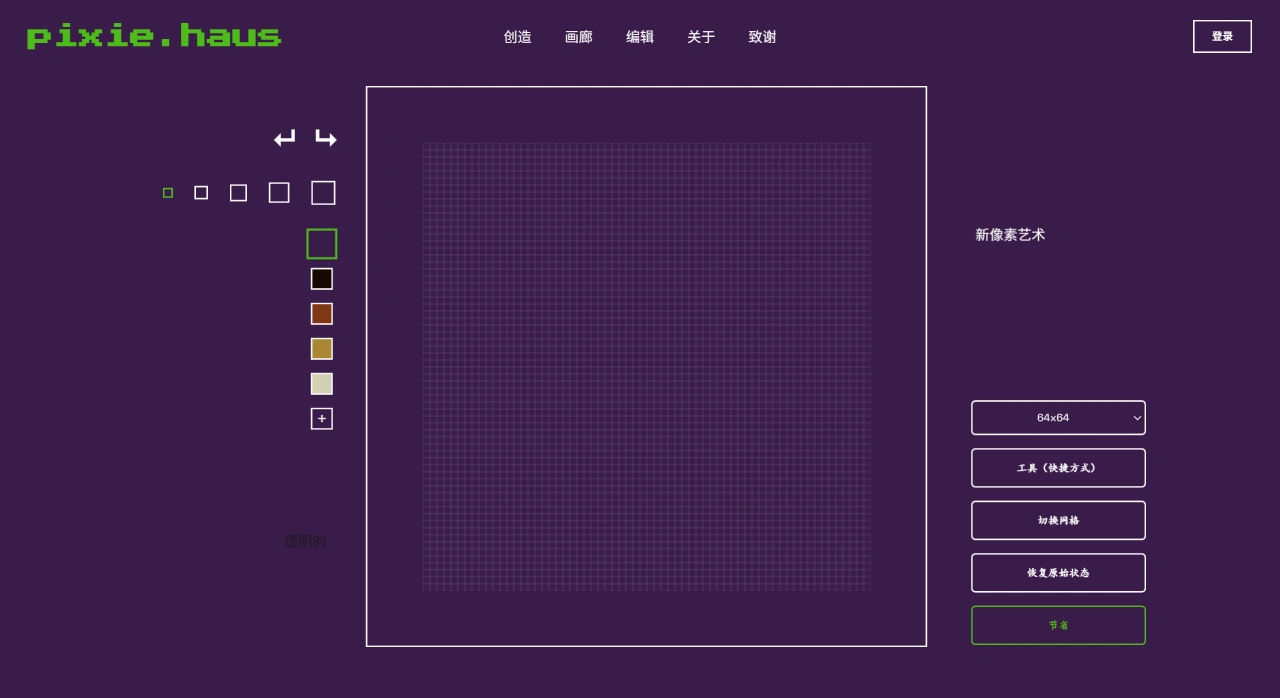
Built-in editing tools: Pixie.haus provides basic tools like fill, line drawing, and color adjustment, allowing you to refine generated works or create new images directly.
Automatic background removal: The background is automatically removed when generating images, making it easy to focus on the main subject.
Seamless pixel processing: Supports fine-grained adjustments to make generated images visually more cohesive.
No copyright restrictions: Generated content can be used for personal or commercial projects—feel free to modify or use commercially.
Community gallery: You can upload your own works, view others' creations, and interact with other creators. Get feedback through a points system; points can be exchanged for generation credits or used to tip others.
Personal work library: After registering an account, you can store your works and view and manage them anytime.
Pricing: Paid with credits, where generating an image consumes a certain number of points. The minimum top-up is $5 for 600 credits, which can roughly generate 200 pixel images—a great value.
Pixie.haus Use Cases
Indie game development: Pixie.haus can generate pixel characters, props, or scenes needed for games, saving manual drawing time and reducing development costs.
Pixel art creation: Hobbyists can use AI-assisted creation to quickly bring ideas to life, boost efficiency, and publish works on social platforms or NFT marketplaces.
Commercial project design: Teams or individuals needing pixel assets can generate them directly for commercial use without worrying about copyright.
Live streaming/VTuber: Generate pixel-style Live2D avatars for retro-style live streams.
How to Use Pixie.haus
Register an account: Go to the Pixie.haus official website to register.
Select generation mode: On the generation page, choose static image or animation, then pick a suitable AI model.
Enter your requirements or upload a reference image: Input keywords (such as "full-body knight in silver armor") or upload a sketch to tell the system what you want.
Generate the image: Click the generate button and wait about 3 minutes for the result.
Edit and refine: Use the built-in tools to adjust details such as colors and lines.
Save and export: Save generated works to your account after creation, or export in formats like PNG and GIF.
Pixie.haus Pricing
Pixie.haus offers affordable pricing for pixel art and sprite creation, starting at 3 credits per image. The minimum package is 600 credits for $5, allowing you to create up to 200 images.















