
 Script Planner Assistant▸
 AI Apps
 AI News

Pixelle-Video: A Fully Automated AI Short Video Engine
Pixelle-Video: A Fully Automated AI Short Video EngineIntroduction
What is Pixelle-Video
Pixelle-Video is an open-source ComfyUI short video generation tool released by aiDC-AI. You just need to provide a topic, and it can automatically complete scriptwriting, image generation, voiceover synthesis, and video assembly — basically no manual editing required. It is compatible with multiple models such as GPT, Tongyi Qianwen, and DeepSeek, and also supports voice cloning and digital human presentations, making it suitable for self-media operators as well as those just getting started with AI video.
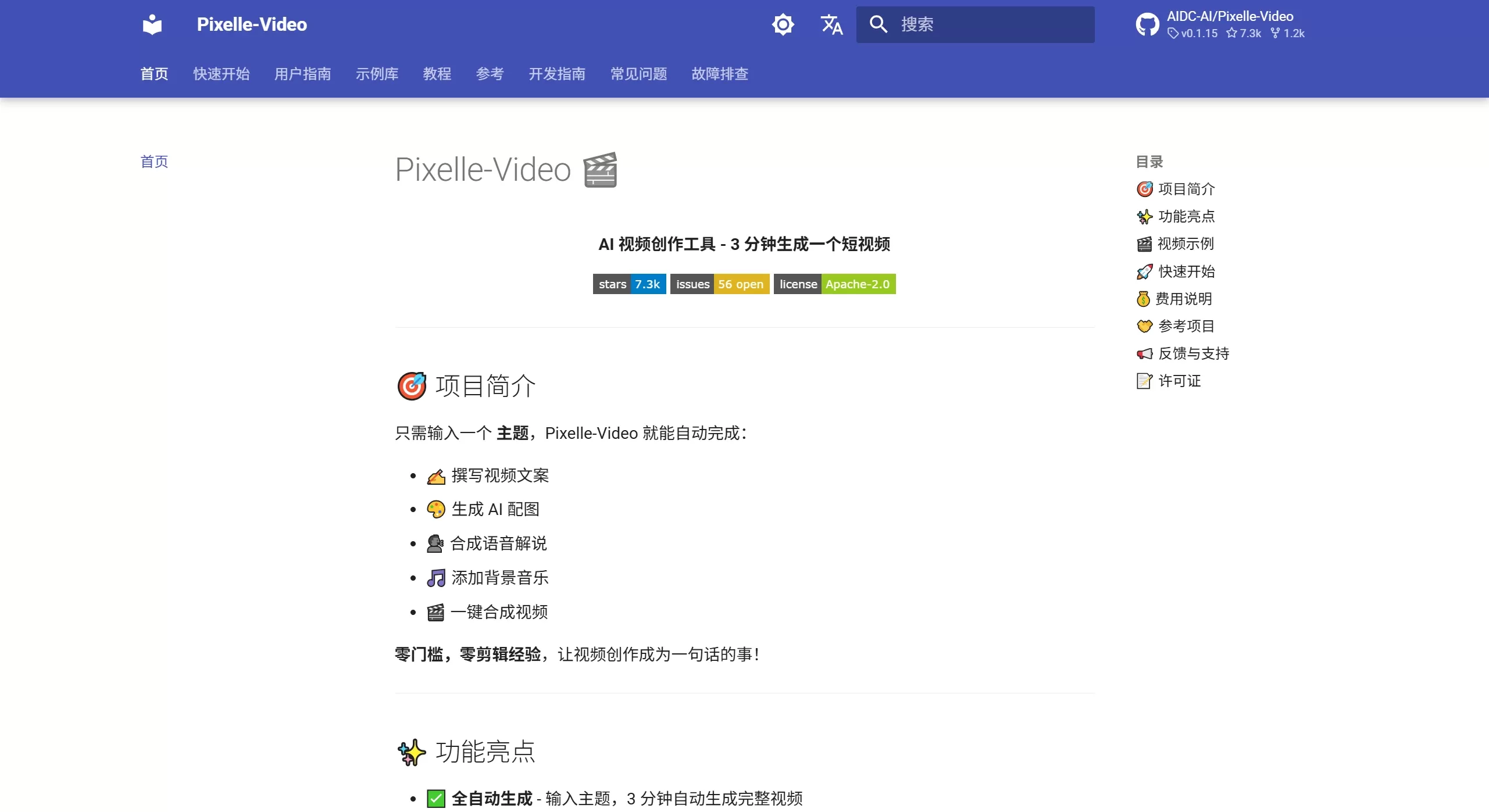
Pixelle-Video official website screenshot
Features
Fully automated closed-loop generation: After entering a topic, the system automatically calls a large language model to generate the narration script, pairs each line of copy with AI images or dynamic videos, synthesizes voiceover and background music, and finally outputs a complete video.
Multi-model LLM support: The script engine can use backends such as GPT, Tongyi Qianwen, DeepSeek, and Ollama. Users can freely switch between them based on cost, response speed, or content style, and no external API calls are required for local deployment.
AI visual generation: Supports models like FLUX and WAN 2.1 / 2.2 for image and dynamic video generation. You can also upload your own images or video materials, which the AI analyzes and automatically generates matching scripts for.
Intelligent voice and cloning: Integrates popular voice solutions such as Edge-TTS and Index-TTS, supports voice cloning (upload MP3/WAV/FLAC reference audio), and has newly added multilingual TTS and digital human presentation features.
Flexible templates and sizes: Provides static, image, and video HTML templates, supports multiple aspect ratios including vertical, horizontal, and square, and also allows custom templates.
Freely combinable atomic capabilities: Built on the ComfyUI workflow, you can freely replace image generation models, TTS engines, or video generation models to meet personalized needs.
Motion transfer module (updated January 2026): Transfers motion patterns from reference videos onto AI-generated content, resulting in more natural visuals.
Use Cases
Bulk social media operations: Suitable for quickly producing large batches of knowledge-sharing, product promotion, and review-style short videos for platforms like TikTok, Xiaohongshu, and Instagram Reels.
Individual creators getting started: Beginners without a technical background can use the Windows one-click integration package to get started with zero configuration, lowering the barrier to AI video creation.
Material re-creation: Upload existing photos or videos, and the AI will automatically analyze the content and generate narration and voiceover, achieving one-click conversion from material to finished video.
Multilingual content going global: With multilingual TTS and digital human presentations, quickly generate localized videos for different regional markets.
How to Use
Installation and Deployment
Windows users: Download the one-click integration package from GitHub Releases, extract it, and double-click start.bat to launch the web interface.
macOS / Linux users: Install uv and ffmpeg, clone the repository, and run uv run streamlit run web/app.py.
First-time configuration
Open http://localhost:8501 in your browser and expand "⚙️ System Configuration". Configure the LLM (select the model and enter the API Key) and image generation (ComfyUI local address or RunningHub API Key), then click Save.
Generate Video
Content input: Select "AI Generated Content" in the left sidebar to enter a topic, or select "Fixed Copy Content" to paste an existing script; you can choose built-in or custom BGM.
Voice settings: Select a TTS workflow in the middle column (Edge-TTS / Index-TTS, etc.), upload reference audio for voice cloning, and preview the effect.
Visual settings: Select a ComfyUI image/video workflow, set the size and prompt prefix (in English), choose a video template and preview.
Synthesis and output: Click "🎬 Generate Video" to view progress in real time (script → images → voice → video). Once complete, it will automatically play and save to the output/ folder.
FAQ
Q: How long does it take for first-time use?
A: It depends on the number of shots, network environment, and AI inference speed, but it usually completes within a few minutes.
Q: What if I'm not satisfied with the result?
A: You can switch LLM models to adjust the script style; modify the image size and Prompt Prefix to change the visual style; switch TTS workflows or reference audio to adjust the voiceover; try different templates and aspect ratios.
Q: What is the cost of using Pixelle-Video?
A: The project supports a fully free solution — LLM using Ollama (local) + ComfyUI local deployment = zero cost; the recommended solution is Tongyi Qianwen (very low API fees) + local ComfyUI; if you use OpenAI plus the RunningHub cloud solution, the cost will be higher.
Q: Does it support custom templates?
A: Yes. Users familiar with HTML can create their own templates in the templates/ folder; users familiar with ComfyUI can customize image or TTS workflows in the workflows/ folder.
Product Review
Pixelle-Video is not traditional editing software, but rather an end-to-end AIGC automated pipeline. Its greatest value lies in integrating LLM, computer vision, and voice synthesis into a standard process, and thanks to ComfyUI's modular design, it also maintains high extensibility. For self-media operators who need to produce multiple pieces of content daily, it significantly shortens the cycle from topic selection to finished video. However, if you're pursuing cinematic-quality visuals or complex narrative logic, the template traces left by its automated generation are still fairly noticeable and may not be sufficient.
Pros:
Open source and free (Apache-2.0), can run fully locally at zero cost (Ollama + local ComfyUI)
Windows one-click integration package works out of the box, no need to configure a Python environment
Highly modular workflow, models and plugins from the ComfyUI ecosystem can be reused directly
Supports voice cloning and digital humans, satisfying personalization and branding needs
Cons:
Local operation has hardware demands; an NVIDIA graphics card with 6GB or more of VRAM is recommended
Generation quality is limited by the capabilities of each individual AI model; with complex scripts, images and text may still mismatch
Currently better suited to structurally simple short videos; support for long videos or complex transitions is limited













