Script Planner Assistant▸
 AI Apps
 AI News

OpenGameArt_云技派,专注ai人工智能!
OpenGameArt_云技派,专注ai人工智能!Introduction
What is OpenGameArt
OpenGameArt (OGA for short) is a website dedicated to sharing free, open-source game assets. Founded in 2009, it hosts various resources uploaded by developers from around the world. It mainly helps game developers—especially indie developers and startup teams—save costs and quickly find usable assets.
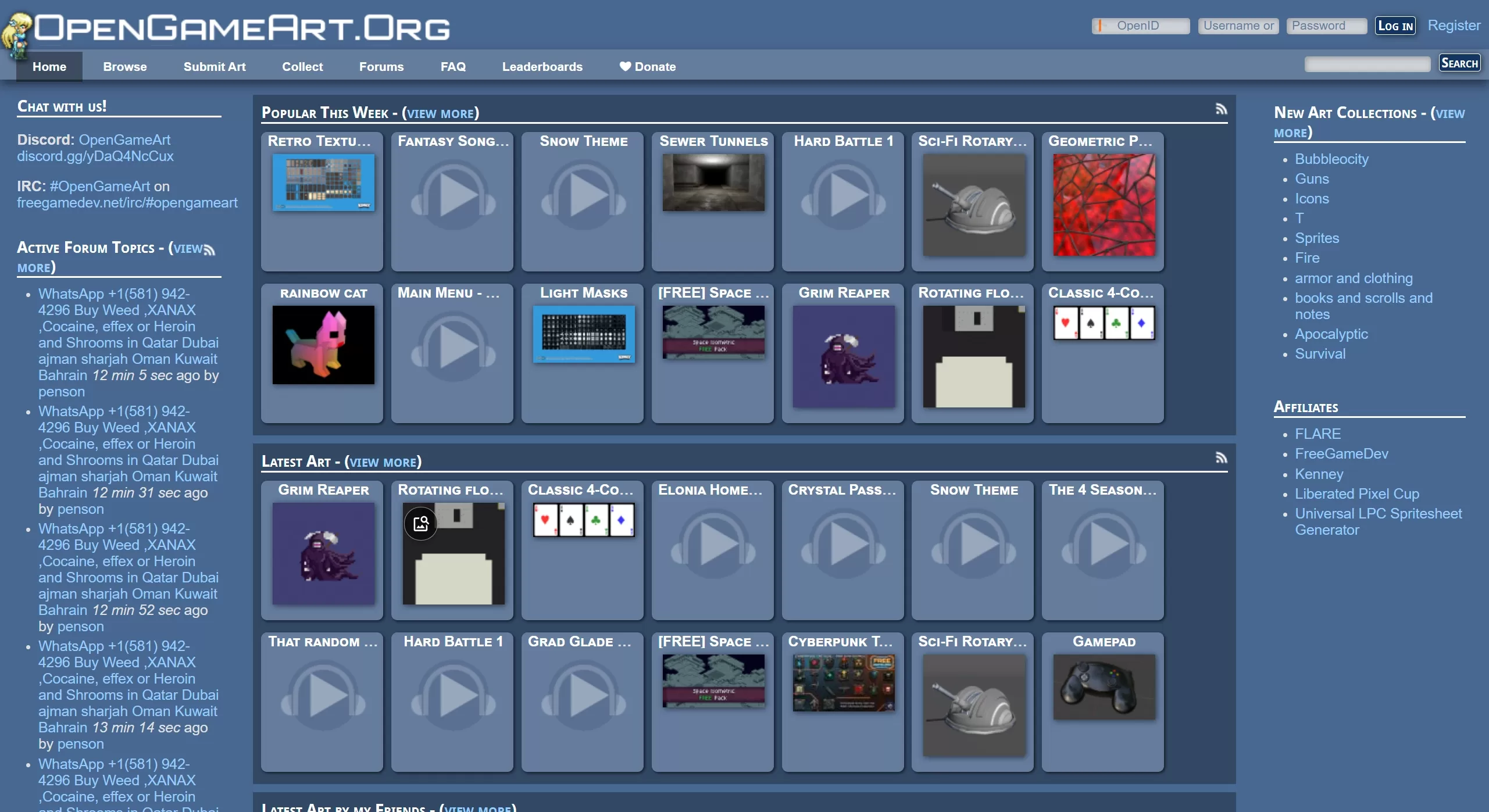
🎨 Asset Types
Resources on OpenGameArt cover many game development needs, such as:
Art assets: 2D pixel art, sprite animations (spritesheets), 3D models, etc.
Texture library: over 35,000 textures, covering natural, architectural, and sci-fi styles.
Music and sound effects: common formats like .ogg and .flac, suitable for menu music or background sound effects.
Useful tools: things like texture generators and material packs can also be found.
⚖️ Clear Licensing
Licensing on OpenGameArt is relatively transparent. Most assets support free commercial use, but pay attention to the requirements of different licenses:
CC0 license: no attribution required, can be modified freely, and used commercially.
Attribution licenses (such as CC-BY): you must credit the original author in your work.
The site supports filtering assets by license, making it easy to quickly find compliant resources and avoid legal hassles.
👥 Great Community Atmosphere
OpenGameArt is not just an asset library, but also a place for technical exchange. Developers share their work, receive feedback, and discuss technical issues, such as how to choose audio formats and how to optimize assets. Some asset pages also show how these resources are used in actual games (such as "Crazy Marble"), which is quite valuable for beginners.
🔍 How to Search Precisely on OpenGameArt?
Go to the asset browsing page: click "Browse" in the top navigation bar of the site, then select the type you want, such as "2D Art", "3D Art", or "Music", and you'll enter the corresponding asset list page.
Search using English keywords: enter specific English words in the search box on the left side of the page. The more specific the word, the more accurate the results.
Don't use overly broad terms: for example, "character" will return a huge number of results.
Be as specific as possible: try "knight", "pixel art", "rpg tileset", or "sci-fi weapon".
Use filters to narrow down further: after entering keywords, use the filters on the left to continue filtering:
Filter by license: this is the most important step. Check the appropriate license based on your project needs—for example, choose CC0 if you need no-attribution commercial use.
Filter by tags: popular tags are usually displayed next to the search results. Click one to see more similar assets.
Suitable Scenarios
Indie game developers looking for free assets
Students and hobbyists learning game development
Teams needing to quickly build prototypes
Projects with limited budgets
💡 Special Reminder:
Before using any asset, be sure to carefully review the license and comply with its requirements. Also note that some resources are prohibited from being used in NFT projects.