Script Planner Assistant▸
 AI Apps
 AI News

MultiPost: Free Open-Source Tool for Writing, Multi-Platform Publishing & Analytics
MultiPost: Free Open-Source Tool for Writing, Multi-Platform Publishing & AnalyticsIntroduction
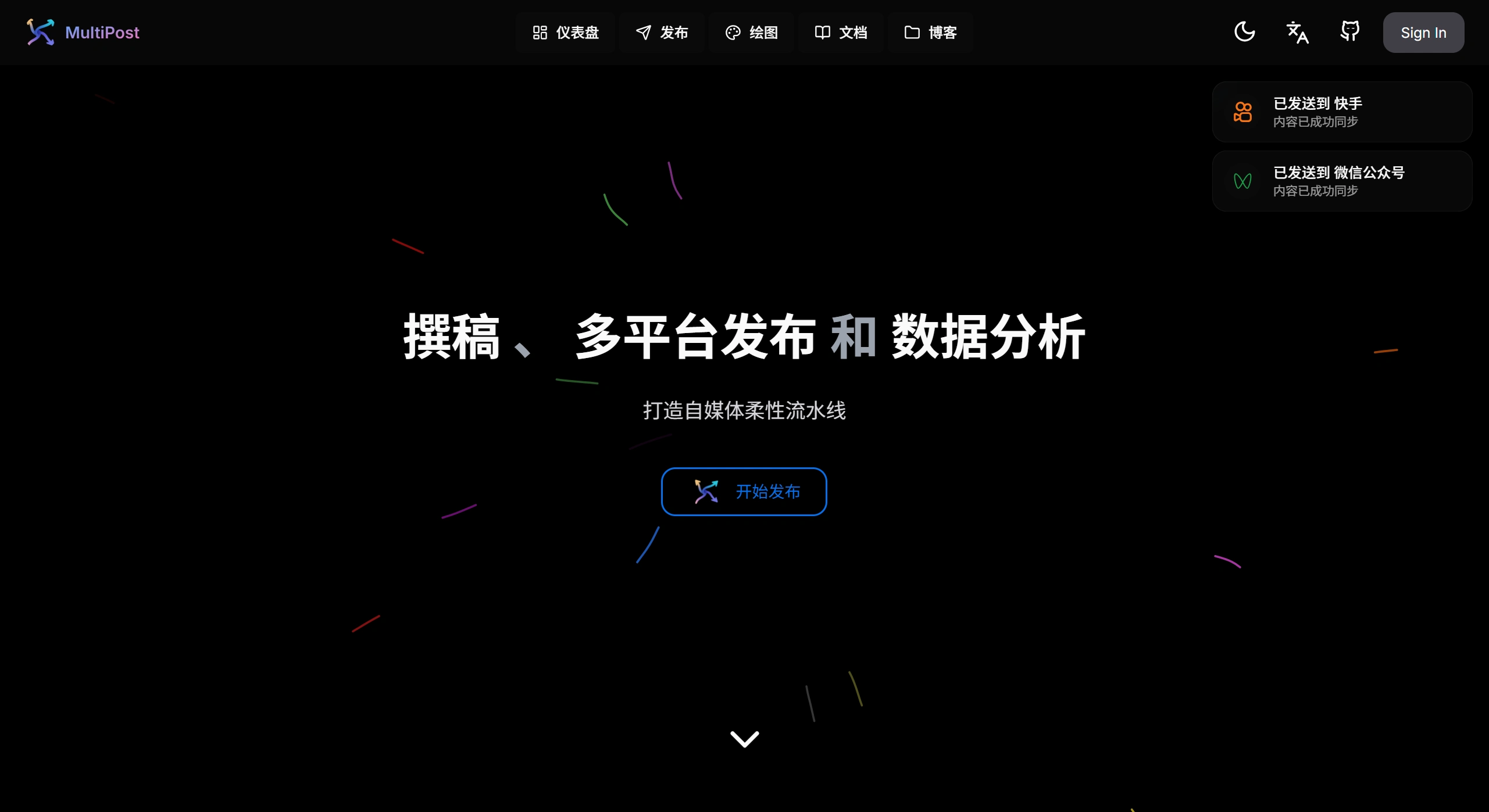
MultiPost is a free, open-source browser extension that lets you distribute text, images, videos, and other content to more than 10 mainstream social platforms with a single click, including Zhihu, Weibo, Xiaohongshu, Douyin, Bilibili, Twitter (X), Instagram, Facebook, LinkedIn, and more. It requires no login, registration, or API Key—it runs based on the browser's session reuse mechanism, supports Chrome, Edge, Firefox, and other browsers, follows the Apache-2.0 open-source license, and is ideal for content creators and social media operation teams.
Open-source repository: https://github.com/leaperone/MultiPost-Extension
MultiPost Features
Multi-platform synchronized publishing: Supports more than 10 mainstream platforms including Zhihu, Weibo, Xiaohongshu, Douyin, Bilibili, Twitter, Facebook, and Instagram.
No login or registration required: No need to log in, sign up, or use an API Key—your existing browser session is all you need.
Support for multiple content types: Publish text, images, videos, and other formats.
Platform-specific optimization: Automatically adjusts content format according to each platform's requirements, such as resizing images and controlling text length.
Scheduled publishing: Set a publishing time in advance for automatic, timed delivery.
Content performance tracking: View metrics such as views, likes, and comments on your posts across platforms.
Web integration: Supports web integration—you can develop custom web pages and set up automated functions, such as automatically grabbing web content, auto-posting to multiple platforms, and combining AI content generation.
AI smart linkage: Built-in AI assistant that auto-generates platform-specific titles and hashtags, and adapts copy style based on each platform's characteristics.
Data scraping system: Scrape content from major platforms for data collection, secondary creation, or competitive analysis.
Dual-mode API support: Provides both Extension API and RESTful API, making it easy for developers to integrate the plugin into their own systems.
MultiPost Use Cases
Self-media operations: Quickly sync content to multiple platforms to boost exposure and publishing efficiency.
Marketing promotion: Simultaneously publish advertising content across multiple platforms to reach more users.
Content creation: Use the external URL import feature to reduce content editing time and improve creation efficiency.
MultiPost Advantages
Free and open-source: Completely free with public source code, customizable to your needs.
Easy to use: Clean interface—users without a technical background can get started quickly.
Cross-platform compatibility: Supports Windows, Mac, Android, and other operating systems, as well as mainstream browsers including Chrome, Edge, and Firefox.
Privacy protection: Does not store your social media account passwords; all data is encrypted locally and does not rely on cloud servers.
How to Get Started with MultiPost
Install the extension
Method 1: Search for and install "MultiPost" in the extension store (for Chrome/Edge).
Method 2: Visit the official site multipost.app or the GitHub repository leaper-one/MultiPost-Extension to get the installation package; supports drag-and-drop installation of .crx files.
Add accounts and authorize
Add the accounts of the platforms you want to distribute to within the extension, and complete authorization via browser session reuse (no API Key required).
Create and publish
Use the built-in Markdown editor to write content, drag and drop to upload images/videos; check the target platforms and choose to publish immediately or schedule a time.
Data and collaboration
View publishing stats and engagement data on the dashboard; configure team roles and permissions as needed to streamline the review and publishing workflow.
FAQ
Q: As an open-source, free tool, what is the most notable difference between MultiPost and similar paid social media management tools?
A: MultiPost has two standout differences: first, it is permanently open-source and free, requiring no subscription fee, lowering the barrier for small and medium-sized creators and individual users—the open-source nature also allows developers to customize it further based on their needs, offering greater flexibility; second, it provides integrated "creation assistance + multi-platform publishing + data analysis" functionality. Beyond basic multi-platform publishing, it solves the content sourcing problem through tools like Webreader and search engine interfaces, and combines Web Trace and social data analysis to form a closed loop of "creation — publishing — optimization"—whereas some similar tools may focus only on a single aspect like publishing or analysis, offering less complete functionality.
Q: When using MultiPost's Webreader Interface to extract web content, how do the supported output formats and special features improve content creation efficiency?
A: The Webreader Interface improves efficiency in two ways: first, it supports both Markdown and JSON output formats—Markdown can be used directly for layout in platforms like Zhihu, GitHub, and WeChat Official Account editors without reformatting, while JSON makes it easy for developers to feed the extracted content into other tools (such as databases and automation scripts), meeting the personalized needs of technical users; second, it can recognize image content and generate descriptions, intelligently extract core content, and automatically filter out ads, redundant navigation, and other irrelevant information from web pages, keeping only the key text. This reduces the time users spend manually sorting and organizing materials, making it especially suitable for scenarios that require quickly integrating web information to create content (such as industry news roundups and in-depth article citations).
Q: For content creators who run multiple social platforms (such as Weibo, Xiaohongshu, and Twitter), how do MultiPost's "platform-specific optimization" and "one-click publishing" features address the core pain points of cross-platform operations?
A: The core pain points of cross-platform operations are "complicated content adaptation due to differences in platform rules" and "the heavy workload of manually publishing to multiple platforms." MultiPost's targeted solutions are: 1. Platform-specific optimization: Automatically identifies each platform's content rules (such as Weibo's character limit, Xiaohongshu's image ratio requirements, and Twitter's hashtag format), so users don't need to manually adjust their content (such as trimming text, cropping images, or modifying tags)—avoiding publish failures or poor display caused by incorrect formatting, and solving the "cumbersome adaptation" issue. 2. One-click publishing: Users only need to complete content editing once in MultiPost to publish synchronously to all connected platforms, eliminating the need to log in to each backend separately to upload and reformat, which greatly reduces repetitive operations and solves the "low efficiency of multi-platform publishing" problem—especially suitable for scenarios that require simultaneous content updates (such as new product promotions and event announcements).