
 Script Planner Assistant▸
 AI Apps
 AI News

MoodMax: Industrial-Grade AI Comic-Drama Production Pipeline
MoodMax: Industrial-Grade AI Comic-Drama Production PipelineIntroduction
What is MoodMax
MoodMax, known in Chinese as 梦迈 (Mèng Mài), is an "industrial-grade" comic-drama production tool designed for users with zero drawing skills. It mainly helps people who lack drawing and editing basics quickly produce professional-feeling dynamic comic dramas. You don't need to understand storyboarding or know how to draw — you can still try to make a complete comic drama.
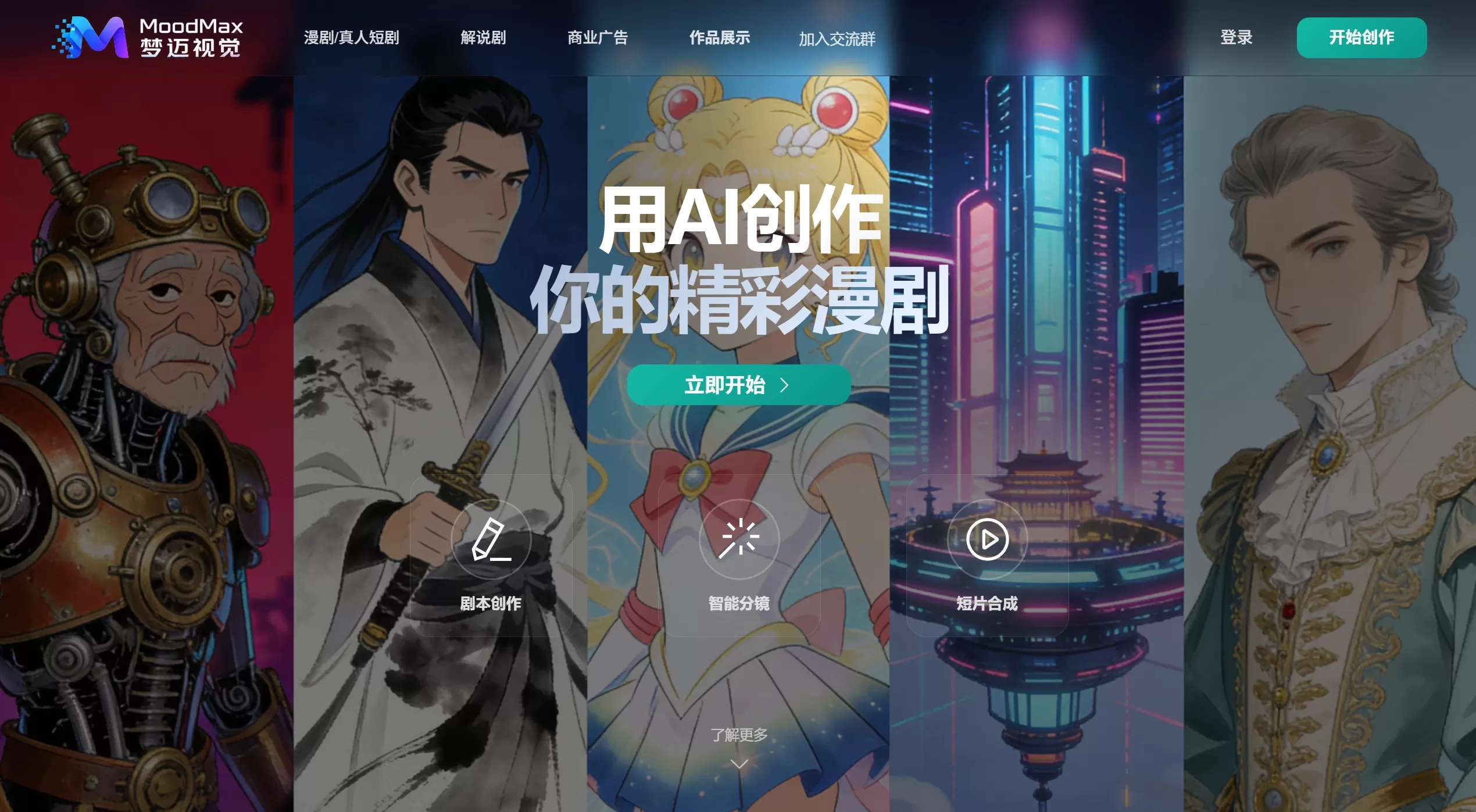
MoodMax (梦迈) official website screenshot
Core Features
Anime/Live-Action Short Dramas: A short-drama pipeline based on Seedance 2.0 and HappyHorse, supporting batch production with fixed characters and scenes, using a six-panel grid plus first/last frames and all-purpose references.
Narration & Commentary Dramas: A batch production workflow for commentary dramas built with Banana + Seedance1.5, capable of batch voice-over, drawing, and video, with one-click export to CapCut drafts.
Smart Script & Storyboarding: You only need to provide a story outline or a piece of dialogue; the built-in GPT-4-level engine can automatically complete scene descriptions and generate storyboard scripts, while designing viral structures following the "one twist every three episodes" rhythm.
Character & Scene Consistency: The character side uses "three-view" binding technology to ensure the protagonist's appearance remains consistent across close-ups, long shots, and different angles — no "face-swapping" issues. On the scene side, it supports generating concept art and locking the viewpoint, ensuring background consistency.
Video Generation Capabilities: Deep integration with Seedance 2.0 and Sora2, relying on "first/last frame control" technology to generate coherent dynamic clips rather than PPT-style slideshow effects.
Audio Experience: Integrates the Suno AI music generation engine, which not only auto-scores but also writes lyrics and generates original songs based on the storyline. It also supports voice-over in 15 dialects and multiple foreign languages.
Use Cases
Beginner Creators: People who want to make comic dramas or dynamic comics but have little drawing or animation background.
Content Bloggers/UP Hosts: Those who need to efficiently produce short videos and storyline-driven content.
Novel/Comic Authors: Those who want to convert existing text or static works into dynamic comic dramas.
Game/Ad Studios: Low-cost, rapid creation of game cinematic PVs or advertising concept shorts, solving the problem of lagging art assets.
FAQ
Q: Does MoodMax require drawing skills?
A: No. The official pitch is "no drawing skills needed — use AI to realize your comic drama dream." The entire workflow is completed by AI.
Q: Can I sign up and use it directly now?
A: Yes.
Q: What genres and styles are supported?
A: Judging from community works, it already covers fantasy, xianxia, sci-fi, and slice-of-life genres, with styles leaning toward anime and comic-drama aesthetics.
Q: How is it different from CapCut, Jimeng, and other AI video tools?
A: MoodMax focuses on a "script-driven" comic-drama workflow, emphasizing structured creation from text to storyboard to final cut, rather than generating a single video clip.
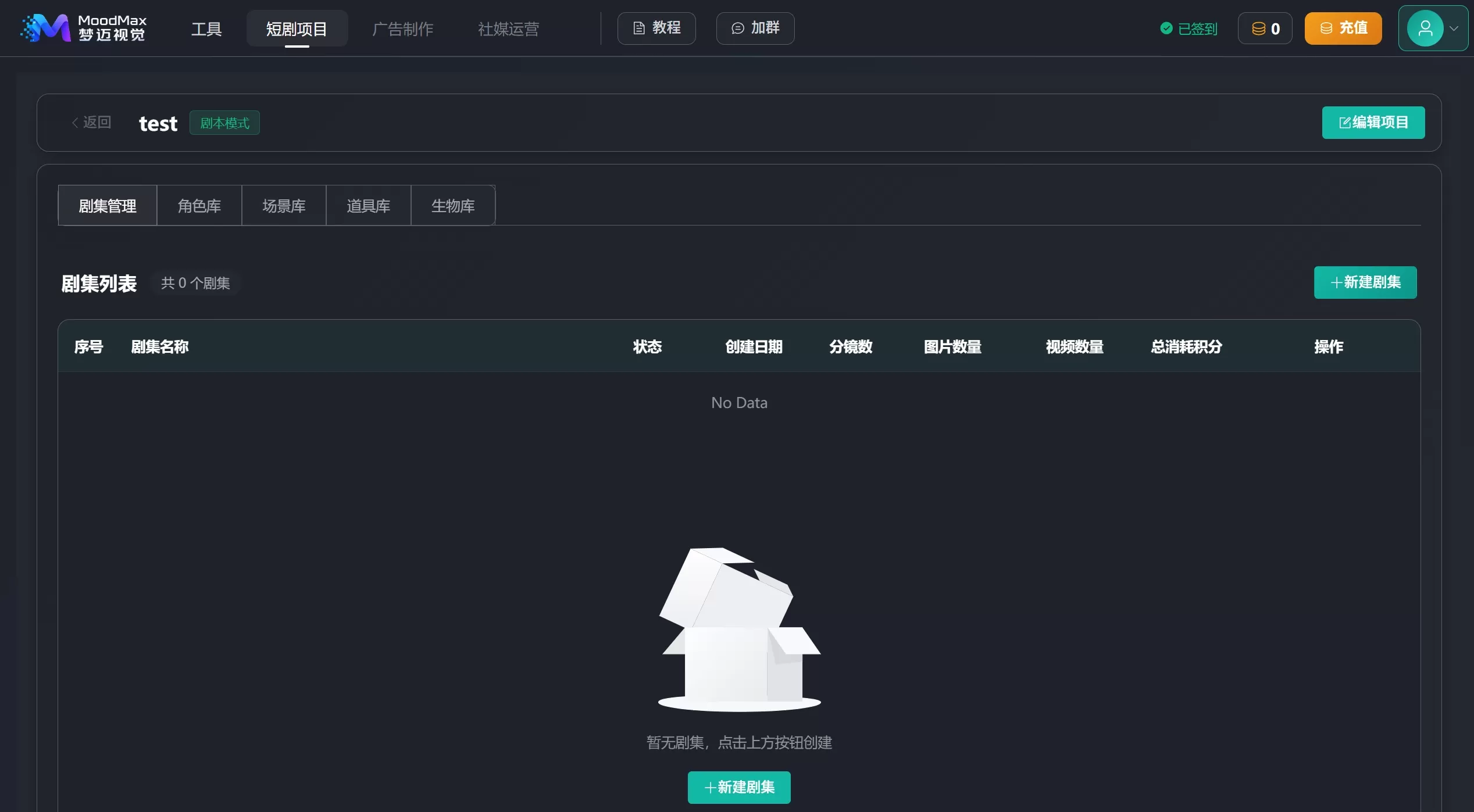
MoodMax Operation Workflow
Register and log in on the official website
Create a New Project: Open the platform, click "Short Drama Project" in the navigation to create a new project, and choose "Anime/Live-Action Short Drama" or "Narration & Commentary Drama."
Set Style & Characters: Choose an art style (e.g., Japanese manga, Korean manhwa, 3D, photorealistic), upload or generate three-view character sheets. If the system-recognized characters are not satisfactory, you can upload reference images to manually adjust.
Smart Storyboarding: Click "Batch Generate" and the system automatically splits the text into scenes and plans camera language. You can also manually adjust storyboard order or modify prompts.
Generate Video & Music: Choose a video model (e.g., Seedance 2.0) to generate dynamic footage, and use Suno for the soundtrack.
Export & Publish: Generated videos are 4K high-definition and watermark-free, ready to be directly submitted for ad-revenue sharing on platforms like Douyin.
MoodMax Review
Currently, MoodMax's features are overly fragmented, and the linkage between modules is poor. Although the project creation step includes character and scene settings, these cannot be directly used as settings during the later generation stage. I initially thought I could generate directly during the project creation step, but I still had to jump to another interface to operate — the interaction flow is quite problematic. Additionally, generation speed is relatively slow.
Related News:
AI Short Drama Creation Platform
AI Comic Drama Production Tools
Full Analysis of AI Comic Drama Production Workflow and Tools











