
 Script Planner Assistant▸
 AI Apps
 AI News

Lynxcode AI: An AI-Powered Low-Code Development Platform
Lynxcode AI: An AI-Powered Low-Code Development PlatformIntroduction
What is Lynxcode AI
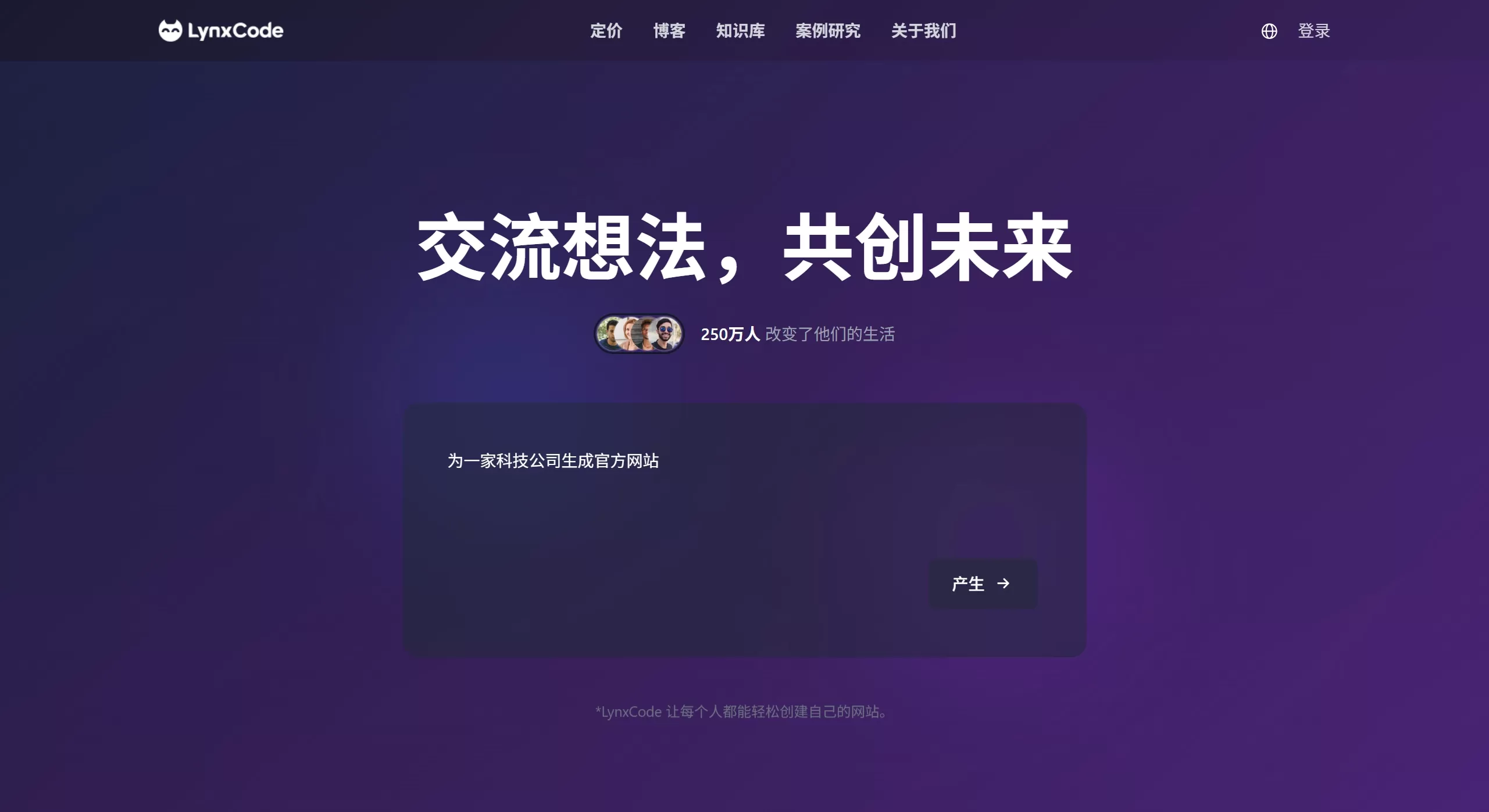
Lynxcode is an AI-based low-code development platform. After users describe their requirements in natural language, it can automatically generate complete applications including front-end interfaces, back-end logic, and database structures. It supports source code export and one-click deployment, primarily targeting agile development scenarios with "zero-code + no lock-in."
Lynxcode AI Core Features
Natural Language Full-Stack Generation: Input a one-sentence requirement, such as "create a yoga studio website with booking functionality," and the system will automatically parse and generate the front-end pages, back-end APIs, and database table structures, taking an average of about 30 seconds.
Source Code-Level Delivery: One-click export of standard HTML/CSS/JS and back-end code, with code ownership belonging to the user. The code can be further developed locally or deployed to your own server, avoiding platform lock-in.
Visual Fine-Tuning: After generation, adjust layout, color scheme, and copy through drag-and-drop, with real-time preview for mobile, tablet, and PC. Make precise modifications without writing code.
One-Click Deployment & SEO: Built-in cloud deployment capability that generates independent access links; automatically configures SEO tags, responsive layouts, and basic security policies, making it search engine friendly.
Industry Template Library: Covers over 20 vertical fields including e-commerce, education, corporate websites, and management systems, providing industry-standard components and interaction logic.
API Integration Capabilities: Can connect to third-party services such as payments, SMS, and CMS (like WordPress) to extend business functionality.
Use Cases
MVP Rapid Validation: Product managers or non-technical entrepreneurs can describe their ideas in natural language and generate demonstrable prototypes within minutes, shortening the requirement validation cycle.
Small and Medium Business Website Building: Build corporate websites, booking systems, membership management backends, etc., without hiring a full-time development team.
Personal Portfolio/Blog: Zero-experience users can quickly generate responsive personal websites with support for custom domain binding.
Programming Teaching Aid: Beginners can understand front-end and back-end logic through the "AI generation + source code comparison" approach, lowering the learning barrier.
Internal Tool Building: Such as lightweight CRM versions, data dashboards, form collection systems, etc., supporting team collaborative editing and version rollback.
Lynxcode AI Advantages and Limitations
Advantages
Full-stack closed loop, not just front-end page generation
No environment configuration needed; all operations can be completed in the browser, and a prototype can be built in about 30 minutes
Caters to both non-developers (natural language) and professional developers (code export)
Built-in multi-device adaptation and basic SEO capabilities, reducing later adaptation workload
Limitations
Complex business logic (such as high-concurrency processing, complex payment flows) still requires manual optimization after generation
Highly customized scenarios (special interactions, deep brand visuals) still require developer intervention and adjustment
The free version comes with platform ads; advanced features and unlimited deployment require a paid upgrade
There is still room for improvement in natural language understanding and UI adaptation for minority languages
How to Use Lynxcode AI
Clarify your one-sentence requirement: Describe the website goal in one sentence, for example, "build a website for a photography studio to showcase portfolios and support online booking."
Conversational Creation: After entering the platform, answer the AI's guiding questions about business type, style preferences, and core features.
Generate and Preview: The system automatically generates the complete website architecture; switch between different device modes to view mobile adaptation effects.
Fine-Tune and Iterate: Use the visual editor to adjust copy, images, and layout, or use natural language instructions to let the AI modify specific modules.
Export or Deploy: Choose one-click publishing to get an online link, or download the complete source code package for self-deployment.
FAQ
Can the generated code be used commercially? Yes. The exported code belongs to the user and can be deployed to your own server without platform binding.
Do I need a programming background? Not at all. Pure natural language interaction can generate usable applications, but if you want to do deep secondary development, some coding skills are still required.
What types of applications are supported? Currently, it is more suitable for medium-complexity applications such as content display, booking systems, management backends, and e-commerce prototypes. For very large systems, it is recommended as a prototype starting point.
What's the difference between the free and paid versions? The free version supports simple application generation and limited deployment times but comes with platform ads. The paid version unlocks team collaboration, advanced components, unlimited deployment, and priority technical support.
How is data security ensured? The platform has built-in common security practices (such as user authentication and data encryption). If sensitive business data is involved, it is recommended to export and deploy to a private environment.












