Script Planner Assistant▸
 AI Apps
 AI News
Kenney – Free Game Assets for Game Developers
Kenney – Free Game Assets for Game DevelopersIntroduction
Kenney Introduction
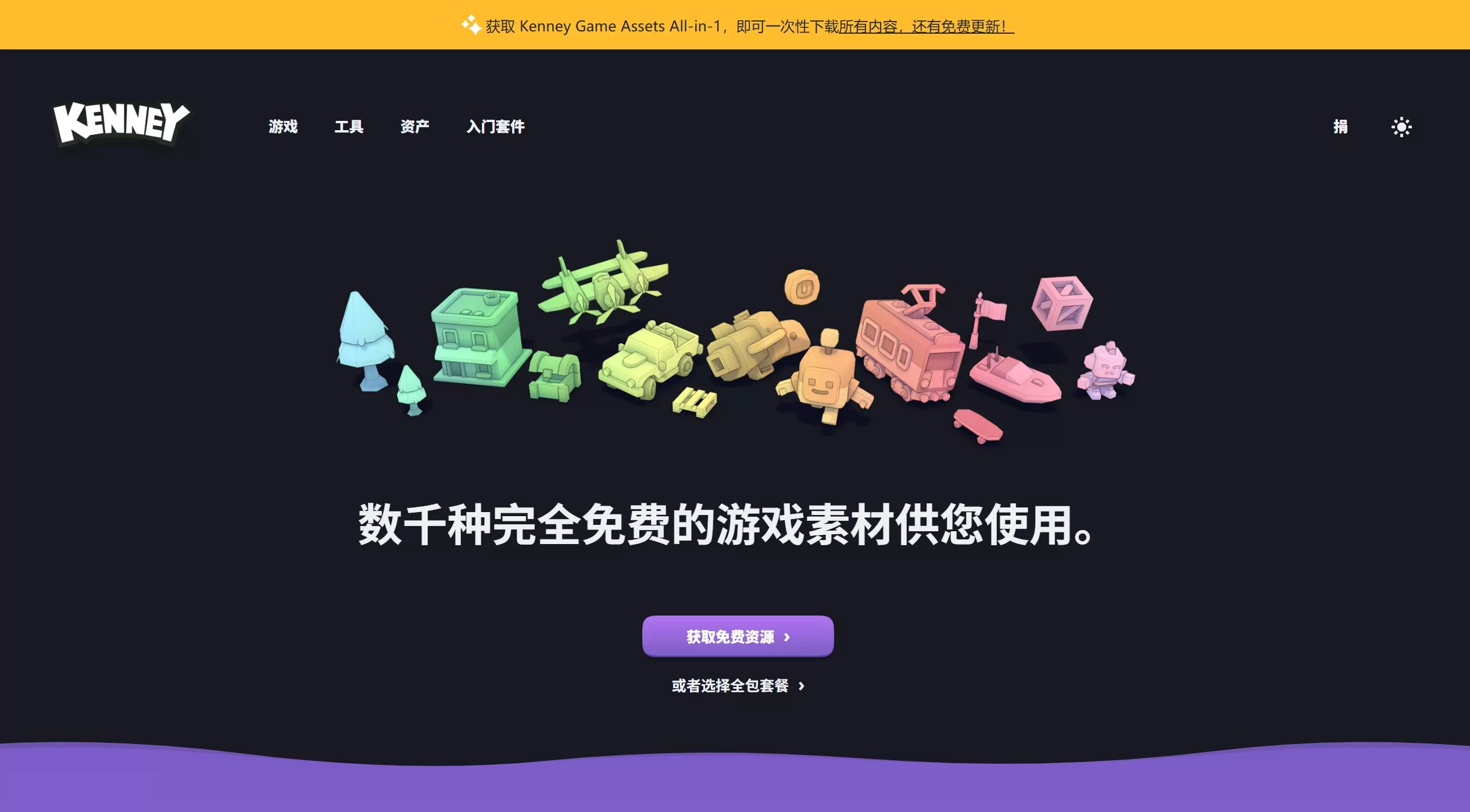
Kenney.nl is a free game assets website founded in 2012 by Dutch indie game developer Kenney Vleugels. Kenney originally developed Flash games and later relied on community donations to work full-time on creating free game assets. Today, the Kenney platform is one of the largest free game asset libraries in the world, with nearly 40,000 game resources.
2. Features
Rich Asset Types
2D Sprites: characters, props, scene elements, UI icons, etc.
3D Models: low-poly style, supports FBX, OBJ, GLB and other formats
Audio: various game sound effects and background music
Fonts: pixel-style and modern-style game fonts
UI Elements: interface components such as buttons, panels, progress bars, etc.
Textures: textures for ground, walls, materials, etc.
Pixel Art: retro-style pixel art assets
Core Features
CC0 Public Domain License: commercial use allowed, no attribution required, no usage restrictions
Unified Art Style: all assets share a consistent style and don't look out of place together
Pack-Based Delivery: organized by theme (such as space, farm, city, etc.), use entire packs directly
Multi-Format Support: 3D models available in multiple mainstream formats, compatible with different engines
Regular Updates: new asset packs released continuously
Companion Tools
Kenney Studio: a template-based tool for generating game art assets
Asset Forge: a visual 3D model creation tool that lets you customize models
Use Cases
Indie Game Development: ideal for indie developers on a tight budget to quickly build prototypes or finished products
Game Prototyping: quickly validate gameplay without waiting for art assets
Education & Training: for programming teaching and game development courses, providing practice materials for students
Game Jam: quickly acquire resources for time-limited game development competitions
Commercial Game Release: CC0 license allows direct use in commercially published games
App/Web Development: UI elements and icons can also be used in non-game projects
Kenney Pricing
All Assets: completely free, CC0 license, zero-cost usage
Donations: voluntary donations to support Kenney's continued creation
Asset Forge Tool: paid software, advanced model editing features require separate purchase
Kenney Pros and Cons Analysis
✅ Pros
Zero Cost: completely free, no burden even for commercial use
No Copyright Risk: CC0 license, no attribution required, modify freely
Stable Quality: unified art style at a professional level
Ready to Use: assets are optimized and work out of the box
Active Community: long-term maintenance with continuous updates
Format Compatibility: supports mainstream game engines (Unity, Unreal, Godot, etc.)
❌ Cons
Style Limitations: primarily cartoon/low-poly style, not suitable for realistic projects
Lack of Uniqueness: widely used, which may lead to "asset collisions"
Advanced Features Require Payment: tools like Asset Forge need to be purchased separately
Limited Customization: pre-made assets may not fully meet specific needs
Language Support: the website is primarily in English
How to Use Kenney
Usage Workflow
Visit Website: go to kenney.nl
Browse Assets: find what you need by category or keyword search
Download Asset Pack: click the download button to get the complete asset pack (usually ZIP format)
Extract and Use: unzip and import into your game engine or design software
Import Guide for Each Engine
Unity: drag FBX/OBJ files directly into the Assets folder; 2D sprites require setting the Sprite mode
Unreal Engine: use the import function; FBX files will be imported automatically
Godot: copy assets to the project folder and the engine will recognize them automatically
Blender: open or import OBJ/FBX files directly for editing
Tips and Suggestions
Bulk Download: use Kenney's "Download All" option to get the complete library (donation support required)
Asset Management: recommend building asset libraries per project to avoid duplicate downloads
Style Consistency: try to use one asset pack per project to maintain visual consistency
Remixing: CC0 license allows modification, so you can adjust colors and details as needed
FAQ
Q1: Do I need to credit Kenney for using its assets?
No. All assets are CC0 (public domain) licensed, allowing free use, modification, distribution, and even commercial use, without attribution.
Q2: Can I use Kenney's assets in commercial games and sell them?
Yes. The CC0 license permits commercial use with no restrictions. Many successful commercial games have used Kenney's assets.
Q3: What file formats are supported for the assets?
2D assets are mainly in PNG format; 3D models are available in FBX, OBJ, GLB, DAE and other formats; audio is in WAV or OGG.
Q4: How can I support Kenney's continued creation?
You can make one-time or recurring donations through the donation link on the website, or purchase the Asset Forge tool.
Q5: Which platforms can the assets be used on?
Almost all platforms, including PC, mobile (iOS/Android), consoles (Switch, PlayStation, Xbox), web games, etc.
Q6: Can I modify Kenney's assets?
Yes. The CC0 license allows free modification, and the modified versions belong to you.
Q7: Why do my 3D models have no textures after importing?
Make sure the texture images and model files are placed in the same directory, or re-specify the texture path in the material settings.
Q8: Does Kenney offer Chinese language support?
The website interface is primarily in English, but the assets themselves have no language restrictions and can be used by developers worldwide.
Q9: How do I get the latest released assets?
Follow Kenney's Twitter/X account @KenneyNL or subscribe to the website's mailing list to receive update notifications.
Q10: Won't games made with Kenney assets all look the same?
Although the base assets are the same, different game design, color schemes, added effects, and gameplay innovations can result in games with their own unique character. Many developers rework assets to enhance distinctiveness.