
 Script Planner Assistant▸
 AI Apps
 AI News

Intangible AI: Spatial Intelligence AI Platform for Creative Industries
Intangible AI: Spatial Intelligence AI Platform for Creative IndustriesIntroduction
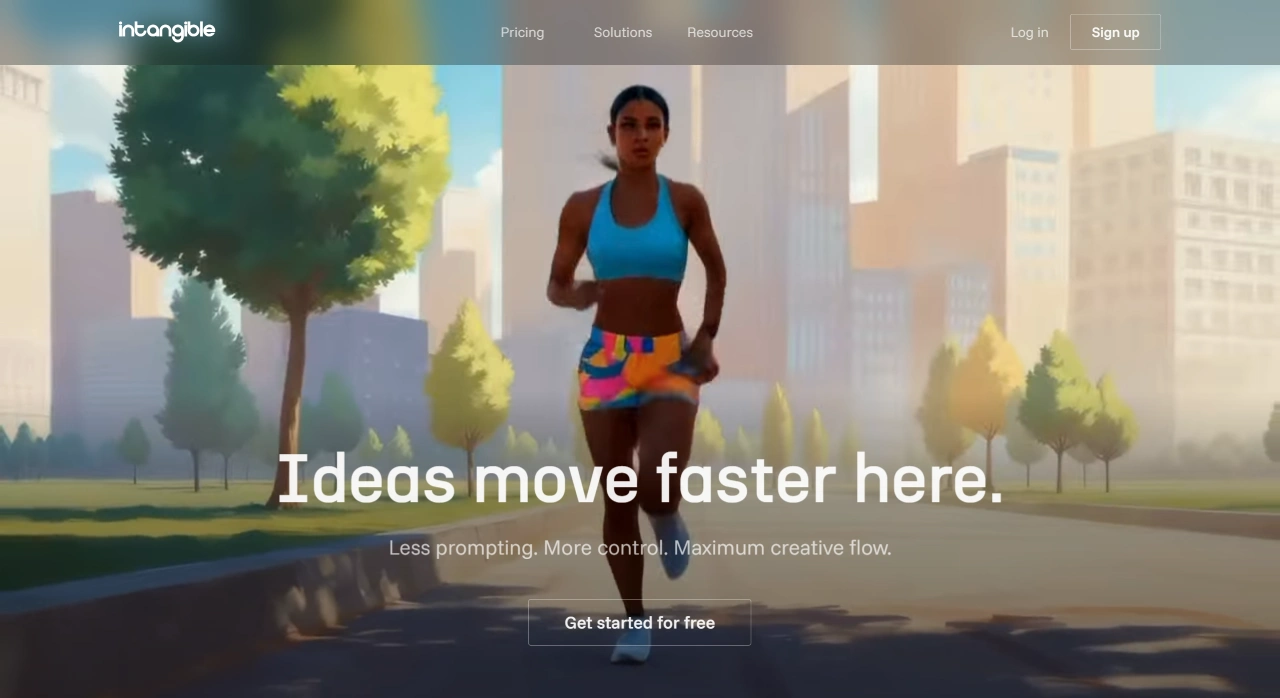
Intangible ai is a globally leading spatial intelligence AI platform for the creative industry. Through a simple 3D interface and spatial intelligence technology, it addresses the "language information loss" problem of AI models, helping users obtain high-quality outputs more precisely. Intangible AI primarily serves teams in advertising, film, marketing, events, architecture, gaming, and enterprise sectors. It supports the full workflow from rapid 3D scene generation, team collaboration, to final output. With practical features such as direct browser access, drag-and-drop operation, one-click image-to-video conversion, and 6000+ free 3D assets, it effectively boosts creative efficiency, saves time and cost, and has earned industry recognition and trust from multiple organizations.
Core Features of Intangible AI
3D Interface & Spatial Intelligence: An intuitive 3D operation interface compensates for the shortcomings of language descriptions, allowing users to obtain ideal results from AI models more easily.
Rapid Spatial Creative Visualization: Supports teams in advertising, marketing, events, film, interactive media, and more to quickly transform ideas into images, videos, storyboards, and 3D scenes.
Intangible AI Applications Scenarios
Advertising: Quickly deliver creative proposals for clients with vivid visual presentations.
Film: Unify cinematography and visual plans before shooting, and pre-plan shot effects in advance.
Marketing: Explore multiple options like a creative director, helping activity plans gain approval.
Events: Demonstrate event effects through 3D visuals to drive budget approval.
Architecture: Explore layout and proportions for spatial and real estate designs.
Gaming: Design game worlds and systems using a simple no-code editor.
Corporate Events: Test event workflows through 3D walkthroughs.
Simple and Efficient Creative Workflow
Rapid Idea Exploration: Generate 3D scenes in seconds by dragging objects or using simple prompts.
Team Collaboration: Co-edit scenes and adjust visual effects with easy-to-use tools.
Result Presentation: Quickly showcase ideas through images, videos, storyboards, and 3D scenes.
Advantages of Intangible AI
Control & Simplicity: Delivers near professional film-grade visual effects while keeping operations simple, with support for virtual scenes, cameras, visuals, and character control.
Art Direction & Storytelling: Explore different character and scene styles, suitable for long-form storytelling creation.
Powerful Feature Support: Includes direct browser access (no installation required), drag-and-drop control, prompt-based scene generation, 3D asset import, spatial intelligence models, one-click image-to-video conversion, 6000+ free 3D assets, and image/video export functions.
Steps to Use Intangible AI
Register & Log In: Visit the Intangible official website, enter your email in the "Enter your email" field on the homepage, click "Send Magic Link", check your inbox, and click the link to complete login.
Create a Project: After logging in, select the project type (such as animation, gaming, marketing, etc.) from the dashboard.
Build a Scene: Manually add 3D models: click the interface button to open the "Assets Library" (containing nearly 6000 models), for example, select a tree model from the "Nature" category, drag it into the scene, then adjust its size, position, angle, color, and lighting.
Language-Generated Models: Enter a scene description in the text box (such as "sunny beach with palm trees and beach chairs"), and the AI will automatically generate the corresponding 3D scene.
Batch Add: Use the "Populator" function to batch insert similar models (such as changing the default stones to trees when creating a forest, and adjusting density, size, color, etc.).
Edit & Optimize
Adjust Camera & Composition: Use the storyboard function to freely adjust viewing angles, suitable for pre-visualization in film and other professional scenarios.
Add Interactive Elements: Increase scene interactivity through intelligent character behaviors.
Render Scene: Switch to "Visualization Mode" and invoke AI technologies such as DeepSeek, Llama, and Stable Diffusion to generate realistic effects.
Share & Collaborate: Click the "Share" button to generate a link that others can view the project without registering.
FAQ
Q: What are the core advantages of Intangible? What pain points of traditional AI creative tools does it solve?
The core advantage is combining a simple 3D interface with spatial intelligence technology to achieve "fewer prompts, more control, and maximized creative workflow." Traditional AI tools rely on language descriptions, often resulting in outputs that differ from expectations due to "language information loss." Intangible, however, reduces information loss through 3D visualization and spatial intelligence, allowing users to obtain creative results that better meet their needs.
Q: For the film and events industries, what specific problems does Intangible solve respectively?
Film Industry: Unify cinematography and visual plans before shooting, avoiding rework caused by misunderstandings in post-production, reducing costs and improving preparation efficiency.
Events Industry: Through 3D display and walkthrough functions, present event designs intuitively, helping budget approval proceed more smoothly and reducing approval delays caused by unclear descriptions.
Q: How does Intangible help teams save time and cost?
Workflow Design: Simplified to three steps—"rapidly generate scenes → team collaboration → output results"—with scene generation in seconds through drag-and-drop or simple prompts, reducing the complex operations of traditional modeling. Easy-to-use collaboration tools lower communication costs and shorten the creative implementation cycle.
Feature Configuration: Direct browser access requires no installation, reducing device costs; 6000+ free 3D assets reduce external procurement expenses; one-click video conversion, 3D asset import, and other features avoid switching between multiple tools, improving efficiency and indirectly saving labor costs.












