Script Planner Assistant▸
 AI Apps
 AI News

Zhixie Process: Auto-Record Web Actions and Generate How-To Guides
Zhixie Process: Auto-Record Web Actions and Generate How-To GuidesIntroduction
智写流程(igenflow)is a tool that automatically records web operations and generates operation guides. It captures mouse clicks, keyboard inputs, page jumps, and other operations, automatically generating guides with clear steps, screenshots, and text.
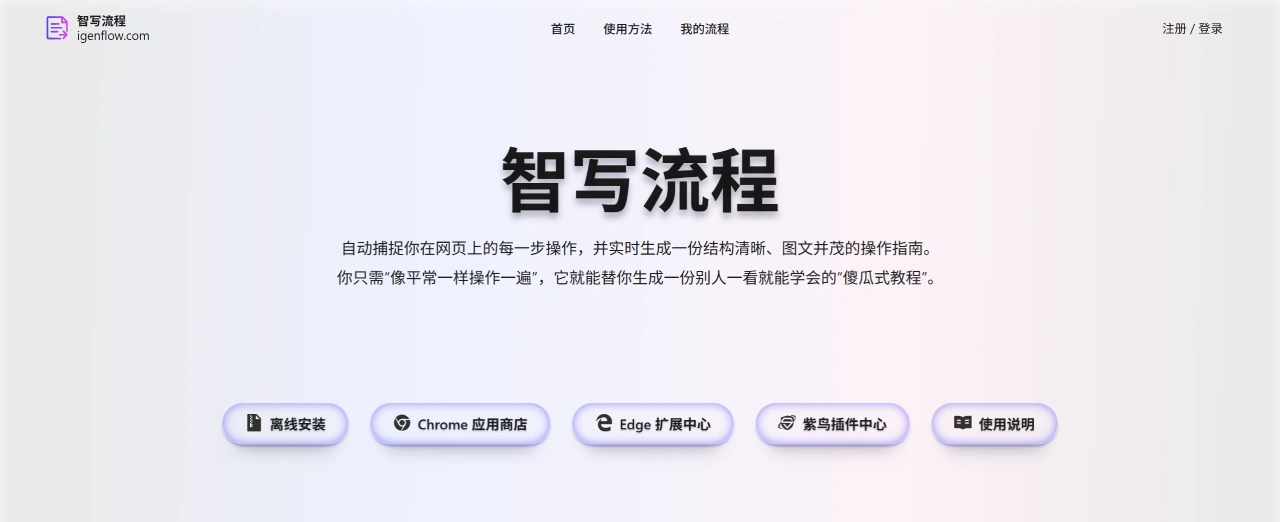
Main Features of 智写流程
Automatic operation recording: No need for manual marking—智写流程 accurately records mouse, keyboard operations, and page jumps, fully restoring the actual operation process.
Automatic screenshot generation and annotation: Screenshots are automatically captured during operations, with arrows and descriptions added, making every step clear at a glance.
Flexible content adjustment: You can add or remove operation steps, modify text descriptions, annotate images, or blur out private information.
Multiple export formats for sharing: Export to PDF, Word, Markdown files, or share document links directly, making it easy for teams to collaborate or send to clients.
Use Cases for 智写流程
Corporate training: 智写流程 quickly creates system operation manuals for new employees, saving training costs.
Customer support: Create product FAQs and feature usage tutorials, increasing the rate of customers solving issues on their own by over 30%.
Cross-border e-commerce and SaaS teams: Simplify training for ERP operations, shipping, listing, and other processes, reducing errors.
HR and Administration: Standardize OA operation processes like leave requests and expense reimbursements, improving work efficiency.
Content creation: When writing software reviews or creating illustrated step-by-step tutorials, content can be produced faster.
智写流程 Membership Plans
Free version: Supports basic recording, PDF export, and sharing, suitable for personal use.
Premium version: 9.9 yuan per month or 99 yuan per year, with unlimited steps, Word and Markdown export support, and large file processing.
Enterprise version: Supports on-premise deployment, custom domains, and dedicated consultant services, with pricing based on requirements.
How to Use 智写流程
Installation and Login
Install the browser extension: Go to the 智写流程 official website and choose local installation, or install it directly from the app store of 360 Browser, Google Chrome, or Microsoft Edge.
Log in to your account: After installation, click the 智写流程 icon in the top right corner of your browser and scan the QR code with WeChat to log in.
Start Recording Operations
Open the webpage to record: After logging in, open the webpage where you want to record operations.
Click "Start Recording": On the target webpage, click the extension icon, select "Start Recording," and then perform the operations you want to record normally.
Generate and Edit Guides
Finish recording: After completing the operations, click "Finish Recording," and the tool will automatically generate a guide with screenshots and text descriptions.
Enter editing: You can adjust the order of steps, add annotations to screenshots, and modify text content.
Export and Share Guides
Choose export format: After editing, you can choose to export as PDF, Word, Markdown, and other files.
Generate share link: You can also generate a link to send the tutorial to colleagues or clients, or upload it to a knowledge base.
Related Information: