
 Script Planner Assistant▸
 AI Apps
 AI News

HiveCut: All-in-One AI Video Editor for Mobile
HiveCut: All-in-One AI Video Editor for MobileIntroduction
What is HunJianFeng
HunJianFeng is a versatile and easy-to-use mobile AI video editing tool, mainly used for short video secondary creation and intelligent remixing. It integrates the capabilities of large language models such as Claude and DeepSeek. Through one-click operations, it helps self-media creators complete the full workflow including subtitle removal, intelligent scene splitting, video deduplication, copywriting rewriting, and voiceover, lowering the barrier to short video production and improving approval rates.
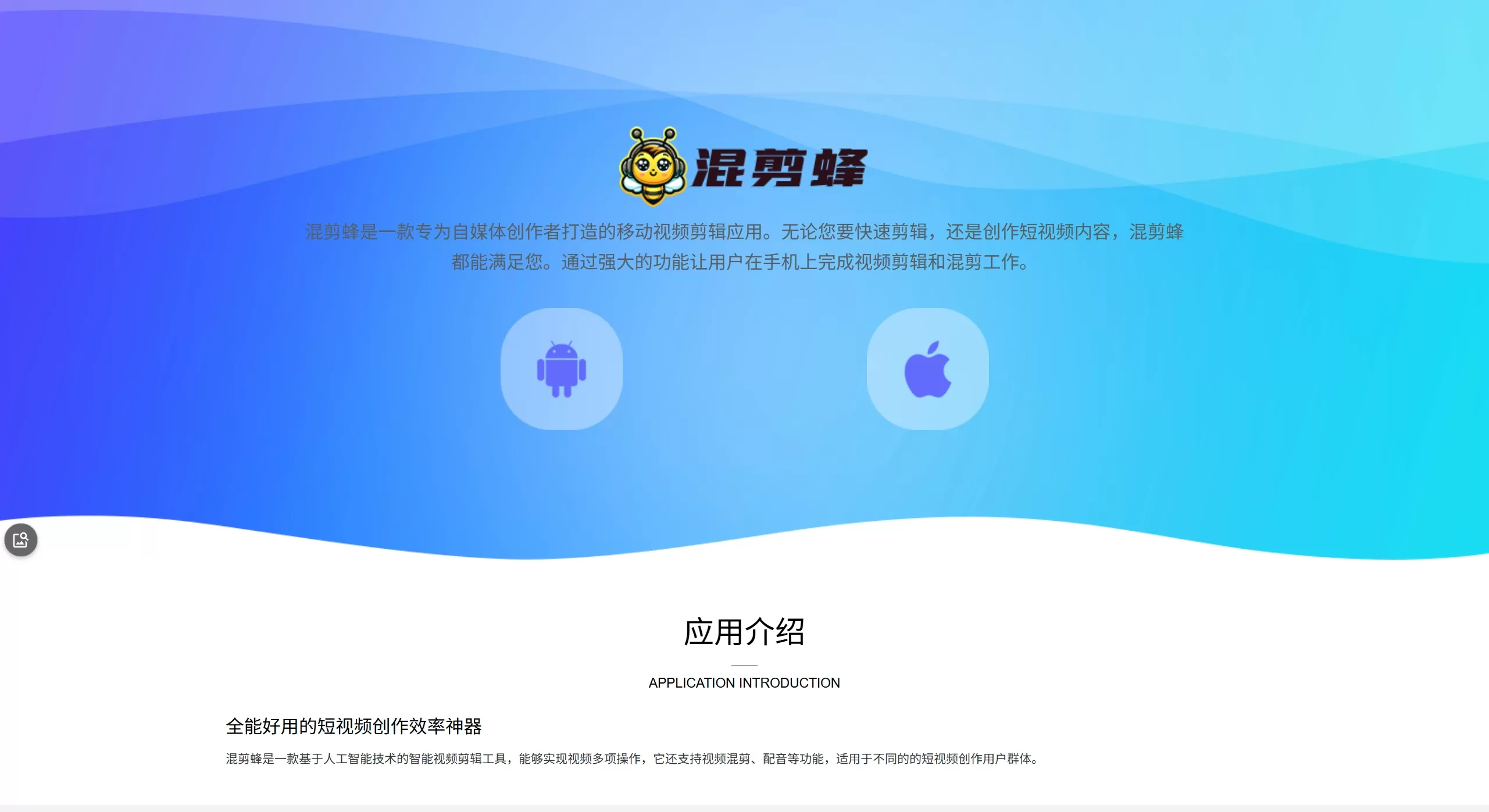
Screenshot of HunJianFeng official website
Features
Master Secondary Creation: One-click recognition of the script in short videos, deep rewriting by large models, combined with re-dubbing by popular voice actors, subtitle removal, and removal of useless clips to achieve relatively in-depth secondary creation.
Original Magic: Powered by a deep learning visual engine, applying RGB visual feature processing and frame-level editing to video frames, combining multiple techniques to improve the originality of the video.
Intelligent Remixing: Copy the audio and editing rhythm of viral videos, split shots with one click and remix them to generate new viral videos.
Video Translation: Targeted at short video overseas distribution needs, one-click translation with an officially claimed accuracy of up to 98%, natural AI voices, audio-visual synchronization, and multiple subtitle style options.
Trendy Editing: AI analyzes script keywords and automatically matches subtitle effects, plus visual effects, intelligent sound effects, and background music, to produce a strong variety-show style result.
Intelligent Scene Splitting: Automatically identifies scene changes and splits long videos into multiple short clips, making secondary creation easier.
Intelligent Subtitle Removal: AI algorithms remove video subtitles with one click and intelligently fill the removed areas, also supporting custom subtitle positions.
Removal of Invalid Segments: Automatically identifies subtitles, repeated sentences, and blank sentences, and deletes useless content with one click.
One-Click Deduplication: The deep deduplication feature helps creators avoid the risk of duplicated content, improving originality and approval rates.
Auxiliary Tools: Supports script extraction, video downloading, video erasing, vocal separation, intelligent color grading, multiple speed adjustments, multi-size cropping, and more.
Use Cases
Short video secondary creation and repost deduplication
Bulk content production for self-media multi-account matrices
Short video overseas translation and localization
Trendy packaging for script-based or talk-style videos
Long video segmentation and highlight extraction
Rapid production for corporate promos, vlogs, life records, etc.
How to Use HunJianFeng
Download and install the HunJianFeng app from the app store or official website.
Import video materials or paste a video link.
Select a function module based on your needs: secondary creation, remixing, subtitle removal, translation, etc.
Use "Original Magic" or "One-Click Deduplication" to improve originality.
If voiceover is needed, select a voice actor to generate it; for translation, select the target language.
Preview the result, then export and save.
FAQ
Is it free or paid? Most core features are free; some advanced features or materials require in-app purchases.
Can subtitle removal achieve seamless results? Officially, AI algorithms intelligently fill the removed areas to deliver seamless output.
Which platforms are supported? iOS and Android are supported, and a Windows version is also available on the Microsoft Store. No desktop version has been released.
Can processed videos pass originality review? The tool offers deduplication and originality optimization features, but platform review rules keep changing, so 100% approval cannot be guaranteed.
Which languages are supported for video translation? It is mainly targeted at the short video overseas scenario; the specific languages supported depend on what's available in the app.
Subscription Pricing
Monthly subscription: 28 yuan/month
Semi-annual subscription: 118 yuan/six months
Annual subscription: 128 yuan/year
HunJianFeng Review
HunJianFeng takes "approval" and "efficiency" as its core selling points. Through large model rewriting, visual engine deduplication, and intelligent scene splitting, it turns a mobile editing tool into a "short video production line."
Pros: High level of feature integration, covering the entire secondary creation workflow; clean interface, easy for beginners; core features such as subtitle removal and deduplication are free; supports Windows, iOS, and Android across multiple platforms.
Cons: No official desktop version is currently available; to use it on PC, an Android emulator is required; the processing speed of some advanced AI features depends on the phone's performance; as a secondary creation tool, there is a risk of approval being affected by changes in platform policies; the official website is updated slowly, so some feature descriptions may not match the actual version.















