
 Script Planner Assistant▸
 AI Apps
 AI News

FlowMore: A "Plug-and-Play" AI Editorial Team
FlowMore: A "Plug-and-Play" AI Editorial TeamIntroduction
FlowMore (拂墨) is an AI collaboration platform built for content creators. It reimagines the content production workflow from an "editor-in-chief" perspective, bringing together information gathering, intelligent drafting, visual design, and one-click publishing in one place. It isn't the kind of tool that just hits "AI generate" and calls it a day—instead, it breaks content production down into a collaborative workflow line, paired with a team of AI experts that can be called upon at any time. From web-wide information gathering and multilingual drafting to visual design and multi-platform publishing, the entire process can be completed on this single line.
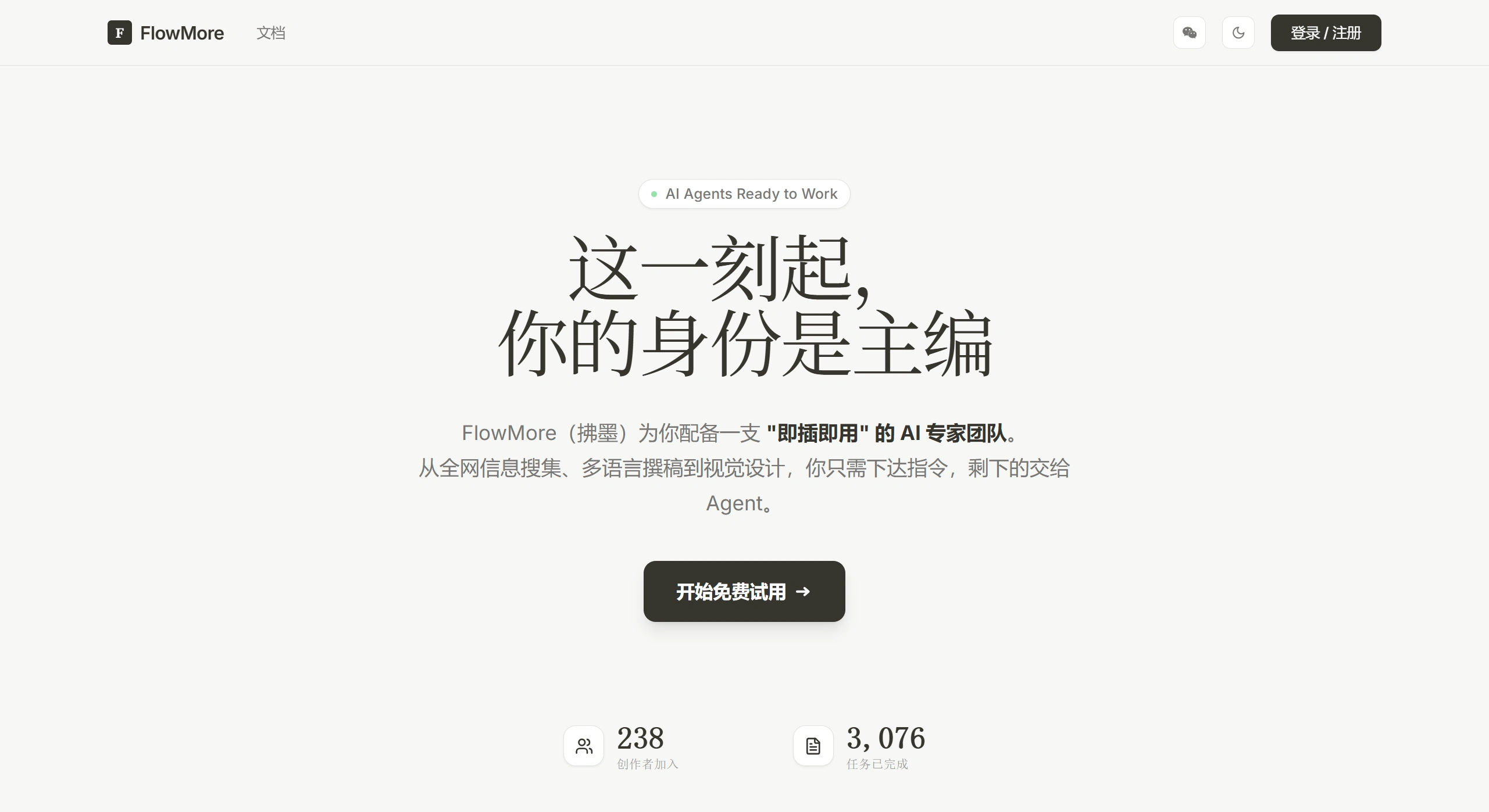
FlowMore Screenshot of Official Website
Features
Three-column workspace: The left column manages tasks, the middle column writes and edits, and the right column communicates with Agents. The editor supports direct editing, and Agents can also be conversed with at any time to adjust the content.
AI collaboration across the full workflow: Supports the complete pipeline from blank-page creation, AI drafting, manual polishing, intelligent layout, to one-click publishing, accommodating users with different habits.
Multiple content formats: Capable of handling AI daily reports, product reviews, WeChat long-form articles, Xiaohongshu image-and-text posts, and more.
Intelligent model orchestration: A "judge model" automatically tests and selects the best-performing combination of underlying large model and prompt at any given moment.
One-click publishing: Direct publishing to WeChat Official Accounts is already supported—no more copying content back and forth and fiddling with layout.
Memory and learning (planned): Agents will eventually be able to remember user preferences and past article styles across projects, and you'll also be able to manually @ an article to let the AI use it as a reference.
Use Cases
Self-media operations: Quickly produce and publish WeChat Official Account long-form articles and Xiaohongshu image-and-text posts.
AI news track: Rapidly generate AI product reviews and industry daily reports.
Multilingual content: Use a team of AI experts to complete multilingual drafting.
Visual content creation: Integrated visual design capabilities that lower the bar for creating supporting visuals and layouts.
FlowMore Pros and Cons Analysis
Pros
Workflow-oriented rather than single-point features: Breaks creation into a collaborative pipeline, which aligns much closer to real working scenarios than traditional AI writing tools.
Clean, intuitive interaction: The three-column layout is easy to pick up, and users have reported that it "handles the entire creative workflow with one click."
Closed-loop experience: An end-to-end pipeline from creation to publishing, with no need to switch back and forth between tools.
Cons
Professional depth still to be proven: For seasoned writers, AI controllability may not match the experience of using a large model directly with carefully tuned prompts.
Higher barrier to advanced features: Custom Agent and pipeline features are still in planning, and the team itself admits that "training a truly useful Agent is extremely time-consuming," so this hasn't been a high priority.
Ecosystem still in early stage: Context construction, memory capabilities, and multi-platform integrations are all still being refined.
FAQ
Q1: How is FlowMore different from using ChatGPT / Doubao directly?
FlowMore turns creative logic into Agent capabilities and offers workflow-based collaboration along with one-click publishing. Using a large model directly gives you more freedom, but you have to assemble your own toolchain and handle publishing manually.
Q2: Which publishing platforms are supported?
One-click direct publishing to WeChat Official Accounts is currently supported, with other platforms (such as Xiaohongshu, Zhihu, etc.) being integrated progressively.
Q3: How is the originality of generated content ensured?
The platform uses a "judge model" to filter higher-quality outputs, but the team recommends combining this with human review and editing rather than fully automated publishing.
How to Use FlowMore
Create a task: Use the left task bar to create a new project and select the content type (review, daily report, long-form article, etc.).
Choose a creation mode: Blank-page creation, AI first draft, or import an existing draft for optimization.
Collaborative editing: Edit content in the middle column, and converse with Agents in the right column to adjust style and add information.
Layout and design: Use AI to complete visual design and format optimization.
One-click publishing: Push directly to platforms such as WeChat Official Accounts.
Competitor Comparison
| Comparison Dimension | FlowMore (拂墨) | General AI Writing Tools (e.g., Jasper/Copy.ai) | Native Large Models (ChatGPT/Claude) |
|---|---|---|---|
| Interaction Form | Three-column workflow-based collaboration | Template-driven single-point generation | Free-form conversational interaction |
| Creation Pipeline | Closed loop: Gather → Write → Design → Publish | Focused on the writing stage | Entire pipeline must be assembled manually |
| Platform Integration | One-click direct publishing to WeChat Official Accounts | Mostly generic export/copy | No native publishing capability |
| Model Strategy | Judge model auto-selects the best combination | Usually fixed on a single model | Users choose models themselves |
| Target Users | Self-media creators, content editors-in-chief | Marketing copywriters | Users across all fields |















