Script Planner Assistant▸
 AI Apps
 AI News

DrFonts: AI Font Generator
DrFonts: AI Font GeneratorIntroduction
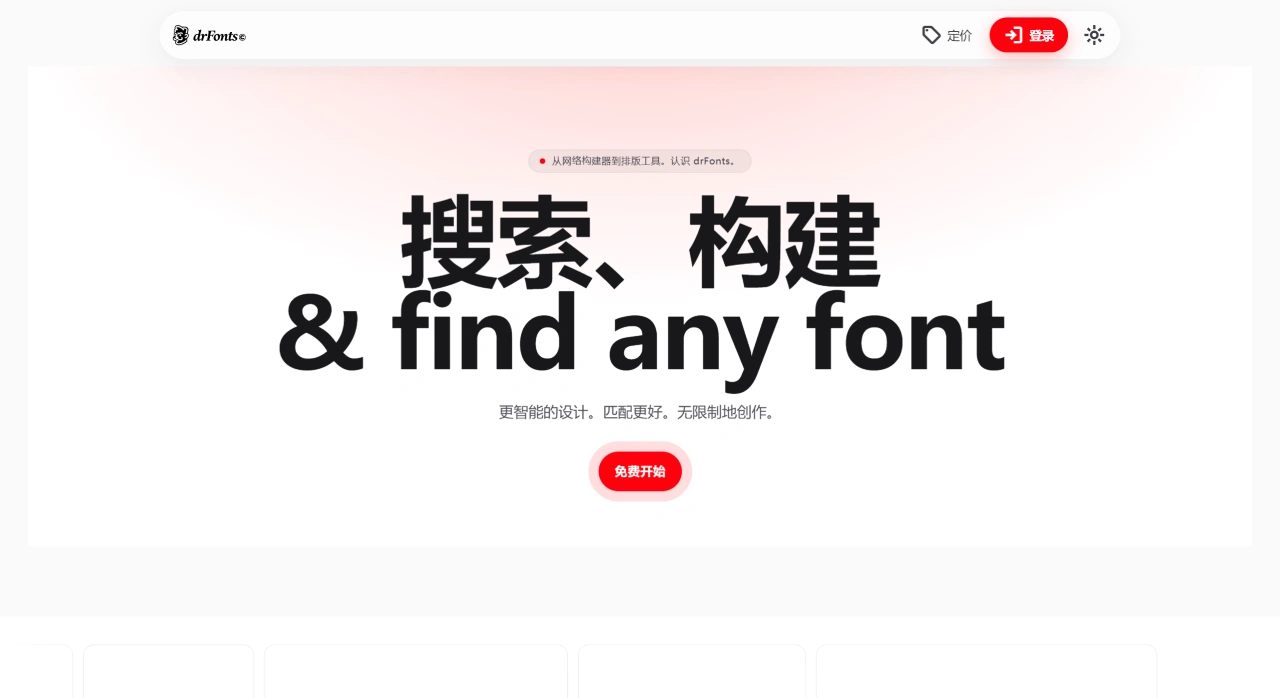
DrFonts is an AI font generation tool that can convert handwritten PNG images, such as written drafts on paper, into editable digital fonts. It also allows you to adjust details like color, style, and weight, and manage font files. The official team advises using your own original images to avoid copyright issues.
DrFonts Main Features
Font Generation: Upload a handwritten PNG or describe your idea in text, and DrFonts will generate a custom font. It can also use AI to create a complete font family, which can be exported in OTF format.
Color Palette and Checking: Build your own color palette, generate, optimize, and test color combinations to maintain consistent brand colors. It can also instantly check the contrast between fonts and colors to ensure compliance with standards.
Font Recognition: Identify what font is used from an image or text, and find similar fonts.
Typography Suggestions: A smart assistant helps you solve typography issues through chat.
File Management: Fonts generated by DrFonts can be sorted into folders for easy management.
DrFonts Use Cases
Design Teams: When creating brand visual identity systems, DrFonts helps ensure consistent font and color styles.
Freelance Designers: Quickly create uniquely customized fonts for client projects, making the design more distinctive.
Educational Institutions: Help students understand the importance of font design and typography, improving their skills through hands-on practice.
Independent Designers / Illustrators / Brand Creators: Quickly create brand-aligned custom fonts for a more cohesive overall visual identity.
Advantages
Simple Workflow: An intuitive interface with rich features makes font selection and application easier.
Free Trial and Commercial Use: Offers a free trial, and the generated fonts can be used commercially for free.
Cautions
Copyright Issues: Using images found online may pose copyright risks; it is recommended to draw your own and upload it.
Feature Maturity: The tool is still being continuously improved. Recognition may not perform well when uploading single letters, and the team is optimizing this.
How to Use DrFonts
Go to the DrFonts official website to register and log in.
Create a new project and upload a handwritten PNG with black-and-white, high-contrast, and clear strokes.
Adjust the recognition results: Modify glyphs as needed, and unify the color, style, and weight.
Preview and Test: Use the built-in Glyphs/Font Tester to check typography and ligature effects.
Export and Use: Export fonts as needed and apply them in your designs (refer to the page prompts for specific export formats).
Additional Notes
Copyright Compliance: Avoid using images from unverified online sources; try to use your own original materials.
Recognition Accuracy: In the current V1.0 version, some users have reported inaccurate recognition when uploading single letters; the team is working on improvements.
Upcoming Features: Future updates will add style transfer, multi-language support, and more. Stay tuned for version updates.
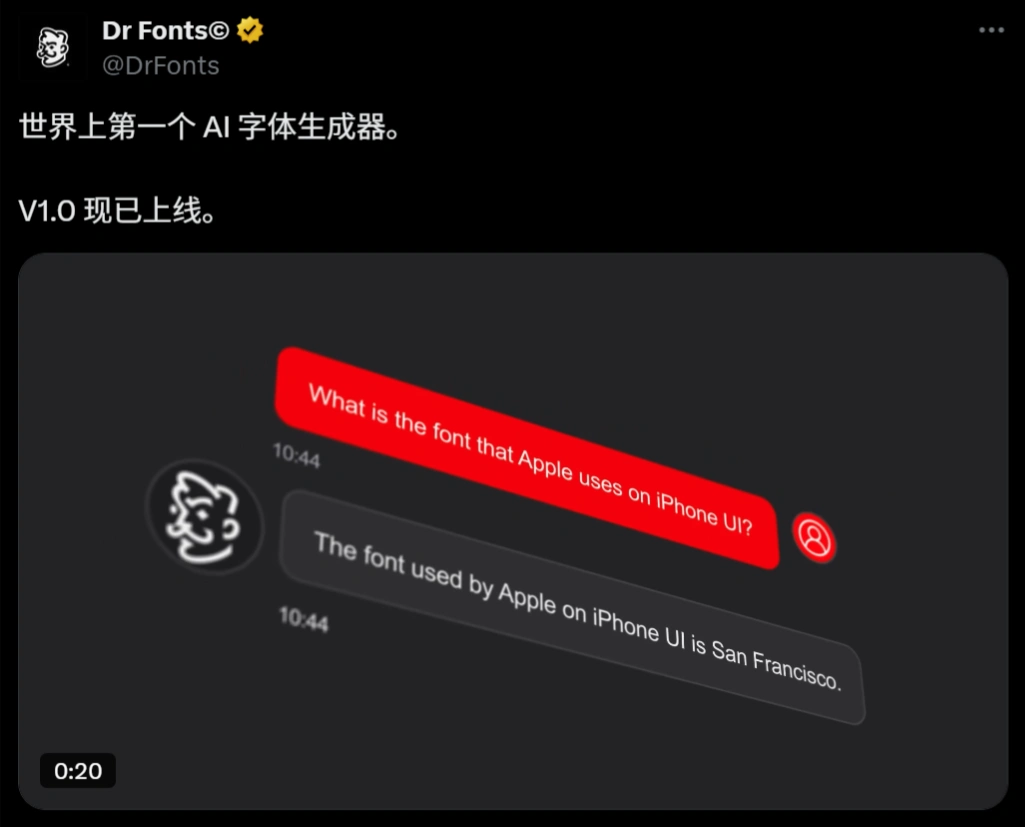
DrFonts officially stated on social media that DrFonts is the world's first AI font generator. In fact, a smart font design system jointly developed by the Yegenyou Fonts and Zitijia AI teams has already launched in China: "Zitijia AI Magic Pen". With just 8 casually written characters, it can generate a complete Chinese character library to create your own exclusive font.