
 Script Planner Assistant▸
 AI Apps
 AI News

CyberCut AI: AI Short Video Editor by Kuaishou StreamLake
CyberCut AI: AI Short Video Editor by Kuaishou StreamLakeIntroduction
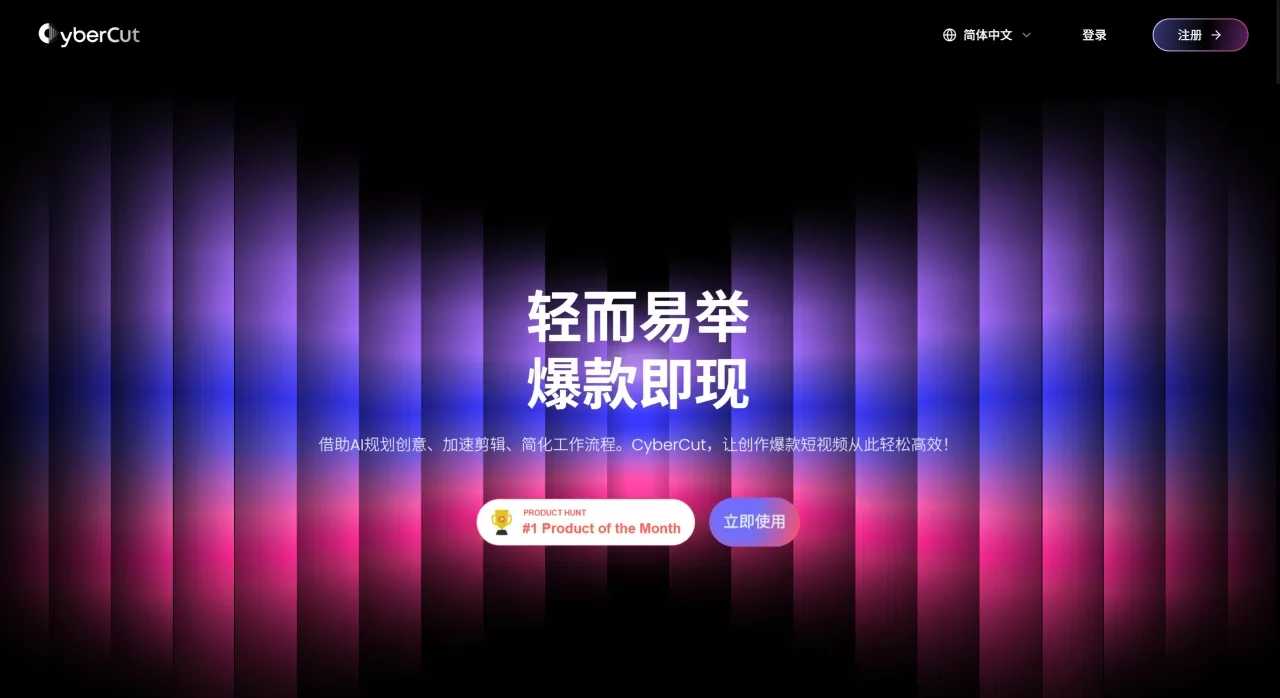
CyberCut AI is a video editing tool launched by StreamLake, the technology brand under Kuaishou, mainly targeting short video creators and marketers.
The key feature of CyberCut AI is using AI to automatically handle repetitive work in editing—for example, picking out highlight clips from long videos, generating videos directly from text scripts, or adjusting footage by editing subtitles. All features are currently available for free, require no software installation, and can be used directly in the browser.
CyberCut AI Core Features
AI Auto Editing: After uploading a video, AI automatically recognizes the content and generates several editing plans, delivering an initial cut within minutes.
Smart Highlight Extraction: Supports videos up to about 1 hour long; AI automatically picks the most engaging parts and quickly cuts out multiple short videos.
Script-to-Video: Input a piece of copy or script, and AI will match visuals and a digital human avatar to generate talking-head marketing videos—no real person on camera required.
Text-Based Editing: Edit videos like editing a document—modify the subtitle text, and the corresponding footage will adjust automatically; trimming and splicing are all done through text operations.
Conversational Command Editing: Input natural language commands, such as "remove the first 10 seconds of silence," and AI executes them directly.
Automatic Subtitle Generation: Recognition accuracy of about 99%, supporting 99+ languages; subtitle content can be manually reviewed.
Built-in Asset Library: Provides over 500,000 images, videos, and music assets ready to use.
Virtual Try-On (E-commerce Specific): Generates showcase videos of products being worn, ideal for apparel categories.
CyberCut AI Application Scenarios
Individual creators making vlogs or life records, saving time on manual editing.
Self-media operators quickly producing multiple short videos to maintain update frequency.
Advertising and marketing teams turning product introductions and campaign promotions from scripts into finished videos quickly.
E-commerce sellers producing product explanation or outfit showcase videos for product detail pages or livestream clips.
Online education institutions producing course trailers or knowledge-point short videos.
Batch extracting multiple highlight clips from long-form content such as podcasts, interviews, and livestream replays for secondary distribution.
CyberCut AI Advantages
Fast processing speed, saving most of the time compared to manual editing.
Simple operation; even users without editing experience can get started directly.
Features cover the entire workflow from rough cut to final output, with no need to switch between multiple tools.
Runs in the browser, no large software downloads required.
Subtitle recognition covers many languages with sufficient accuracy.
Currently completely free.
CyberCut AI Tutorial
Upload Materials: Open the official website, click the upload button, and drag in your video files (MP4, MP3), images, or text scripts. You can also try the platform's provided sample materials first.
Let AI Handle It: Select the desired function based on your needs: highlight extraction, script-to-video, text-based editing, or directly input text commands. AI processes automatically and generates an initial version in a few minutes.
Fine-Tune and Export: Make minor adjustments based on the AI draft—such as rearranging clip order, changing subtitles, or adding effects. Once satisfied with the preview, click export to save locally, or share directly to social platforms.
How Does CyberCut AI Compare to Competitors?
| Comparison Item | CyberCut AI | CapCut | Descript | InVideo |
|---|---|---|---|---|
| Positioning | AI short video marketing editing | General-purpose free editing | Text-driven video editing | Template-based video production |
| Auto Highlight Extraction | ✅ | ❌ Manual | ✅ | ❌ |
| Text-Driven Editing | ✅ | ❌ | ✅ | ❌ |
| Script-to-Video | ✅ (with digital human) | ❌ | ❌ | ✅ (templates) |
| Subtitle Accuracy / Languages | 99% / 99+ languages | Relatively high | Relatively high | Average |
| Learning Curve | Very low | Low | Medium | Low |
| Price | Currently free | Free | Paid | Freemium |
| Typical Use | Marketing, e-commerce, long video clipping | Daily editing | Podcasts, interviews | Ad production |
Reasons to Choose CyberCut AI
Significantly shortens editing time, especially suitable for scenarios requiring high-frequency short video output.
Currently free with low cost of trial and error; all features can be experienced directly.
Backed by Kuaishou's technical team with solid experience in video processing and AI; product stability and update pace are guaranteed.
Design is more oriented toward marketing conversion, not just "editing videos," but also considering how to make videos easier to spread.
Supports multiple languages, suitable for overseas content or cross-language projects.
CyberCut AI FAQ
Q: Does CyberCut AI charge fees now?
All features are currently free.
Q: What is the maximum video length it can handle?
The smart highlight feature supports videos within about 1 hour, suitable for handling interviews, livestreams, and review-style content.
Q: How accurate is the subtitle recognition?
Official data indicates close to 99% accuracy, supporting 99+ languages—essentially sufficient in practice, though a few specialized terms may require manual correction.
Q: Will AI-generated videos all look the same?
Scripts, music, and visuals can all be adjusted yourself, and you can also modify them according to your own brand style; they are not entirely fixed.
Q: Compared with traditional editing software, what are the advantages?
It eliminates tedious timeline operations and adds text editing and auto-highlight features, ideal for those who prioritize efficiency.
Q: Who made CyberCut AI?
The StreamLake team under Kuaishou.















