
 Script Planner Assistant▸
 AI Apps
 AI News

Custom Cursor: A Website for Custom Mouse Cursor Downloads
Custom Cursor: A Website for Custom Mouse Cursor DownloadsIntroduction
Custom Cursor is a website that lets you have personalized cursors. Here, you can find tons of cursor packs, and you can also use your own images to create exclusive cursors.
The Custom Cursor website has over 7,300 different styles of cursors, covering themes like cartoons, anime, technology, and art. You can upload your own images, or choose the website's preset images to create custom cursors, and you can also adjust the color, size, transparency, etc., to make the cursor more to your liking.
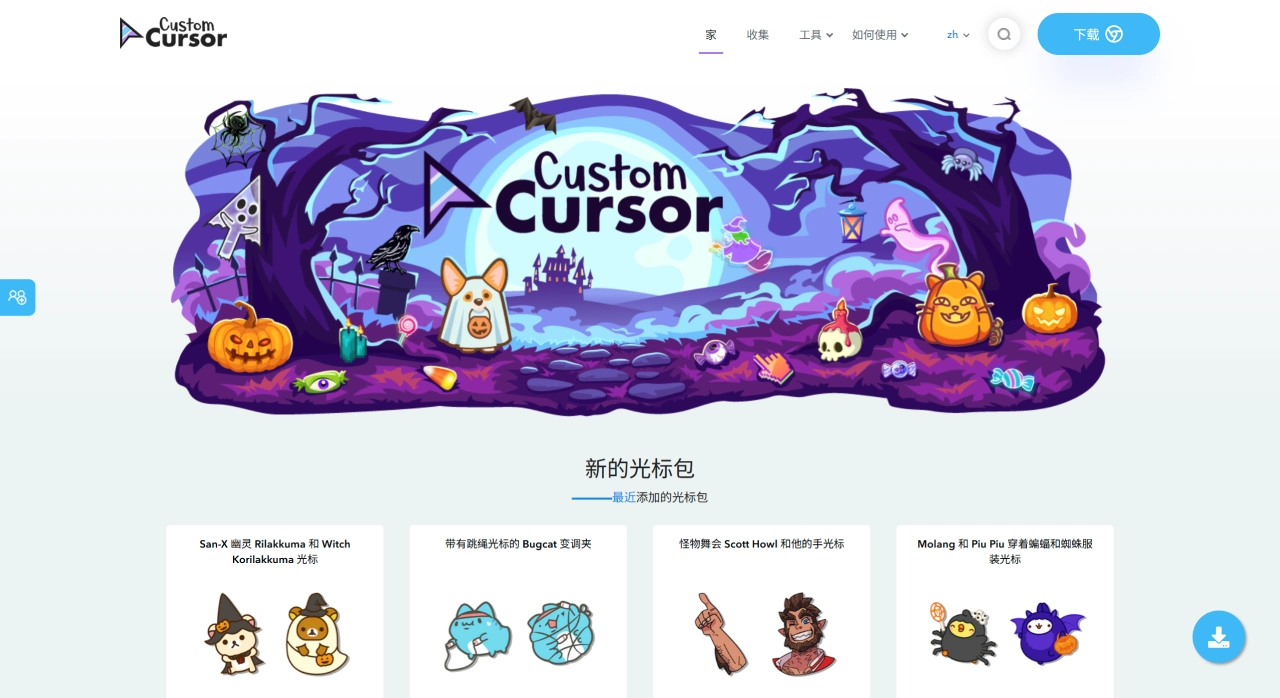
Custom Cursor Customization Features
Upload images: You can set your favorite images, such as celebrities, pets, anime characters, etc., as cursors to make them more personalized.
Choose predefined images: The website has many preset images covering various styles and themes, and you can pick according to your needs.
Adjust settings: You can further adjust the cursor's color, size, transparency, etc., to achieve the best visual effect and meet your personal aesthetic and usage needs.
Custom Cursor Pack Management
Rich cursor packs: The website has carefully designed and categorized over 7,300 different styles of cursor packs, so you can easily find one that suits you.
Browse by category: Cursor packs are categorized by theme and style, so you can quickly find cursor packs you're interested in and improve search efficiency.
Popular recommendations: The website recommends some popular cursor packs, which usually have high ratings and usage frequency, helping you discover quality cursor packs.
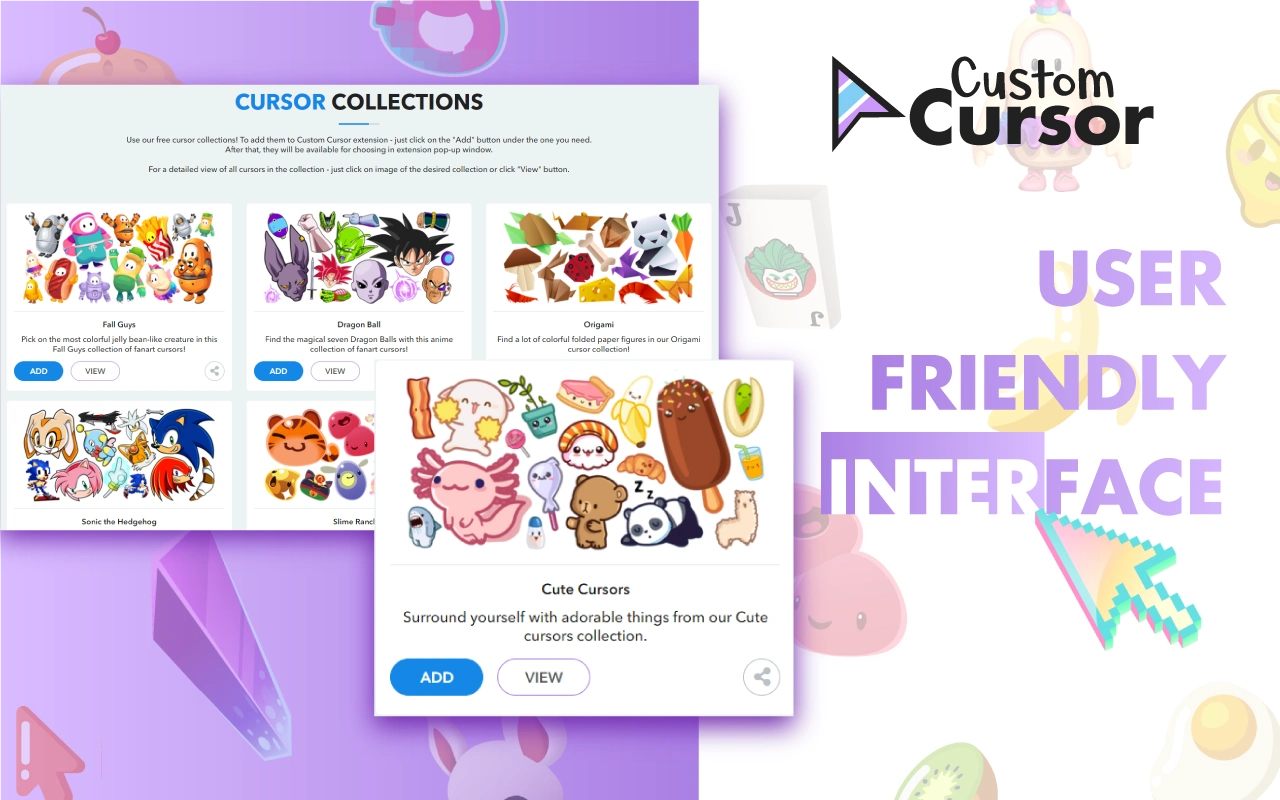
Cross-Platform Support
Windows client: There is a dedicated Windows client software, allowing you to conveniently use Custom Cursor features on Windows systems and achieve personalized cursor settings.
Chrome browser extension: It supports a Chrome browser extension, so you can use it in Chrome browser, making it convenient to change cursors while browsing the web.
Custom Cursor Download and Installation
Windows Client
Download link: Custom Cursor for Windows - Custom Cursor (custom - cursor.com)
Installation steps: After downloading, install directly. During installation, you can choose the English language, then follow the prompts to complete.
Chrome Browser Extension
Download link: Custom Cursor for Chrome™ - Custom Cursor - Chrome Web Store (google.com)
Installation steps: In the Chrome browser address bar, enter and open the extensions page, enable Developer mode in the upper right corner, restart the browser, reopen the extensions management interface, and drag the downloaded crx file directly into the page to complete the installation.

How to Use Custom Cursor
Change cursor: Click the plugin icon in the Chrome tool bar, and a small cursor material library will pop up. Click your favorite cursor to switch. If you can't find one you like, click the More Cursors button in the lower left corner to further access the material library.
Custom cursor: Click the upload cursor button in the lower right corner of the menu box to upload a local image as your cursor, but the image size cannot exceed 128x128.
Adjust size: Click the first button at the top of the menu box to adjust the cursor size.
Restore default cursor: Click the third button at the top of the menu box to restore the system default cursor.
Custom Cursor Features and Advantages
It has rich cursor beautification packs, allowing you to freely mix and match cursor effects.
It supports uploading your favorite images as cursors, making cursors more personalized.
Custom Cursor's interface is super simple, so you can easily get started.















