
 Script Planner Assistant▸
 AI Apps
 AI News

CookingGames: Free Cooking & Baking Games Website
CookingGames: Free Cooking & Baking Games WebsiteIntroduction
CookingGames is a website that offers free cooking and baking games. It features a wide variety of games suitable for players of different ages. Players can learn kitchen knowledge and enjoy the fun of cooking in these games. Moreover, the site introduces new games every week, covering various cuisines and flavors, allowing players to choose according to their preferences. The game operations are simple—players can complete cooking actions with mouse clicks, enabling them to be creative in the virtual kitchen and experience the joy of being a chef.
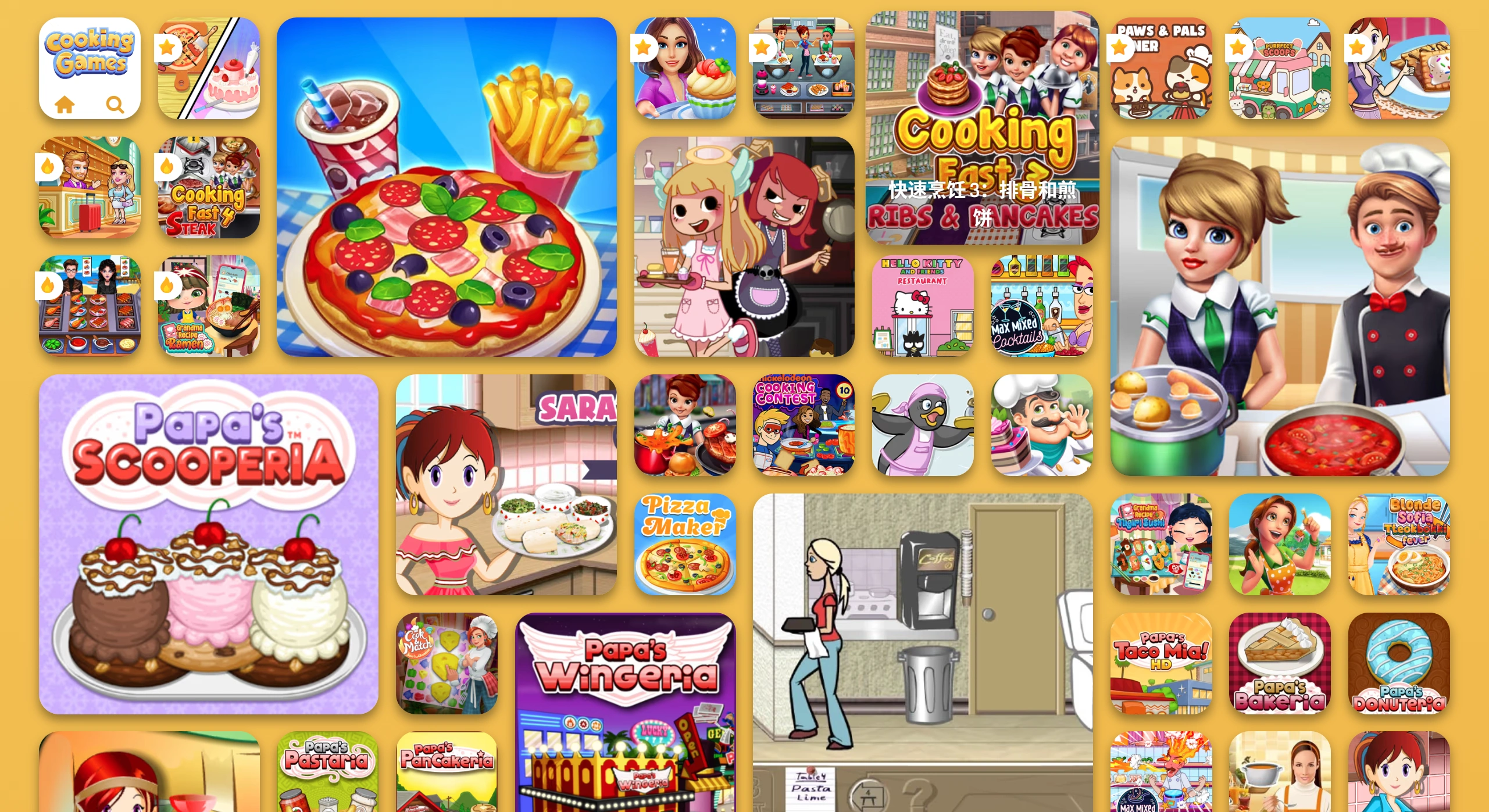
CookingGames Game Categories
By ingredient: There are games for making cakes, pizza, sushi, milk tea, and more. For example, "The Baker" is a mini-game that simulates cake making, where players can follow step-by-step instructions to create and design their own cakes.
By scenario: Includes scenarios such as restaurant management, dessert shops, food trucks, and farm harvesting. For instance, "Cooking Master" starts with the player's grandfather's pancake stand, where players prepare various dishes with the goal of serving customers quickly, earning coins to upgrade the restaurant, and unlocking new restaurants.
Special themes: Creative games like "Bake a Rainbow Cake for a Unicorn," as well as adventure games such as "Fishing and Cooking" that combine fishing with restaurant management.
CookingGames Game Features
Rich variety of dishes: CookingGames covers global cuisines, such as sushi, pizza, hamburgers, desserts, and more. For example, "American Cooking Star" includes American and North American cuisine, featuring hamburgers, pizza, fast food, and other dishes from the United States, Canada, Mexico, and Hawaii.
Simple operations: Most games are operated with mouse clicks, allowing players to easily prepare ingredients and cook dishes. For instance, "Kitchen Cooking Game Chef Chinese Cracked Version" continues the level-based gameplay and performs well overall.
Fun and educational: Players can learn dish preparation methods and kitchen skills while playing CookingGames. For example, in "Cooking Game," players can learn to cook different dishes such as appetizers, pasta, rice, desserts, and main courses.
Personal customization: Some games allow players to create personalized characters, purchase decorations such as clothing and hairstyles with in-game currency, and customize kitchen equipment, walls, floors, and more.
Strong interactivity: Some games include customer interaction systems, allowing players to accept tips, handle complaints, and more, adding fun and realism. For example, in "Crazy Cooking Chef Game," players can cook food in different places, and can also experience bar and street stall settings.
No download or registration required: Games on the site require no downloads or registration—they can be played simply by opening a browser. The entire site is free, and ads are only displayed as small banners on either side of the page.

How to Play CookingGames
Visit the website: Enter the URL https://www.cookinggames.com/ to access the official CookingGames website.
Browse games
Homepage recommendations: After entering the site, the homepage displays popular and recommended games, which can be clicked directly to start playing.
Browse by category: The site categorizes games into categories such as "Restaurant Games," "Pizza Games," "Cake Games," and "Ice Cream Games." You can select the category of interest via the top navigation bar or the category list in the sidebar to view games in that category.
Search function: If you have a specific game name or keyword in mind, you can use the search box at the top of the site to quickly find the game you want to play.
Choose a game: In the game list, you can see each game's thumbnail, name, description, rating, and other information. Click on the thumbnail or name of a game that interests you to enter the game's detail page, which provides more detailed game introductions, gameplay instructions, player reviews, and more for further understanding of the game content.
Start the game: On the game's detail page, click the "Start Game" or "Play" button to enter the game interface. Most games are operated with mouse clicks, and there are usually simple tutorials or prompts at the beginning—follow the prompts to embark on your cooking journey.
Gameplay
Follow the tutorial: Many games offer a simple tutorial at the start to help you become familiar with basic operations and rules. Reading carefully and following the tutorial allows you to master the gameplay more quickly.
Complete tasks: Games typically require you to complete various tasks, such as preparing specific dishes, meeting customer needs, and earning coins. Completing tasks according to the game's prompts and requirements allows you to earn rewards and advance the game.
Upgrade and unlock: Some games allow you to upgrade kitchen equipment, unlock new ingredients or recipes by completing tasks or earning coins. Using these resources wisely can enhance your gameplay experience and efficiency.















