Script Planner Assistant▸
 AI Apps
 AI News

Coddy.Tech: A Free, Fun, and Practical Coding Learning Platform
Coddy.Tech: A Free, Fun, and Practical Coding Learning PlatformIntroduction
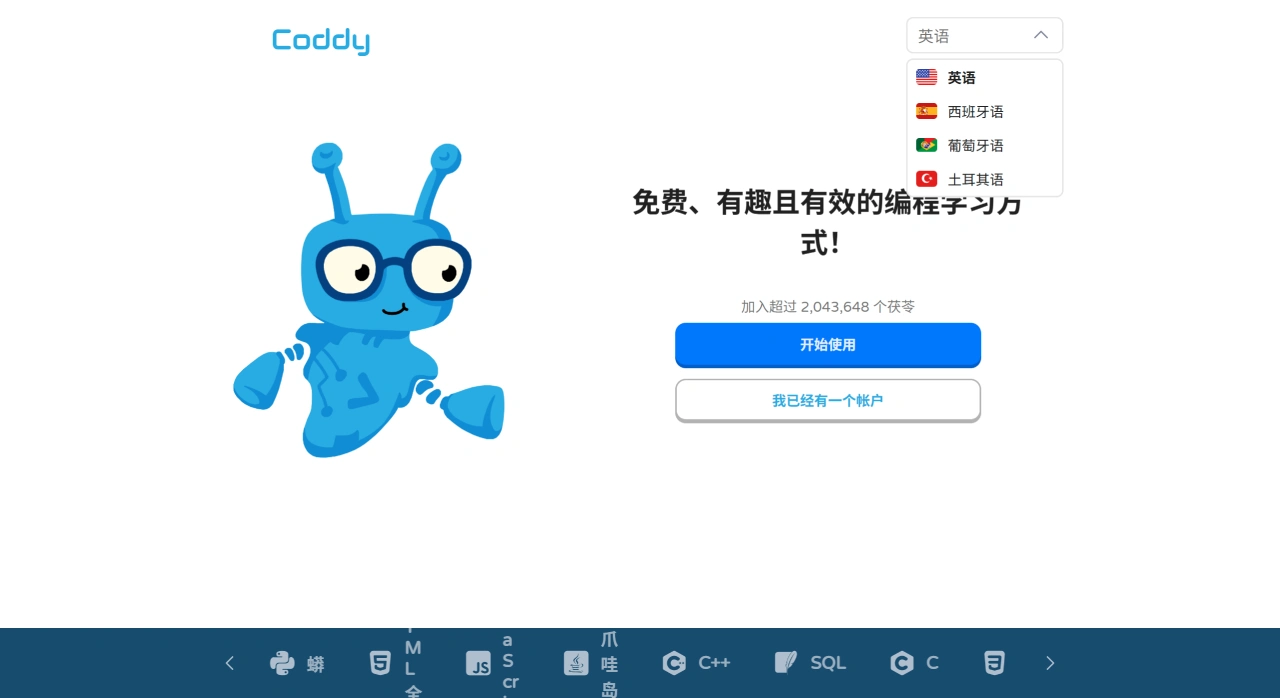
Coddy.Tech is a free, fun, and practical programming learning platform.
Coddy.Tech supports learning multiple programming languages, including Python, HTML, JavaScript, Java, C++, SQL, C, CSS, C#, PHP, Dart, Go, R, Rust, and Lua. You can learn anywhere, anytime, with no need to install or configure a development environment.
Coddy.Tech provides an AI assistant that can help you at any time. When you encounter problems, it offers hints or explanations to help you solve them and lower the learning curve. In addition, the platform offers a large number of coding exercises so you can practice every day and make programming a relaxing daily activity.
Coddy.Tech Features
Free Learning: All learning resources, including courses, exercises, and projects, are completely free. This lowers the barrier to learning and gives everyone the opportunity to learn programming.
Flexible Learning Methods: You can choose different learning methods based on your goals and habits. For example, learn by working on projects to put theory into practice and deepen your understanding.
AI Assistant Support: The AI assistant can help you while you learn. When you encounter something you don't understand, you can get hints and answers to reduce getting stuck and improve learning efficiency.
Coddy.Tech Course Content
Wide Range of Languages: The platform supports mainstream programming languages, such as Python, HTML, JavaScript, Java, C++, SQL, C, CSS, C#, PHP, Dart, Go, R, Rust, and Lua. Whether you want to do web development, data analysis, artificial intelligence, or game development, you can find corresponding courses.
Clear Course Structure: Courses for each language start with the basics and gradually go deeper. For example, the Python course starts with variables, data types, and control structures, then covers functions, modules, and object-oriented programming, and finally consolidates what you've learned through hands-on projects.
Project-Driven Learning: The platform offers multiple project examples with varying difficulty levels and scenarios. By working on projects, you can connect multiple knowledge points and develop practical problem-solving skills. For example, building a web application lets you learn about front-end, back-end, and database knowledge.
Coddy.Tech Advantages
Learn Anytime, Anywhere: It supports computers, tablets, and mobile phones. As long as you have an internet connection, you can learn. You can make flexible use of your free time to arrange your study plan.
No Environment Setup Required: The platform provides an online coding environment where you can write code, run programs, and view results right in your browser. You don't need to configure your own development tools, making learning easier.
Personalized Learning Suggestions: The platform recommends suitable next steps based on your learning status and progress, helping you improve your programming skills with clearer direction.
Who is Coddy.Tech For?
Beginners with No Programming Background: If you've never studied programming before, Coddy.Tech offers easy-to-understand courses that help you quickly grasp basic concepts and build confidence in learning.
Learners with Some Experience: If you already know some programming and want to improve your skills or learn a new language, the platform also provides advanced courses and projects to help you take your abilities to the next level.
Developers: Even if you're already working in programming, you can use the platform to learn new technologies, enhance your professional skills, or find inspiration for solving work challenges.
How to Use Coddy.Tech?
Open your browser and visit the Coddy.Tech website. Click the "GET STARTED" button on the page. You can sign up with your email or quickly log in using Google or GitHub.
After logging in, you'll see a list of supported languages, such as Python, HTML, JavaScript, etc. Choose a language you're interested in or want to learn.
Basic Course Learning
Watch video tutorials: Each language has video lessons ranging from beginner to advanced levels — just follow along.
Online Practice: After mastering the knowledge points, you can write code directly on the web page, run it, and check the results to reinforce what you've learned.
AI Help: When you run into something you don't understand, click the AI assistant, type in your question, and it will give you hints and explanations.
Project Practice
Choose a Project: The platform offers projects of different difficulty levels and types. You can pick one based on your skill level.
Project Guidance: Each project comes with detailed instructions, including requirements, steps, and code examples — just follow them to complete the project.
Submission and Feedback: After finishing a project, you can submit it, and the platform will provide feedback to help you see how you did.