Script Planner Assistant▸
 AI Apps
 AI News

BongoCat: A Lightweight, Open-Source, Cross-Platform Desktop Cat Pet App
BongoCat: A Lightweight, Open-Source, Cross-Platform Desktop Cat Pet AppIntroduction
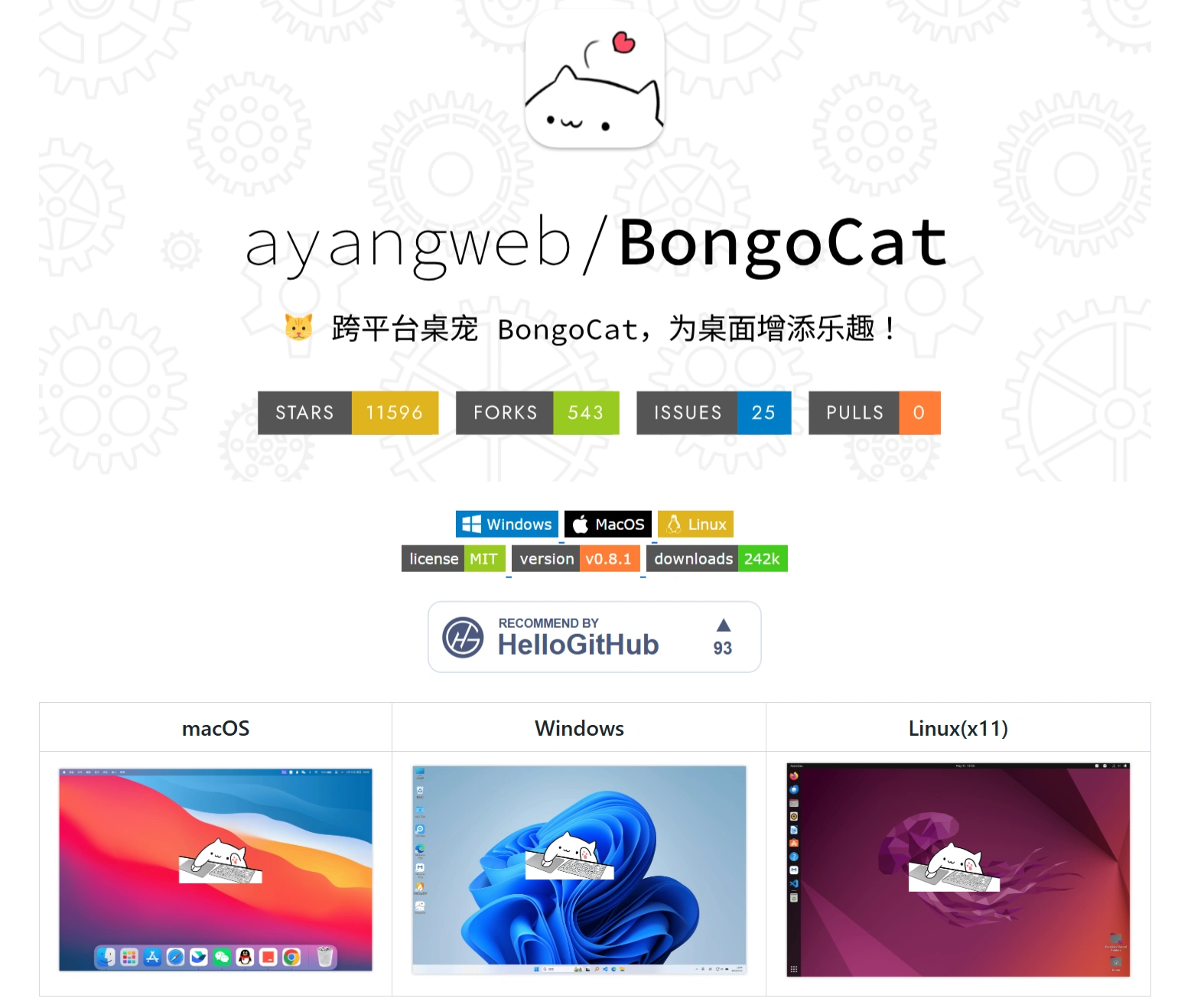
BongoCat is a cross-platform desktop pet software created by developer ayoungweb, available on Windows, macOS, and Linux systems. It interacts with users through an adorable cat character that responds to keyboard inputs and mouse actions. Pet animations, music, skins, and other content can be customized, adding fun to daily work and entertainment.
BongoCat Core Features
Cross-platform compatibility: Supports Windows, macOS, and Linux, catering to the needs of different users.
Real-time Interactive Experience:
The cat mimics typing actions when keys are pressed;
The paws follow the cursor when the mouse moves;
Gamepad operations can be mapped to button actions;
It can respond to drawing tablet pen inputs.
Highly Customizable:
Replaceable cat appearance models (supports Live2D format);
Adjustable window size and transparency;
Customizable animation response speed and range;
Editable facial expressions and animation details.
Multi-mode Support:
Keyboard & Mouse mode (suitable for standard work scenarios);
Drawing mode (suitable for graphics tablet users);
Gamepad mode (suitable for gamers);
Pure Keyboard mode (suitable for programmers, etc.).
Open Source & Privacy Protection:
BongoCat's code is fully open source on GitHub;
No user data collection;
Supports offline operation.
Streaming & Creative Assistance:
Can be used as a streamer's virtual avatar;
Can be integrated into live streams via tools such as OBS;
Can record interactive video content.
BongoCat Technical Implementation
Built with the Tauri v2 framework (lighter and more efficient than Electron, with native multi-platform packaging support);
Rendering engine uses hardware-accelerated graphics rendering, supports transparent windows and click-through, and can dynamically load Live2D model resources;
Well-optimized performance with a lightweight design, memory usage under 50MB, and CPU usage under 2%.
BongoCat Usage Tutorial Guide
Installation Steps:
macOS: Can be installed via Homebrew, or manually downloaded and dragged to the Applications folder;
Windows: Can be installed via Winget, or manually downloaded and run as an installer;
Linux: Supports Debian/Ubuntu, Arch Linux, and other systems, installed using the corresponding package manager.
Configuration: Detailed configuration file options are provided, allowing users to adjust as needed.
How to Use:
Download and Install: Download the installer package for your operating system from the GitHub releases page and follow the instructions to complete the installation;
Configure Settings: After installation, personalize through the configuration file or the in-app settings interface;
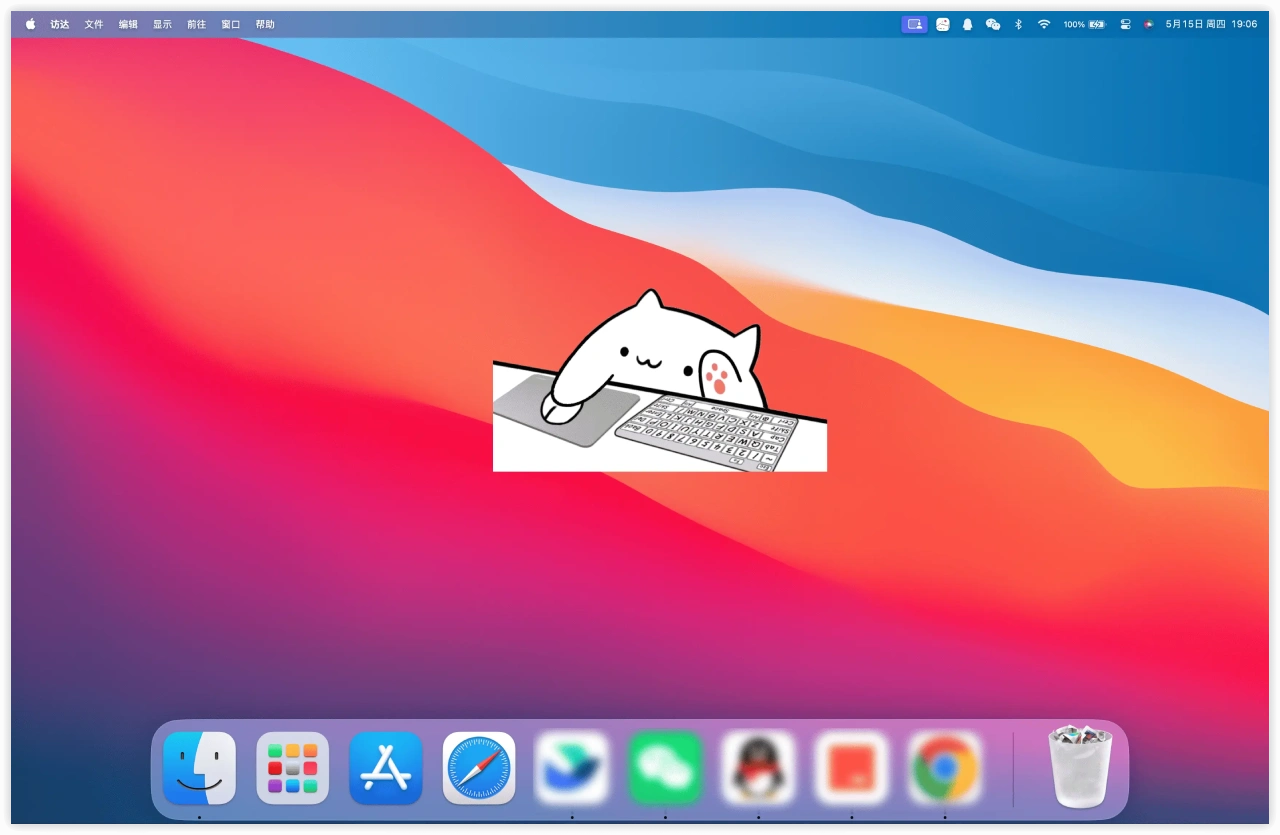
Launch the App: After launching, BongoCat will appear on your desktop, and you can interact with it using your keyboard and mouse.
Model Download
https://github.com/ayangweb/Awesome-BongoCat