
 Script Planner Assistant▸
 AI Apps
 AI News

Autodesk Inventor: 3D CAD Software by Autodesk
Autodesk Inventor: 3D CAD Software by AutodeskIntroduction
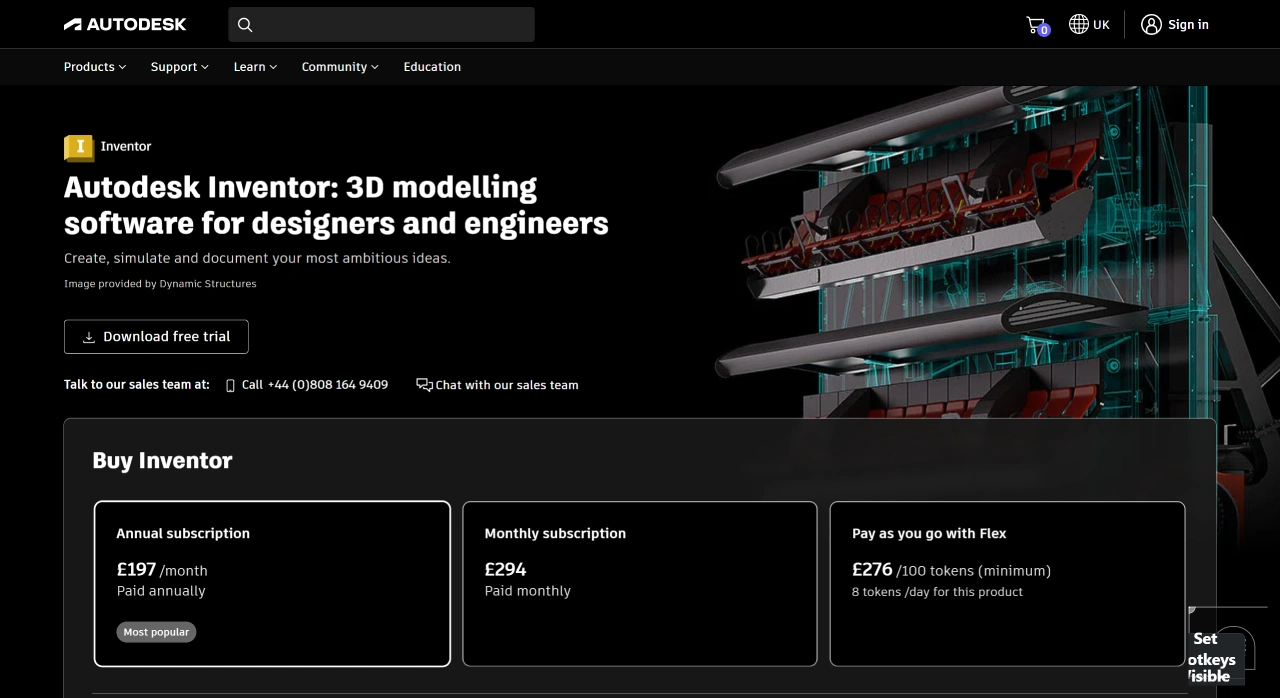
Autodesk Inventor is a 3D CAD software introduced by Autodesk, mainly aimed at designers and engineers. It provides tools for mechanical design, documentation, and simulation, and is primarily used for product design, engineering, and manufacturing.
Main Features of Autodesk Inventor
3D Modeling
Parametric Modeling: Adjust model dimensions and shapes by setting parameters. For example, when designing a mechanical part, you first define basic parameters such as length and width. Any subsequent modifications only require adjusting the parameter values, and the software will automatically update the model, improving design efficiency.
Direct Modeling: In addition to parametric modeling, it also supports directly manipulating geometric shapes (such as extruding, compressing, and moving) without considering complex parametric relationships. It is suitable for rapid conceptual design or making simple modifications to existing models.
Assembly Modeling: Multiple parts can be combined into a complete assembly, and constraint relationships (such as mates, alignments, and insertions) between parts can be set. For example, when designing a mechanical transmission, gears, shafts, and other parts can be assembled together, with constraints ensuring correct positioning and motion relationships. The software also provides dynamic assembly functionality to simulate motion and detect interferences or motion issues in advance.
Engineering Drawing Generation
Automatic Projection: Automatically generate 2D engineering drawings from 3D models. Users can choose orthographic projection, oblique projection, and other methods, and the software will automatically project each view and add dimension annotations and notes. For example, complex mechanical parts can quickly generate front views, top views, etc., facilitating manufacturing.
Custom Annotations and Notes: Users can customize dimensions, tolerances, material annotations, etc. according to industry standards or corporate specifications. Text notes, welding symbols, and more can also be added to meet different design and manufacturing needs.
Simulation and Analysis
Motion Simulation: Analyze the motion characteristics of an assembly. For example, when designing robot joints, simulations can be used to observe parameters such as motion range, velocity, and acceleration, optimizing the design to ensure normal operation.
Finite Element Analysis (FEA): Integrated with tools such as Autodesk Nastran In-CAD, it can perform finite element analysis on parts or assemblies to evaluate stress, strain, deformation, and other properties under different loads. For example, when designing structural components subject to large loads, the analysis can determine whether the strength meets requirements, allowing for timely design adjustments when issues are identified.
Data Management
Integration with Autodesk Vault: Supports collaboration with the data management software Autodesk Vault, making it easy to manage design file versions, approval workflows, and permissions. For example, in team projects, this software ensures that members access the latest version of files while strictly approving and recording modifications, improving data security and management efficiency.
Application Areas of Autodesk Inventor
Mechanical Design: Widely used in the mechanical manufacturing industry for designing automotive parts, machine tools, robots, and other products. For example, in automotive manufacturing, engineers can use it to design engines and body structural components, ensuring manufacturing precision and assembly quality through accurate 3D modeling and engineering drawings.
Industrial Design: Helps designers quickly create product concept models and conduct appearance and structural design. For example, when designing a new electronic product, functional exploration and appearance schemes can be directly modeled, combined with assembly modeling to ensure a reasonable internal structure.
Architecture and Engineering: Although primarily used for mechanical design, it also has applications in the architectural field, such as designing mechanical systems for ventilation, water supply and drainage, etc. Through collaboration with Building Information Modeling (BIM) software, it ensures the integration of mechanical systems with building structures.
Advantages
Ease of Use: The user interface is intuitive with rich toolbars, allowing beginners to master basic operations after simple training. For example, the parametric modeling interface is user-friendly, enabling the creation of complex 3D models through mouse operations and parameter input.
Feature Integration: Integrates 3D modeling, engineering drawing generation, simulation analysis, data management, and more in one solution, reducing the hassle of switching between software. For example, when designing a product, the entire process—from conceptual design to detailed design, simulation verification, and engineering drawing output—can be completed within the same software environment, improving efficiency.
Collaboration: Works well with other Autodesk software (such as AutoCAD, Revit, Fusion 360, etc.). For example, in large-scale engineering projects, mechanical system models designed in Inventor can be imported into Revit building models for comprehensive performance analysis and construction simulation, achieving seamless cross-disciplinary collaboration.















