
 Script Planner Assistant▸
 AI Apps
 AI News

AutoClaw: China's First One-Click Installer for Local OpenClaw
AutoClaw: China's First One-Click Installer for Local OpenClawIntroduction
What is AutoClaw (Aolong)
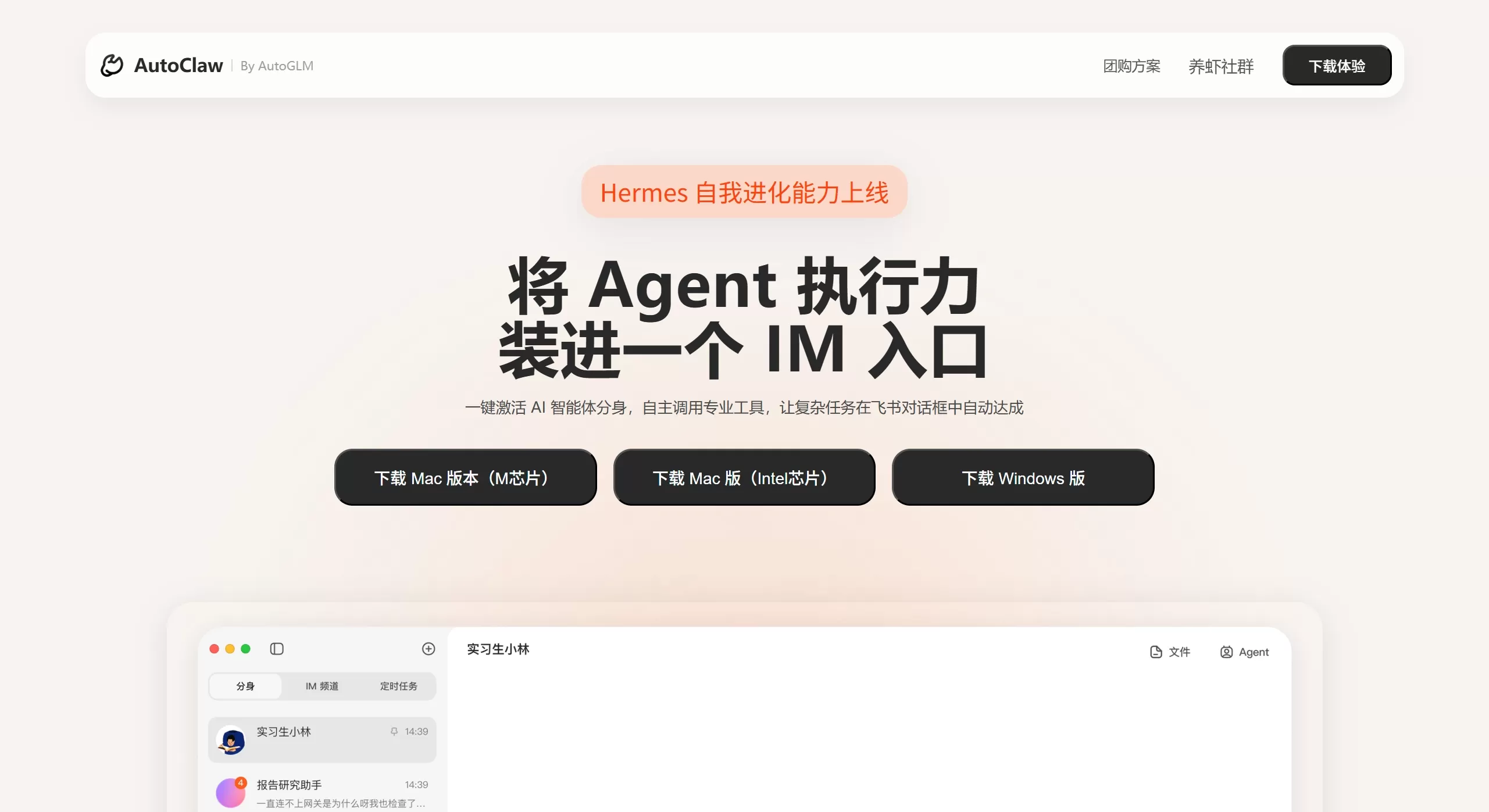
AutoClaw (Aolong) is the first one-click local installation version of OpenClaw in China, launched by Zhipu AI. It simplifies the original AI agent deployment that required fiddling with environment configuration into three steps—"Download–Install–Open"—and comes with over 50 built-in skills and browser automation features. Even non-technical users can easily have an AI assistant running locally 24/7.
AutoClaw (Aolong) Web Entry:https://autoclaw.paluai.com/yjpoo
Features
One-click installation and deployment: No need to configure Node.js or Python environments yourself, and no API Key required. Supports macOS and Windows, with the entire process taking about 1 minute
Over 50 preset Skills: Covers programming, document processing, data analysis, content creation, marketing, financial investment research, and other common office scenarios—ready to use out of the box
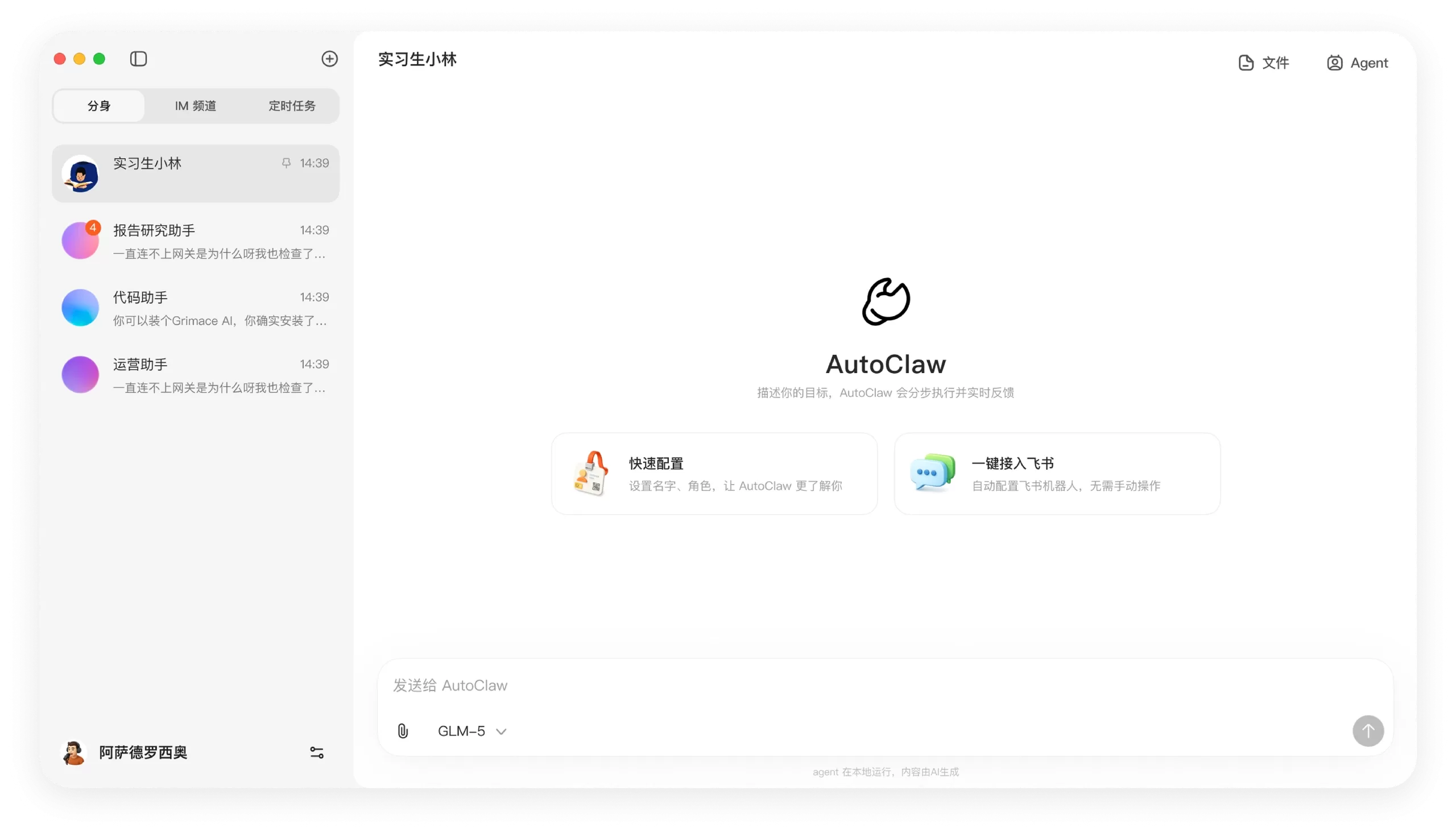
Instant messaging integration: Supports one-click connection to IM tools such as Feishu (Lark). You can assign tasks directly in the chat dialog, making remote control and task status checking very convenient
Open model ecosystem: Can connect to third-party model APIs such as DeepSeek, Kimi, MiniMax, and GLM—switch freely between them
Exclusive optimized model: Built-in Pony-Alpha-2 (internal test codename), a lobster-exclusive model deeply tuned by Zhipu for OpenClaw scenarios, offering more reliable tool calling, stronger task advancement, and faster responses
Browser automation: Integrates Zhipu's self-developed AutoGLM Browser-Use capability, capable of stably completing multi-step, cross-page complex browser operations
Local execution: All tasks run on your own computer, with no need to upload data to the cloud, providing better privacy and security
Use Cases
Office automation: Organize meeting minutes, automatically generate weekly reports, sort files, handle emails
Content creation: Write social media copy, format and post, write articles
Programming and development: Write code, debug, assist with architecture design
Data analysis: Capture data in real time, generate investment research reports, organize charts
Learning and research: Collect literature information, sort study notes, build knowledge graphs
Enterprise collaboration: Team members share agents to handle complex tasks such as work orders and data accounting
Pros and Cons of AutoClaw (Aolong)
Pros:
Significantly lowers the deployment barrier of OpenClaw, allowing zero-basis users to get up to speed quickly
Runs locally, with better data privacy protection
Provides a free quota for zero-cost trial
Compatible with multiple models, allowing flexible selection for different tasks
Deeply integrated with Feishu (Lark), making daily workflows smooth to use
Cons:
Some users report that configuration is still somewhat complex, and there is room for improvement in stability
Advanced features require purchasing a paid credit package
As a new product, the ecosystem and skill library are still being improved
How to Use AutoClaw (Aolong)
Download and install: Go to the AutoClaw official website to download the installer, double-click to run, and installation takes about 1 minute
Login and configuration: On first launch, it will automatically guide you through Feishu (Lark) authorization and basic setup
Start using: Send natural language commands directly in the Feishu (Lark) chat dialog, or open the main interface to use the preset Skills
Switch models: Change different AI models in settings according to task requirements
FAQ
Is AutoClaw free? There is a free quota, after which it is paid on a credit basis—no fixed monthly subscription
Which systems are supported? macOS and Windows
How is data security guaranteed? All tasks run locally, and data never leaves your device
What is the difference between AutoClaw (Aolong) and the original OpenClaw? AutoClaw solves the troublesome installation and deployment problems of the original version, retains all core capabilities, and includes optimizations for Chinese users
Review
AutoClaw (Aolong) represents an important step for AI Agents moving from the geek circle to ordinary users. By using "one-click installation" to lower the technical barrier, it turns AI agents into productivity tools truly accessible to the masses. Local deployment not only protects privacy but also reduces reliance on cloud services. Zhipu's entry into the "lobster farming" battle with this product not only promotes the popularization of the OpenClaw ecosystem but also reflects their strategic布局 in the AI Agent field.















