
 Script Planner Assistant▸
 AI Apps
 AI News

APOB AI: AI Influencer Generator
APOB AI: AI Influencer GeneratorIntroduction
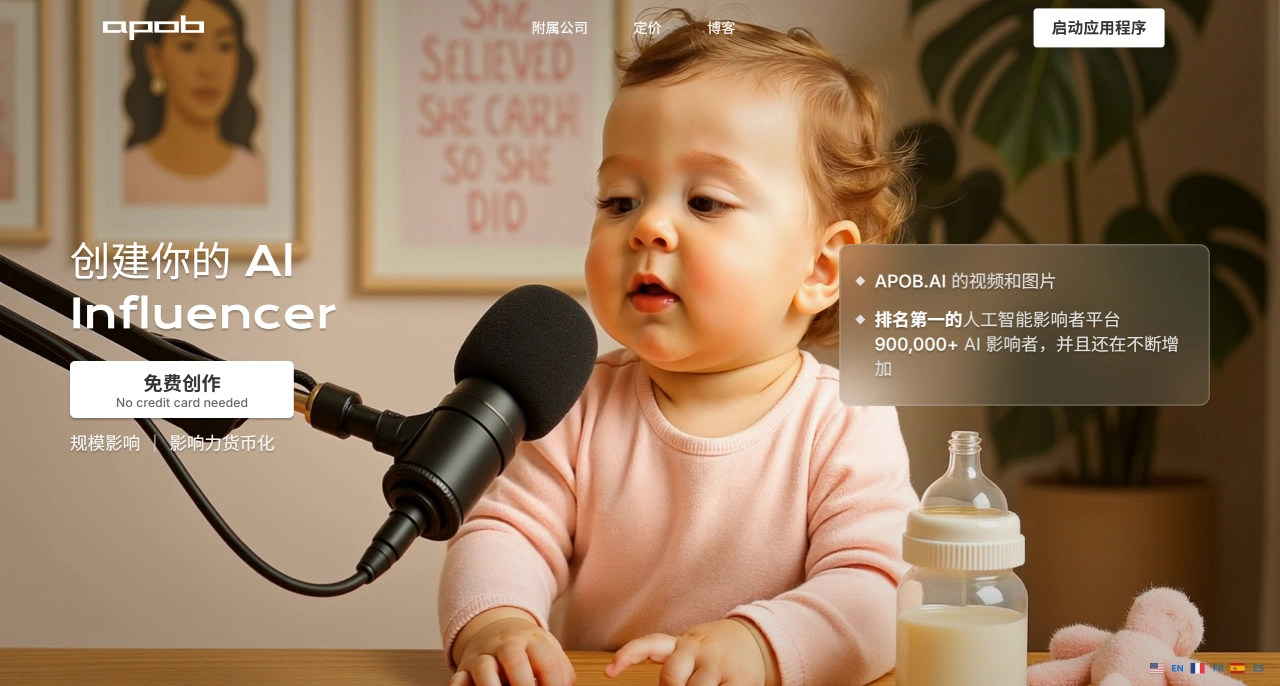
APOB.ai is currently the largest AI influencer generation platform, having created over 900,000 AI influencers and been recommended by thousands of influencers. It mainly helps users create personalized AI influencers for free, expanding influence and making money. It also supports generating various AI images and videos, suitable for creators who don't want to show their face, marketers, and creative enthusiasts.
Main Features of APOB AI
AI Virtual Avatar Generation
Two creation methods are available:
Upload a reference image: Upload a clear, front-facing photo, and the AI can capture over 100 facial feature points to create an avatar that looks like you and even mimics your expressions.
Text customization: Choose attributes such as gender, age, nationality, eye color, and hairstyle yourself to create a brand-new AI character from scratch, such as a "gaming enthusiast streamer" or a "professional and knowledgeable teacher."
There are various styles, including realistic, cartoon, artistic, and anime. You can create AI boyfriends/girlfriends (for companionship), AI selfies (such as Christmas-themed avatars), and AI formal headshots (for resumes or work, no need to take photos specially).
AI Image Generation
Different modes are designed for different skill levels:
Beginner-friendly: The "Complete set" template library allows you to directly select preset styles like "LinkedIn avatar" or "celebrity-inspired look" without writing prompts.
Advanced customization: "Build Your Own Mode" lets you set the environment (such as "in front of the Eiffel Tower"), weather (such as "sunny"), and appearance details to create scene-based images suitable for fashion promotion and seasonal marketing.
Expert control: "Expert Mode" allows you to write positive and negative prompts yourself (such as "don't blur the background" or "highlight natural light and shadow"), and even pixel-level details can be adjusted, suitable for creating commercial advertisement-grade images.
There are also two practical tools:
Face swap: Replace the face of a person in an existing image with another, which can be used to create funny memes or brand display images.
Image editing: Remove backgrounds, change clothes, adjust expressions, with results comparable to professional editing software.
AI Video Generation and Voice Enhancement
A complete set of video creation tools is available:
Basic generation: When you don't have image assets, use "text-to-video" (input prompts to generate dynamic videos); when you have static images, use "image-to-video" (upload an image and add action commands like "dancing" or "smiling" to instantly turn it into dynamic content).
More realistic: Create talking virtual avatars (input text and select an accent to generate natural speech, suitable for ad voiceover or tutorial explanations); there's also a lip-sync feature (makes the AI's mouth movements perfectly match the sound, solving the problem of audio and video being out of sync).
Creative features: You can swap the face of a person in a video (such as replacing an existing person with an AI character for brand demos or digital stand-ins); you can also adjust camera angles and change the AI character's clothes to make the video more vivid.
The key point is that the generated videos can be posted directly to platforms like YouTube and TikTok, and the AI character's appearance (such as face and style) remains consistent, making it easy to build a fixed IP over the long term.
How to Use APOB AI?
Register and create an AI model: First, register for a free APOB.AI membership (get 80 credits daily), customize your AI model through "AI Influencer Generator" (choose the gender, style, etc., that your target audience likes), or upload a reference image to generate an avatar close to your expectations.
Set up your account: Give your AI model a memorable name (such as "Alex AI Vlogger"), register a YouTube account, use the platform-generated AI avatar and cover images to complete your account profile, and determine your account's direction (such as education, gaming, or product reviews).
Create content: Use the platform's features to generate content—beginners can use the "Complete set" templates to quickly create video cover images; use "text-to-video" and "image-to-video" to generate videos (add the "talking virtual avatar" feature for AI voiceover). The content should align with your account's direction and provide value (for example, tutorial videos should clearly explain the knowledge points).
Grow your audience: Post videos regularly (such as 2-3 videos per week), interact with viewers in video descriptions and comment sections, and encourage them to like and subscribe; you can refer to examples from other users on the platform to make your content more likely to go viral (such as incorporating trending topics).
Start making money: Once your account meets YouTube's basic monetization requirements (or through private fan communities), there are 4 ways to make money: sell AI-generated digital products like tutorial guides; place affiliate links to promote related products; take on brand collaborations to create AI influencer promotional videos; receive fan sponsorship, such as through Patreon.
What Can APOB AI Be Used For?
Personal: Run faceless self-media accounts (grow followers and make money on YouTube/Instagram), create personalized selfies/avatars, and develop AI companion characters.
Business: Have brands use AI ambassadors to promote products, batch-produce e-commerce ads, and earn commissions through affiliate marketing (get 30% commission for referring paying users).
Industry: Use AI instructors for teaching in education, design characters for games, and have enterprises use AI avatars for presentations.
Frequently Asked Questions
Question: The AI avatars generated by APOB AI aren't realistic enough?
Solution: When uploading a reference image, choose a "high-resolution, front-facing, unobstructed" photo; add terms like "natural skin texture" and "realistic light and shadow" in the prompts during generation; or use "Expert Mode" to adjust the details yourself.
Question: Not enough free credits?
Solution: Upgrade to a paid plan, which is affordable and often discounted, or join the platform's affiliate program to earn commissions for referring new users and get extra credits.
Question: Worried about copyright issues?
Solution: Only use your own copyrighted images as references; carefully review the platform's licensing agreement before commercial use, contact customer support if you're unsure, and don't use copyright-protected items (such as well-known IP characters or unauthorized brand logos).














