Script Planner Assistant▸
 AI Apps
 AI News

ImageAssistant (图片助手)
ImageAssistant (图片助手)Introduction
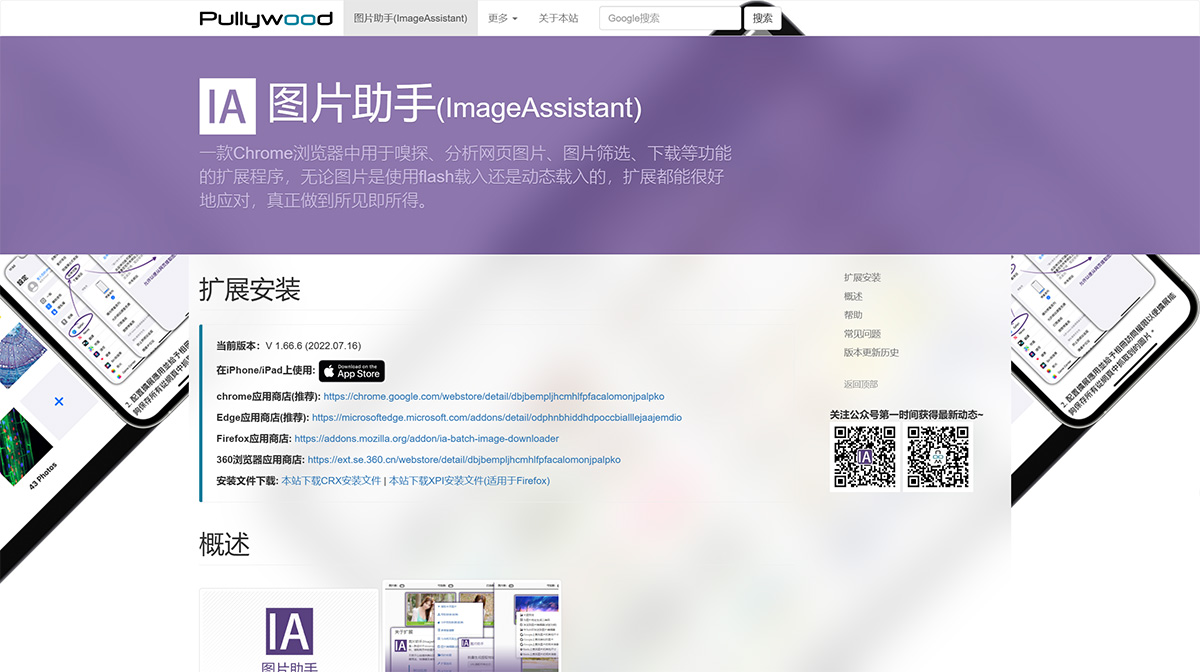
Image Assistant (ImageAssistant) is a Chrome browser extension used for sniffing, analyzing, filtering, and downloading webpage images. Whether the images are loaded via Flash or dynamically, the extension handles them well, truly achieving WYSIWYG (What You See Is What You Get).
ImageAssistant current version: V 1.66.6 (2022.07.16). It is a Chrome extension that includes webpage image extraction, filtering, and downloading capabilities. ImageAssistant is a browser extension software that runs on Chromium (developed in the Chrome environment) and its derivative browsers (such as: 360 Safe Browser, 360 Speed Browser, Cheetah Browser, Baidu Browser, UC Browser, etc.), providing functions to analyze and extract images from webpages and assist users in selecting and downloading them through multiple filtering methods.
ImageAssistant Features:
Powerful image extraction capability. This extension combines multiple data extraction methods to ensure comprehensive extraction of images that have appeared on various complex-structured pages.
Supports multiple extraction modes: basic mode "Extract Images on This Page" (default shortcut: Alt + Shift + Y), enhanced modes "&Prefetch Links" and "&Analyze Prefetched Data".
Provides image filtering functionality. The extracted images are presented to users on a filter page for subsequent operations.
Chrome Web Store (Recommended): https://chrome.google.com/webstore/detail/dbjbempljhcmhlfpfacalomonjpalpko
Edge Add-ons Store (Recommended): https://microsoftedge.microsoft.com/addons/detail/odphnbhiddhdpoccbialllejaajemdio
Firefox Add-ons Store: https://addons.mozilla.org/addon/ia-batch-image-downloader
360 Browser Extension Store: https://ext.se.360.cn/webstore/detail/dbjbempljhcmhlfpfacalomonjpalpko
Developer: Shuichongzi (Joey)