
 Script Planner Assistant▸
 AI Apps
 AI News

Stable Doodle: Sketch-to-Image Tool
Stable Doodle: Sketch-to-Image ToolIntroduction
Stable Doodle is a sketch-to-image tool that can transform simple drawings into dynamic images, offering a range of professionals and enthusiasts limitless imaging possibilities. Turning drawings into reality has never been easier.
Stable Doodle generates highly accurate outputs directly through text prompts + sketches. For example, draw an outline of an apple, then enter "This is an apple" in the text box, choose a 3D style, click generate, and you can get a matching 3D image. If you are not satisfied, click generate again until you are happy with the result.
Stable Doodle differs from existing sketch-to-image AI tools on the market in that it allows users to exercise more "precise" control over the image generation process.
Stability AI envisions Stable Doodle as a tool for designers, illustrators, and other professionals, helping them save time and maximize work efficiency.
Stable Doodle URL: https://clipdrop.co/stable-doodle
Stable Doodle is very easy to use. Currently, users can experience it for free without registering, but there is a daily limit on the number of images that can be generated. The usage process is as follows.
1. Log in to https://clipdrop.co/stable-doodle
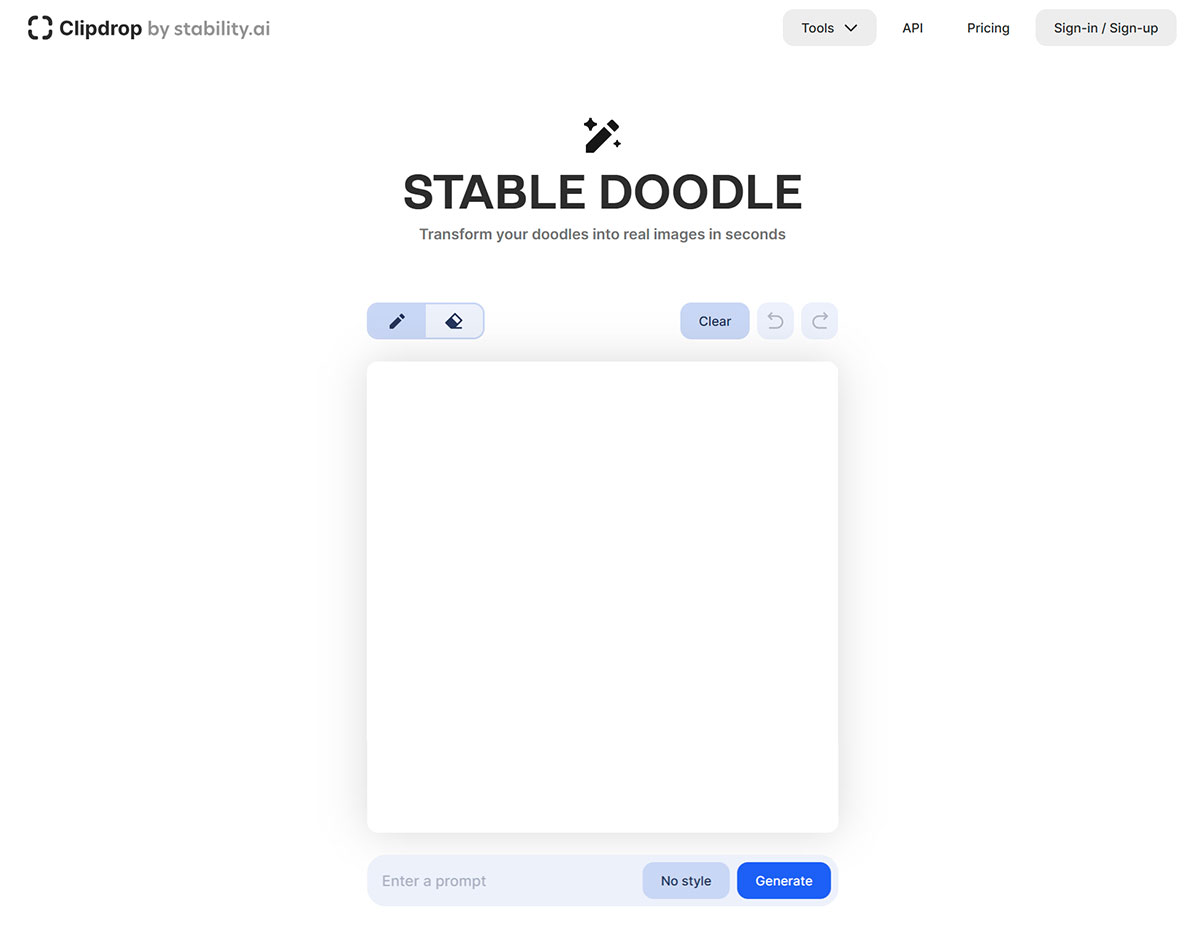
2. Draw a sketch, choose a style, then enter a description of the sketch to make the generated image more accurate.
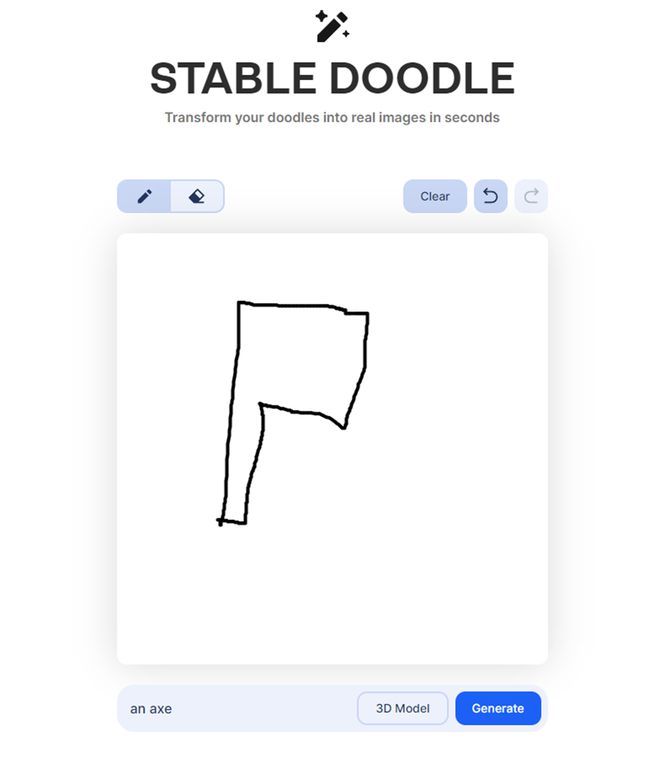
3. After obtaining the image, you can click on an individual image to download it. If you are not satisfied with the generated image, just click generate again.















