
 Script Planner Assistant▸
 AI Apps
 AI News

PixFix: Repair Images with Damaged Quality
PixFix: Repair Images with Damaged QualityIntroduction
PixFix is a free online image tool that uses algorithmic processing to repair noise in images damaged by excessive compression. It is ideal for photos whose quality has degraded due to over-compression. In addition to being completely free and ad-free, all processing is performed in the browser via JavaScript—your images are never uploaded to a remote server, which better protects the security and privacy of your images.
PixFix uses algorithms to clean up noise and compression-related damage in images. After uploading an image, you can adjust the repair strength and preview the results in real time, then download the image once you are satisfied.
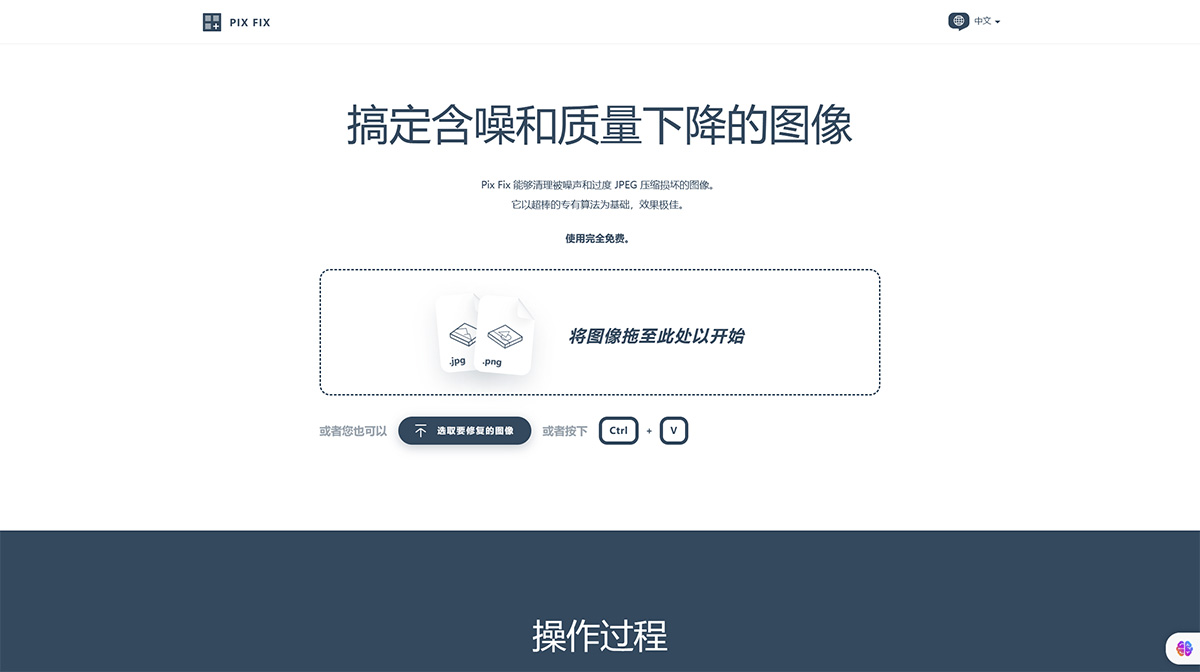
PixFix Core Features
Free to use: Pix Fix is a completely free online tool with no ads.
Image security: All image processing is performed in the user's browser via JavaScript, and image data is never uploaded to a server.
Two modes:
Graphics mode: Ideal for scanned files of rasterized vector artwork, drawings, or printed images. This mode removes JPEG blocking artifacts, scanning artifacts, and other distortions while preserving edges, gradients, and most narrow features.
Photo mode: Ideal for photos whose quality has degraded due to excessive JPEG compression. This mode uses an extended anisotropic diffusion algorithm to smooth out JPEG blocking noise.
Smoothness level: Users can adjust the smoothness level (1 to 10) via a slider—1 means almost no change to the image, 10 means maximum smoothing, with a default value of 5.
PixFix Usage Workflow
Upload image: Users can upload one or multiple images and submit them to Pix Fix for processing.
Image processing: Each image is carefully reconstructed, with the algorithm automatically balancing denoising strength and detail preservation to optimize image quality.
Preview and download: A full result preview is provided, and users can selectively download the processed images—all operations are free.
PixFix Use Cases
Restoring old photos: If you have old photos whose quality has degraded due to over-compression or scanning, Pix Fix's photo mode can help restore image quality.
Optimizing images: For images used on web pages, Pix Fix can help remove noise and improve image quality while keeping file sizes reasonable.
Artwork restoration: For rasterized vector artwork or drawings, graphics mode can remove noise while preserving artistic details.
Related Information:















