
 Script Planner Assistant▸
 AI Apps
 AI News

Voicemaker_云技派,专注ai人工智能!
Voicemaker_云技派,专注ai人工智能!Introduction
Voicemaker, a powerful text-to-speech converter. If you are looking for a way to convert text into natural-sounding speech, you may want to check out Voicemaker, a web-based service that offers a variety of voices and languages to choose from. Voicemaker is more than just a simple text-to-speech converter. It uses advanced neural network technology to produce high-quality voiceovers that sound human-like and expressive. You can use Voicemaker for a variety of purposes, such as creating podcasts, audiobooks, videos, presentations, e-learning materials, and more.
How does Voicemaker work?
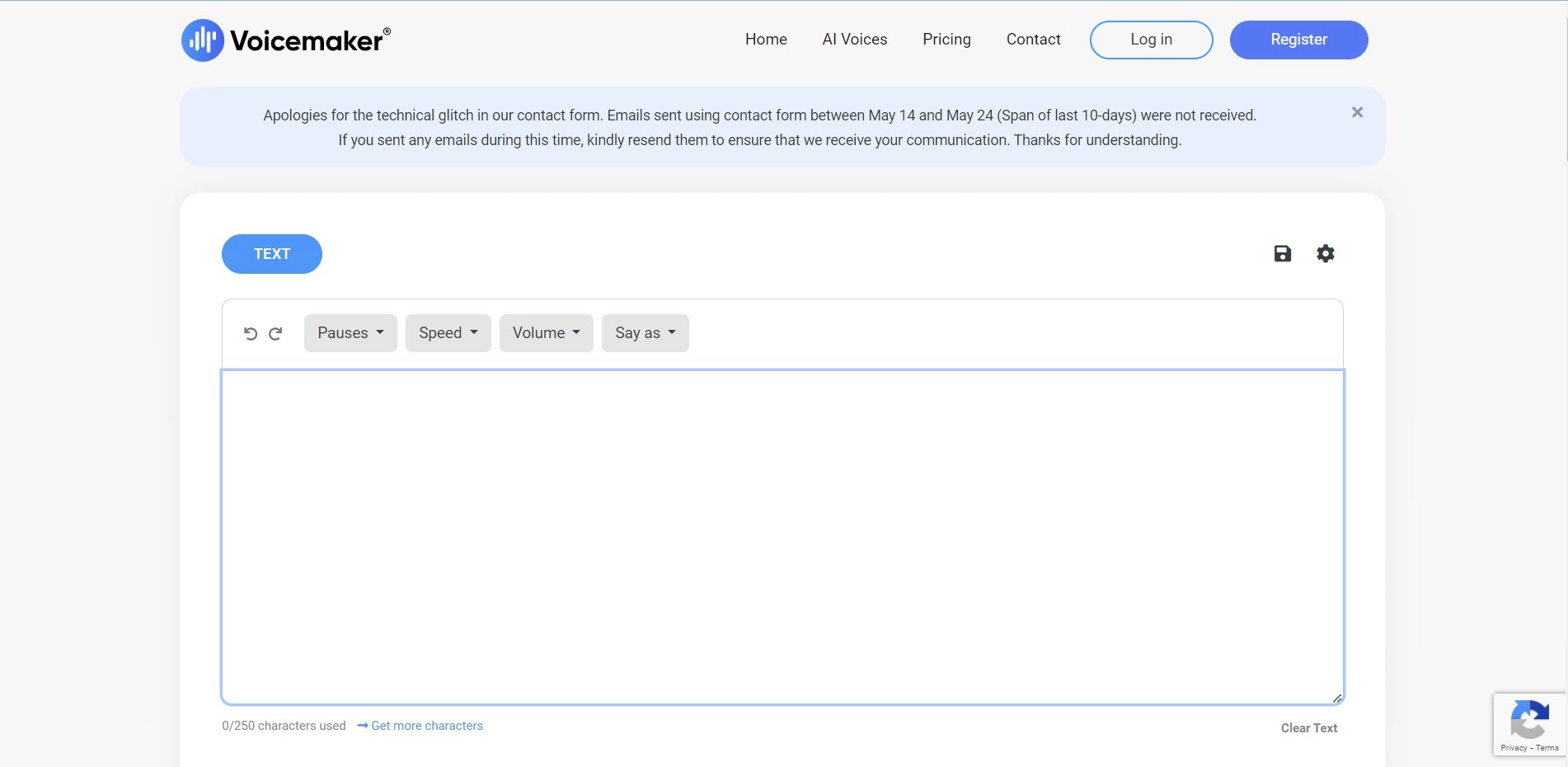
Voicemaker is easy to use and requires no installation or registration. You can access it from any device with an internet connection and a browser. To use Voicemaker, you just need to follow these steps:
1. Enter or paste the text you want to convert to speech in the text box on the main page. You can also use punctuation marks to add pauses and intonation to the speech.
2. Choose the AI engine, language, and voice that suit your needs. Voicemaker offers two types of AI engines: Standard TTS and Neural TTS. Standard TTS is faster and cheaper, but Neural TTS
Voicemaker Advantages:
Voicemaker.in is a free online text-to-speech service that can generate realistic and natural-sounding voices in various languages and accents.
Voicemaker.in allows users to customize voice parameters such as pitch, speed, emotion, and pronunciation to suit their needs and preferences.
Voicemaker.in supports multiple input formats such as plain text, SSML, and HTML, and also offers the option to convert text from web pages or documents using a URL or file upload.
Voicemaker.in provides a simple and user-friendly interface that can be easily used and navigated without any technical skills or knowledge.
Voicemaker.in offers a download option that enables users to save the generated audio files in MP3 or WAV format for offline use or sharing.














