
 Script Planner Assistant▸
 AI Apps
 AI News

Designify_云技派,专注ai人工智能!
Designify_云技派,专注ai人工智能!Introduction
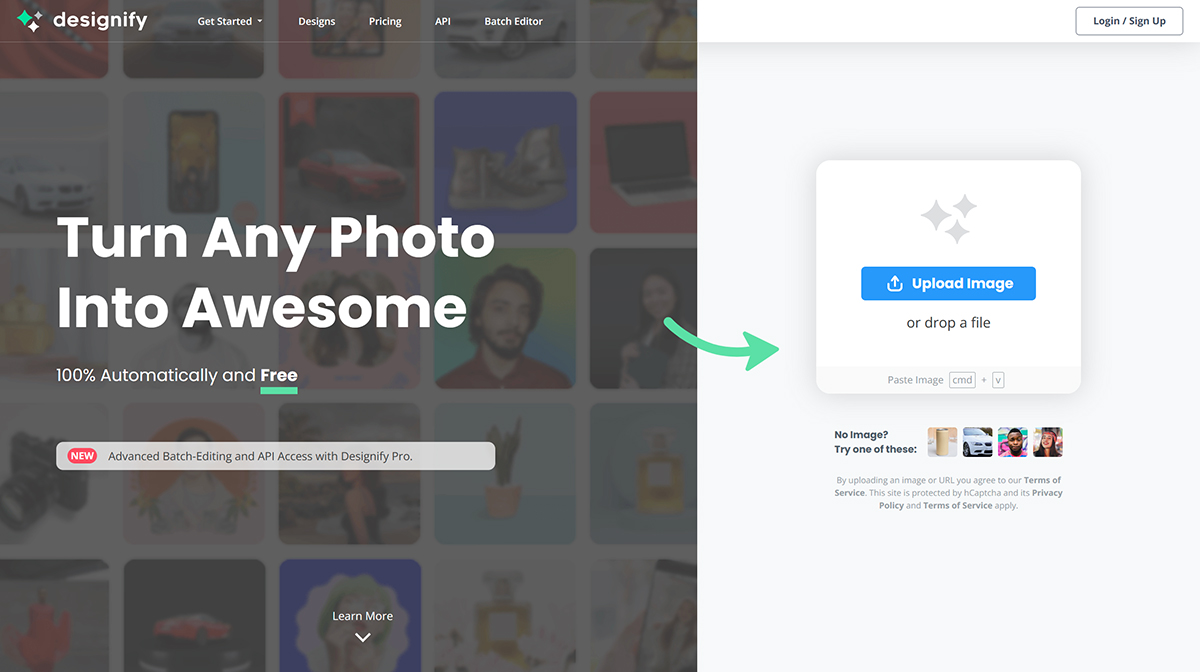
A free automated online background removal tool—just upload an image with no settings to configure. The website will identify the main subject of the photo and let you apply other background colors or effects. Besides background removal, it can also recognize the content of your photos and provide the most suitable composite design.
Core Features of Designify:
AI-powered design
Image background removal
Color enhancement
Smart shadow adjustment
Batch editing
API integration
Applications of Designify:
E-commerce: Create professional product photos without a studio
Car dealerships: Showcase professional car photos to boost sales
Marketing: Launch engaging campaigns with unique visual effects
How to Use Designify?
To use Designify, simply upload or paste an image, and the tool will automatically create stunning designs by removing the background, enhancing colors, and adjusting shadows. Users can save, download, or share their designs.
With Designify Pro, you can process up to 1,000 images per month. If you need more, you can set your own limit at a price of $39 per 1,000 images.
You can also integrate the Designify API into your website, application, or workflow to automate design editing. The API documentation is available on its website.














