
 Script Planner Assistant▸
 AI Apps
 AI News

Photoroom_云技派,专注ai人工智能!
Photoroom_云技派,专注ai人工智能!Introduction
A free AI background cutout tool that performs even better than remove.bg.
Photoroom Features:
1. Select an image
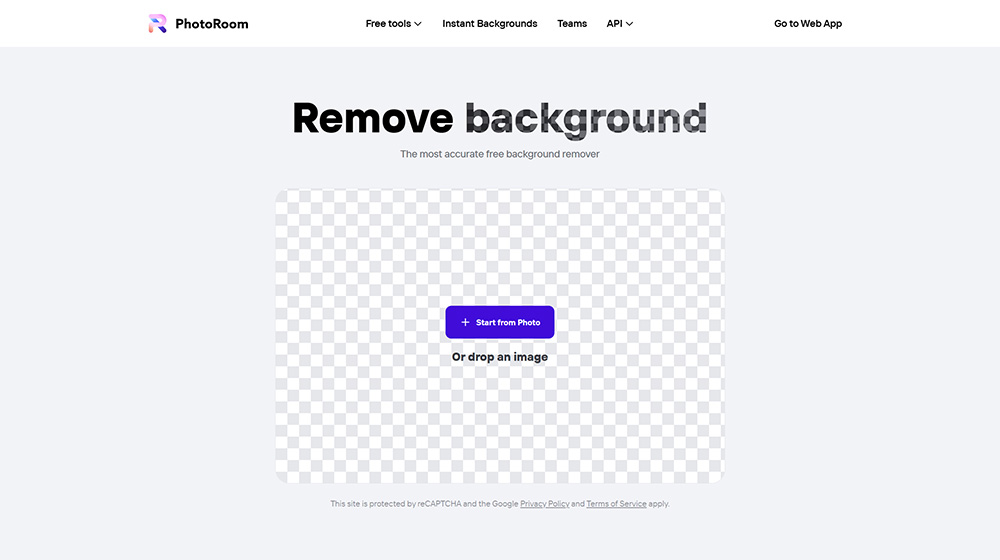
First, select the image you want to remove the background from by clicking "Start from Photo".
Your image can be in PNG or JPG format. We support all image sizes.
2. Let the magic remove the background
Our tool will automatically remove the background from your image. Next, you can choose a background color.
Our most popular choices are white and transparent backgrounds, but you can choose any color you like.
3. Download your image
After choosing your new background color, download your photo and you're done!
You can also save your images in the PhotoRoom app by creating an account
PhotoRoom is designed for anyone who needs to quickly and accurately create professional-looking photos, whether you're a reseller, content creator, small business owner, or just a photo enthusiast. You can use PhotoRoom to create product images, portraits, logos, flyers, banners, and more.
Here are some features that make PhotoRoom stand out from other photo editing software:
Background Remover: PhotoRoom can instantly remove any background from your images and replace it with a solid color or an image of your choice. You can also blur the background or add gradient effects to make the foreground pop. Object Remover: PhotoRoom can also remove unwanted objects and blemishes from your photos with a swipe of your finger.
You can erase anything from logos, stickers, watermarks, shadows, wrinkles, blemishes, and more.
Batch Editor: PhotoRoom can help you save time by editing hundreds of photos in just seconds. You can apply the same background removal and customization to all images at once. This is especially useful for resellers who need to upload listings to platforms like Amazon, eBay, or Depop.
HD Quality: PhotoRoom preserves the original quality of your photos and exports them in high resolution. You can also resize and reformat your images as needed.
Smart Resize: PhotoRoom can automatically resize images to fit different social media platforms, such as Instagram, Facebook, Twitter, Pinterest, and more. You can also manually crop and rotate images if you prefer.
Photoroom Use Cases:
Product Photography: Showcase professional-looking images of your products
Portrait Photography: Create stunning portrait images for social media or personal use
Apparel and Accessories Industry: Capture and promote clothing with high-quality photos
Beauty Industry: Enhance beauty product images for marketing and advertising
Furniture Industry: Present furniture products with clean and attractive images
Jewelry Industry: Highlight jewelry with compelling visuals
Film and Entertainment Industry: Create promotional images for movies and artists
How to Use Photoroom?
To use PhotoRoom, simply download the app on your phone. Open the app, select an image from your album or take a new photo. Use the "Remove Background" tool to automatically remove the image's background. You can also use tools like "Instant Background" to generate realistic backgrounds, the "Retouch" tool to swipe away unwanted parts of your image, the "Blur Background" tool to automatically blur the background, and the "Add Text to Photo" tool to add text. Once you're done editing, you can save and share your final image.
PhotoRoom is free to use for up to three photos per day. If you want to unlock unlimited photos and access more features, such as HD quality, smart resize, batch editor, and additional backgrounds and effects, you can subscribe to PhotoRoom Pro on a monthly or annual basis.















