
 Script Planner Assistant▸
 AI Apps
 AI News

Beautiful.ai_云技派,专注ai人工智能!
Beautiful.ai_云技派,专注ai人工智能!Introduction
Online ai intelligent slide ppt generation tool, with a wide variety of layouts.
Presentations help convey the ideas in your mind to others with the help of data and visuals. For most people, creating a presentation is simply not an easy task. Creating slides requires a lot of time and can be very tedious.
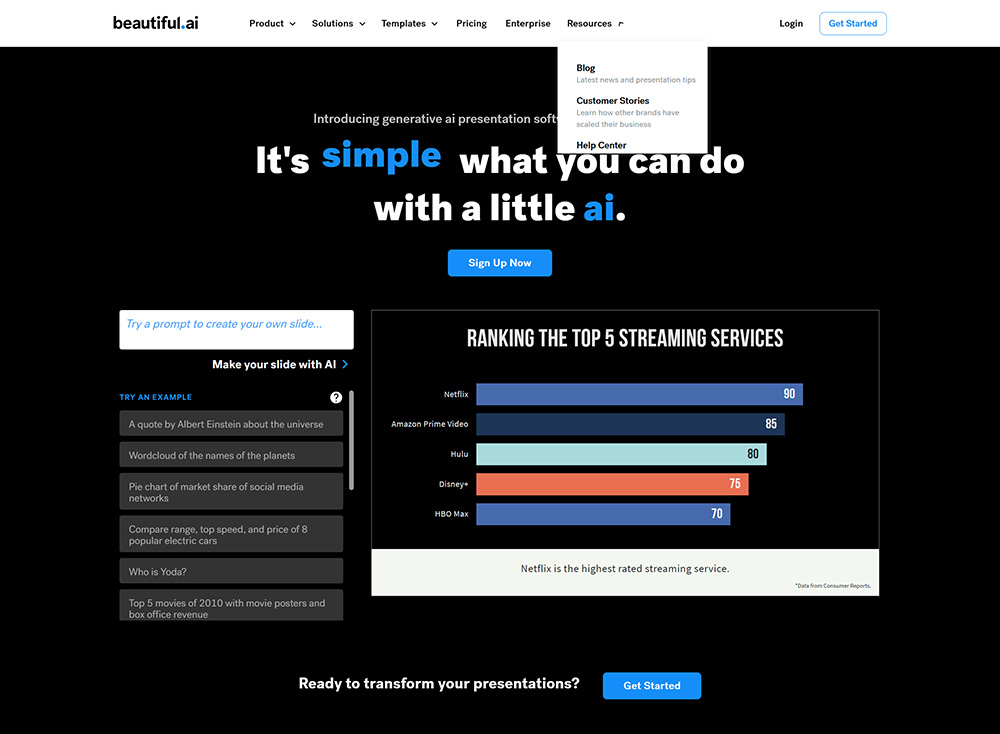
Beautiful.ai can help users create attractive, easy-to-make presentations with minimal effort. There's no need to draw arrows and design — it enriches your content. Beautiful.ai can dramatically reduce the time required to create slides with high-quality content. Create the presentation you need with just a few clicks.
AI-assisted Beautiful.ai is powered by AI, making many complex processes simple and easy. Users only need to enter the basic skeleton and content of the presentation. Beautiful.ai takes care of the rest and creates slides by understanding the user's requirements. If any details are missing, users can easily customize the slides to meet the standards — Beautiful.ai offers many themes and templates for users to choose from for their slides.
It is a powerful and effective tool used by some of the world's largest enterprises to create presentations. Making it attractive People are only interested in slides that are visually appealing and full of informative content. By using Beautiful.ai, users can abandon the traditional platforms for creating presentations.
It can help users produce dynamic slides with vivid visual effects and graphics. Slides with visual effects have a greater impact on the audience, allowing them to retain more information.
Beautiful.ai helps users create presentations with aesthetic appeal. Explore the gallery Beautiful.ai has a beautiful image gallery that users can place in their presentations. These photos are free to use without worrying about copyright issues. It offers a wide range of icons to choose from.
How to use Beautiful.ai?
1. Register an account on Beautiful.ai
2. Choose a template from over 60 customizable smart slides or pre-designed presentation templates
3. Add content to the slides and watch Beautiful.ai automatically adjust the design in real time
4. Collaborate with team members using integrations such as Slack, Dropbox, PowerPoint, and monday.com
5. Create presentations for various purposes, such as marketing reports, sales proposals, roadshows, etc.
6. Leverage Beautiful.ai's team plan to manage brand consistency and boost productivity across the organization
Related Information:
How to use Beautiful.ai: How to use Beautiful.ai to generate PPT presentation templates















