
 Script Planner Assistant▸
 AI Apps
 AI News

InkOS: An Open-Source AI Agent System for Story Creation
InkOS: An Open-Source AI Agent System for Story CreationIntroduction
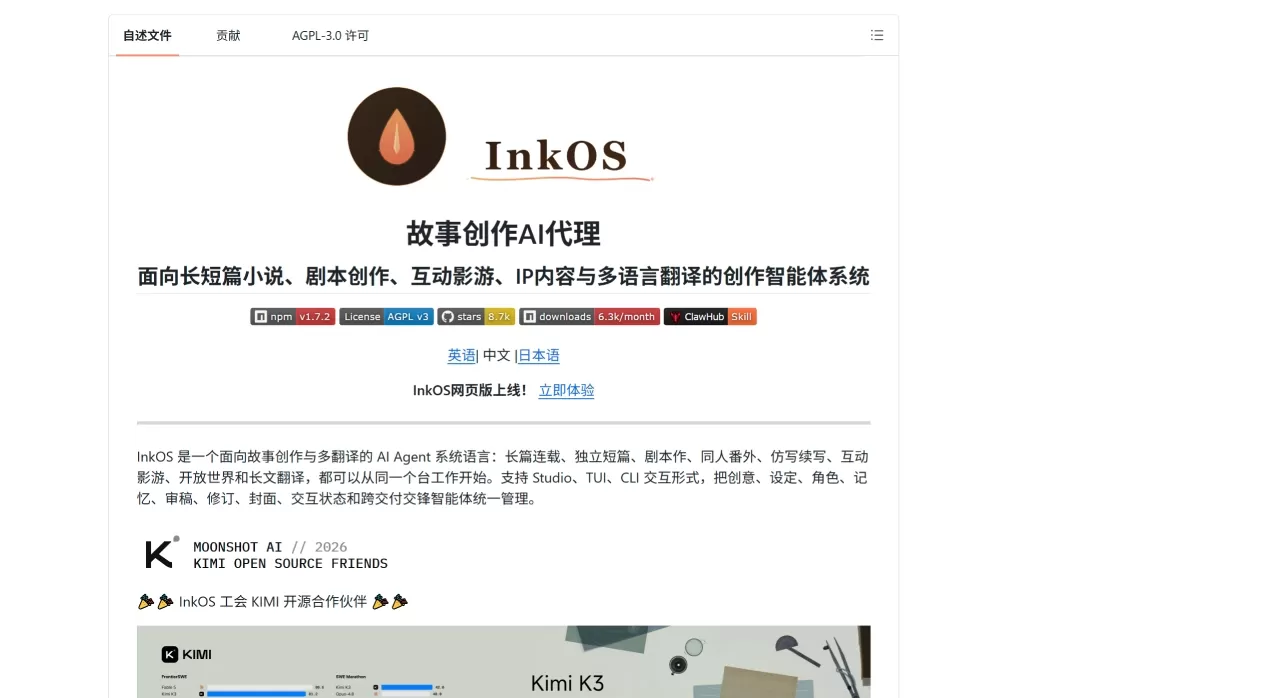
InkOS is a story creation tool open-sourced by Narcooo on GitHub. It is primarily used for writing novels—both long-form and short-form—and also supports scripts, interactive cinematic games, fanfiction continuations, and multilingual translation. It offers three usage modes: the Studio web interface, TUI terminal, and command line, and was selected for the first batch of Kimi open-source partners. All data is stored in local project directories, with no outbound telemetry, and the API only calls the large model service providers you configure.
Core Features of InkOS
Long-form novels: This is InkOS's flagship capability. After creating a book, the system first generates world-building, character settings, volume outlines, and chapter intentions, then advances each chapter through the flow of "Planning → Composition → Writing → Audit → Revision → Status Sync." The entire process is coordinated by 10 Agents: Radar scans market trends, Planner defines chapter intentions, Composer organizes context and rules, Writer generates the main text, Observer extracts facts, Auditor performs a 37-dimensional continuity check, and Reviser fixes issues.
Short stories: Input a topic or inspiration and one-click produce a complete main text, outline, review records, selling points, and cover prompt. With a cover service configured, it can also directly generate cover images.
Interactive cinematic games: Define world rules, time progression methods, character agents, and item/evidence rules in natural language, and the system maintains world state. It supports free actions, click-to-choose, and auto-illustration, making it suitable for interactive dramas, multi-ending scripts, and text games.
Plot simulation: Before writing the next chapter, generate 2-5 isolated future branches based on the current canon, comparing chapter beats, character decisions, and potential risks side by side. Simulation results are only stored as candidate plans and do not modify the main text.
Translation: Supports chapter-by-chapter translation of EPUB, text-based PDF, TXT, and Markdown, maintains a glossary, generates a side-by-side proofreading report, and exports to TXT, Markdown, or EPUB. Available in Studio, Chat, and CLI.
De-AI flavor: Automatically identifies "LLM flavor" expressions such as high-frequency words, monotonous sentence patterns, and excessive summarization. The writer agent's prompt embeds a banned-word list and writing-style fingerprints, reducing traces at the source. The
revise --mode anti-detectcommand can also perform dedicated rewriting on existing chapters.Writing-style imitation:
inkos style analyzeanalyzes reference texts, extracts sentence-length distribution, word-frequency features, and rhythm patterns, then injects them into a specified book so subsequent chapters automatically adopt that style.Fan creation: Supports four modes—canon (canonical continuation), au (alternate universe), ooc (out-of-character), cp (CP-focused)—with built-in canon importer and fanfiction audit dimensions to prevent setting contradictions.
Multi-model routing: Different Agents can use different models. For example, Writer uses Claude, Auditor uses GPT-4o, Radar uses a local model, configured at agent granularity via
inkos config set-model.Daemon:
inkos upstarts a background loop to automatically write chapters, advancing through non-critical issues and pausing with notifications when human judgment is required. Supports Telegram, Feishu, WeCom, and Webhook.
InkOS Use Cases
Online novel serialization: Automatic advancement of million-word long-form novels, with the system continuously tracking characters, foreshadowing, and item continuity, preventing setting collapse in the mid-to-late stages.
Short story creators: One-click generation of a complete short story package, including cover art, suitable for self-media, submissions, or practice writing.
Script / interactive cinematic game writers: Branching plots, variable flags, multi-ending scripts, with node images and interactive item exports.
Translators: Chapter-by-chapter translation of entire EPUB or PDF files, maintaining glossaries and proofreading reports.
Fanfiction writers: Quickly build fanfiction books based on original materials, with four modes covering common creative needs.
Writing style experimentation: Analyze the writing style of authors you like, and let subsequent creations approach that style.
Open-world / NPC narration: Create text games, interactive novels, or tabletop RPG auxiliary tools.
Pros and Cons of InkOS
The Good
Open-source and free, auditable code, no telemetry
The 10-Agent pipeline covers the full chain from planning to revision, with a high degree of professionalism
Three interaction modes (Studio/TUI/CLI), suitable for both visual operations and script automation
Strong de-AI flavor capability, with a dedicated anti-detection rewriting mode
Supports multi-model routing, allowing selection of the optimal model per task
Data is fully local; API calls only go to user-configured service providers
Supports multilingual creation and translation in Chinese, English, and Japanese
Plot simulation and open-world features are unique among similar tools
The Not-So-Good
Requires Node.js environment and npm installation, not friendly enough for non-technical users
Requires users to provide their own large model API Key, incurring additional costs
Steeper learning curve with many concepts (planning, composition, audit, reflector, etc.)
Studio is a local service (localhost:4567), not a cloud SaaS
AGPL-3.0 license has restrictions on commercial use
Relatively niche community; problem resolution mainly relies on GitHub issues
InkOS Usage Tutorial
Installation
npm i -g @actalk/inkos
Model Configuration
Method 1: Graphical configuration in Studio (recommended for beginners).
Method 2: Global configuration via command line:
inkos config set-global \
  --provider custom \
  --base-url https://api.moonshot.cn/v1 \
  --api-key sk-... \
  --model kimi-k2.5
Initialize Project
inkos init my-novel
cd my-novel
Create Book and Write
inkos book create --title "吞天魔帝" --genre xuanhuan
inkos write next 吞天魔帝          # Write the next chapter (full pipeline)
inkos write next 吞天魔帝 --count 5 # Write 5 chapters in a row
inkos status                       # Check status
inkos export 吞天魔帝 --format epub # Export as EPUB
Natural Language Agent Mode
inkos agent "帮我写一本都市修仙,主角是个程序员"
inkos agent "写下一章,重点写师徒矛盾"
Atomic Commands (suitable for scripts and external Agent calls)
inkos plan chapter 吞天魔帝 --context "本章重点写师徒矛盾"
inkos compose chapter 吞天魔帝
inkos draft 吞天魔帝
inkos audit 吞天魔帝 31
inkos revise 吞天魔帝 31
Launch Studio
inkos studio
# Defaults to opening localhost:4567
InkOS vs. Competitors
| Dimension | InkOS | Sudowrite | NovelCrafter | NovelAI | 蛙蛙写作 |
|---|---|---|---|---|---|
| Positioning | Open-source AI Agent pipeline | Professional novel drafting | Long-form series writing | Stylized narrative | Chinese web novel mass production |
| Price | Free (AGPL-3.0) | $19-99/mo | $4-20/mo + API | $10-25/mo | Free tier + membership |
| Open source | Yes | No | No | No | No |
| Interaction | Studio/TUI/CLI | Web | Web | Web | Web/APP/Mini-program |
| Long-form consistency | Structured state + 37-dim audit | Story Bible | Codex system | Lorebook | 3-level outline + cloud archive |
| De-AI flavor | Built-in anti-detection + style fingerprint | Muse 1.5 model | Depends on the model itself | Weak | Has de-AI feature |
| Multi-model | Supports any OpenAI-compatible | Proprietary model | BYO API key | Proprietary model | Multi-model switching |
| Plot branching | 2-5 isolated branch simulations | None | None | None | Has plot simulation |
| Open world | InkOS Play | None | None | None | None |
| Translation | EPUB/PDF/TXT/Markdown | None | None | None | None |
| Fanfic / Style imitation | Four modes + style analysis | None | None | None | None |
| Daemon | inkos up writes chapters in background | None | None | None | None |
| Data privacy | Fully local, no telemetry | Cloud | Cloud | Cloud | Cloud |
| Technical barrier | Requires npm + API setup | Low | Medium (API setup needed) | Low | Low |
Why Choose InkOS
If you need a creative system that can manage projects up to the million-word level—rather than re-pasting your settings every time you start a new conversation—InkOS is worth a try. Its 10-Agent pipeline turns planning, writing, auditing, and revision into a closed loop; by chapter 80, the system still remembers the foreshadowing planted in chapter 5. Open source means you can tweak prompts, add Agents, and plug in your own models, with all data kept local. For technical writers, web novel studios, or anyone who wants to deeply customize their writing workflow, this is one of the rare solutions that can turn "AI novel writing" from a toy into a production tool.
FAQ
Q: Is InkOS free?
Yes. The project itself is open source and free, under the AGPL-3.0 license. However, you still need to provide your own LLM API key, which you'll pay the provider for based on usage.
Q: Can I use it if I don't know how to code?
Yes. Once you've installed Node.js, run npm i -g @actalk/inkos to install, then run inkos studio to operate it graphically in your browser. That said, configuring the API key for the first time will require a little patience.
Q: Which models are supported?
It supports any OpenAI-compatible interface, including Moonshot (Kimi), OpenAI, Anthropic, Google Gemini, OpenRouter, kkaiapi, and more. Different Agents can be assigned different models.
Q: What if the output has an AI flavor?
InkOS has built-in de-AI mechanisms: the writer prompt layer includes a banned-word list and style fingerprint, the auditor detects high-frequency LLM expressions, and the reviser can run an anti-detect mode rewrite. If you're still not satisfied, you can lower writing.reviewRetries to add more revision rounds, or manually adjust the style instructions in story/author_intent.md.
Q: Can it write English novels?
Yes. Set --lang en and you're good to go. It includes 10 English genre profiles (LitRPG, Progression Fantasy, Isekai, etc.).
Q: Can I import an existing novel and continue writing?
Yes. inkos import chapters imports from local text files, automatically rebuilding structured state, chapter summaries, foreshadowing, and character relationships. It supports 第X章 (Chapter X) and custom split patterns.
Q: Is Studio a web app or a local program?
It's a local service. Running inkos studio starts it on localhost:4567, with all data stored in the local project directory—nothing is uploaded to the cloud.
Q: What does AGPL-3.0 mean for commercial use?
If you modify the InkOS code and provide a service based on it or distribute it, you must open source your modifications. Personal use and internal use are not affected. For details, refer to the full text of AGPL-3.0.
Related news:
Where to publish novels in 2026? Pros and cons of 12 novel submission platforms compared














