
 Script Planner Assistant▸
 AI Apps
 AI News

Miguo AI: Progressive Layered Drawing Assistant for Anime Creators
Miguo AI: Progressive Layered Drawing Assistant for Anime CreatorsIntroduction
🏢 What is 米粿ai
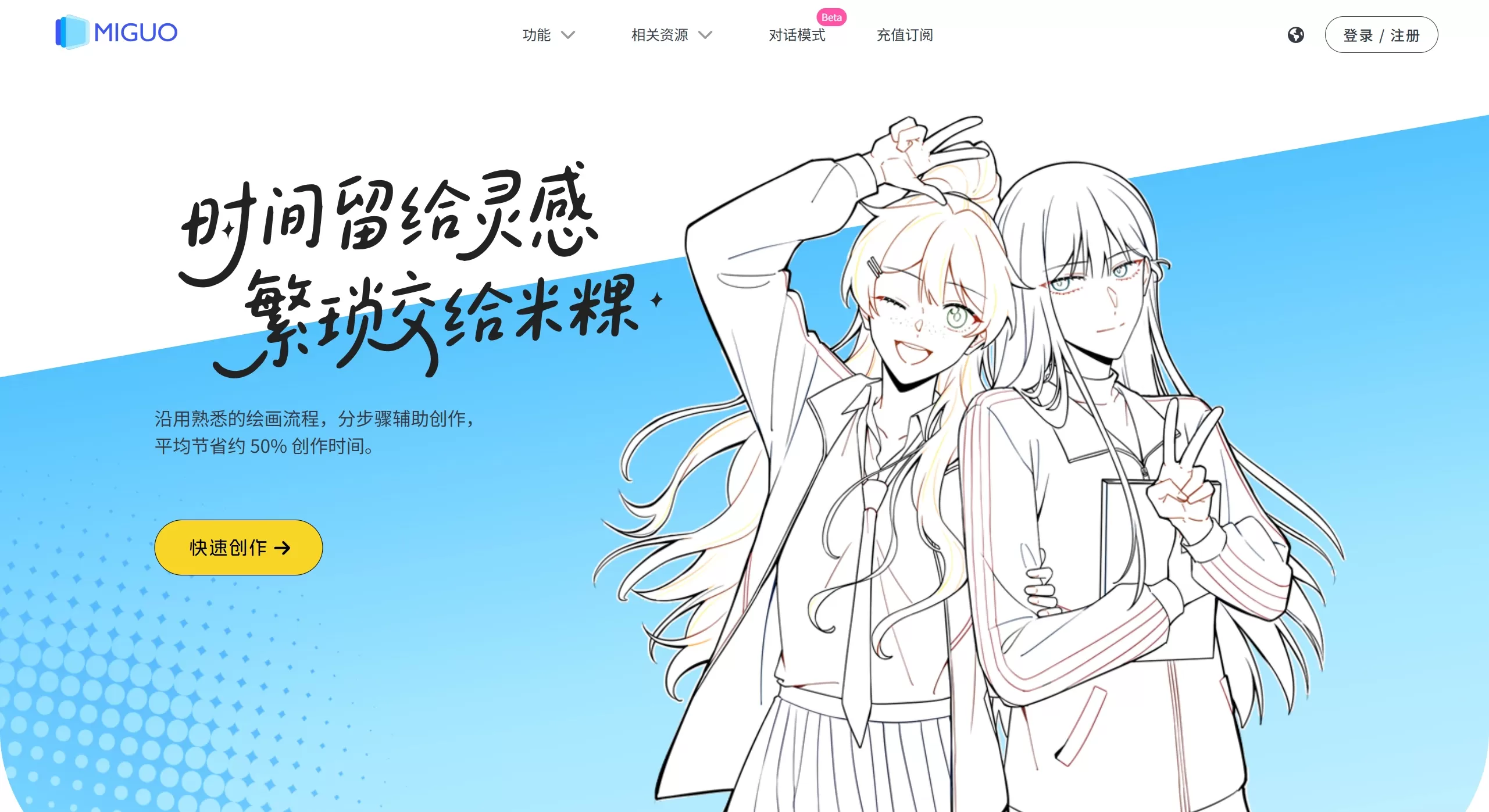
米粿AI is an AI-assisted tool designed for anime creators, functioning more like an assistant who understands drawing, helping you complete your work step by step. Unlike Midjourney, which generates images through a "gacha-like" approach, it emphasizes a gradual, layered process and is deeply integrated into the comic and animation production workflow. It primarily addresses time-consuming repetitive tasks such as line art, coloring, and layout.
✨ Core Features of 米粿AI
The biggest features of 米粿AI are "layering" and "controllability," which sets it apart from many other AI painting tools on the market:
Draft to Line Art (Detailed Draft Inking)
It can recognize rough drafts, automatically clean up stray lines, fill in broken sections, and generate clean, closed line art.
It supports four line art styles: refined, smooth, bold, and sharp.
Intelligent Layered Coloring
Automatically identifies areas like hair, skin, and clothing for coloring.
For lighting and shadow rendering, you can specify the light source direction (front/back/left/right/top) and generate highlights and shadows with one click.
Layered PSD Output
This is one of its very practical features. The generated images are not rigid JPG files but PSD files containing line art layers, base color layers, and shadow layers, which can be directly dragged into Photoshop or Procreate for further editing.
Comic-Specific Tools
Text Processing: Batch processes dialogue bubbles, supporting automatic layout, translation, and redrawing.
Auxiliary Functions: Extracts line art from reference images, or generates characters based on character design images with pose references.
🎨 Use Cases
Professional comic artists/studios: Used to accelerate the production workflow, compressing tasks that originally took several hours into just a few minutes, making it easier to produce "daily updated" comic dramas.
Independent creators/students: Beginners whose skills are not yet mature can use AI to help correct structure and provide lighting and shadow references, lowering the barrier to producing images.
Animation/comic drama production: Quickly produce storyboards and dynamic comic materials, reportedly reducing production costs by over 50%.
⚖️ Pros and Cons of 米粿AI
| Dimension | Pros | Cons |
|---|---|---|
| Workflow | Layered PSD output, seamless integration with Photoshop, without disrupting existing drawing habits. | Can only be used in a browser; no standalone client. |
| Controllability | Strictly follows the draft, won't randomly alter character designs or art style. | Focuses on 2D/Japanese-style aesthetics; not suitable for realistic or 3D use. |
| Efficiency | Inking and coloring speed increased by over 10 times; lighting and shadows are automatically generated. | Depends on network; must be processed online. |
| Learning Curve | Offers "Professional Mode" (PS-like interface) and "Conversation Mode" for users to choose. | Requires some drawing foundation (at least being able to sketch drafts) to be effective. |
💻 How to Use 米粿AI
No installation required; just open it in your browser:
Visit the official website
China version: https://miguocomics.com/
International version: https://miguo.ai
Choose a mode
Professional Mode: Interface resembles SAI/PS, suitable for artists with a full-featured panel.
Conversation Mode: Operate by typing commands, suitable for beginners.
Creation Process
Upload draft → Select "Draft to Line Art" → Determine line art style → Choose coloring style (e.g., cel-shaded, thick painting) → Adjust lighting angle → Export PSD file.
❓ FAQ
Q: Will 米粿AI replace artists?
A: No. It's positioned as an "assistant," not a "replacement." It handles tedious technical tasks (like coloring and fixing lines), but the core composition, character design, and story creativity still rely on humans.
Q: How is it different from Midjourney?
A: Midjourney is good for "generating a big image from one sentence," great for posters or inspirational images, but it lacks fine control and layering. 米粿AI is suitable for "turning drafts into finished products," making detailed modifications and serialized comics easier.














