
 Script Planner Assistant▸
 AI Apps
 AI News

Typeless: An AI Smart Voice Transcription Input Method—Review and How to Use
Typeless: An AI Smart Voice Transcription Input Method—Review and How to UseIntroduction
Introduction to Typeless Input Method
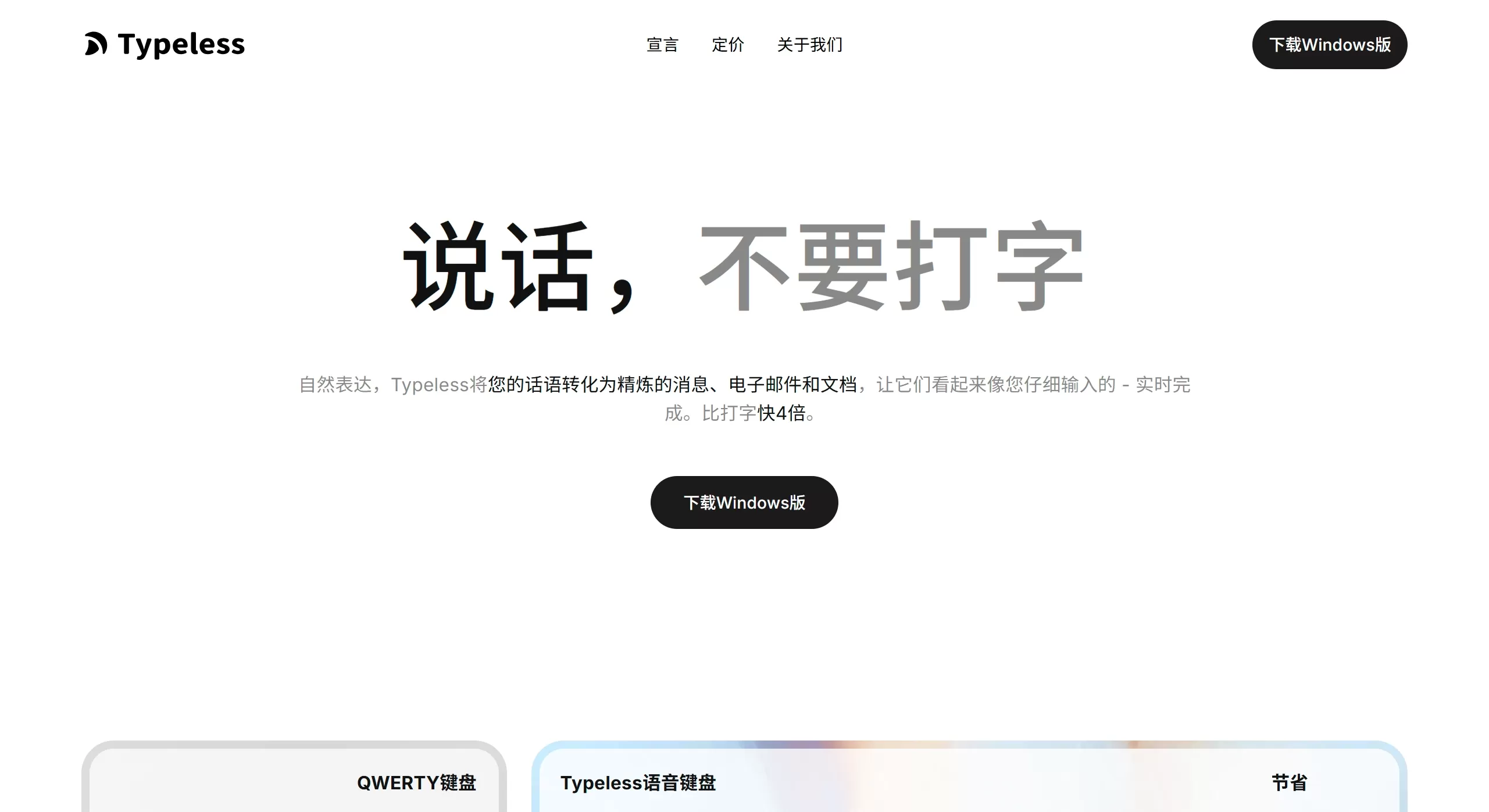
Typeless is an AI intelligent voice transcription input method, but what it does isn't simple "voice-to-text," it's "intent-to-expression." It uses AI to organize your spoken words in real time into smooth, professional, well-structured written text, so some people call it a "thinking input method." Unlike traditional input methods, Typeless basically has no keyboard interface—just a voice button and a few auxiliary keys. It's a truly "voice-first" tool.
Core Features of Typeless Input Method
1. Intelligent Spoken Language Refinement
Automatically removes filler words like "um," "uh," "like"
Removes repeated words caused by stuttering or repetition
Recognizes your self-corrections and only keeps the final meaning
For example, if you say: "Tomorrow at 9 AM go... wait no, 3 PM," it directly outputs "Tomorrow at 3 PM"
2. Auto Formatting
Automatically adds punctuation and breaks into paragraphs
If you dictate lists, steps, or key points, it helps organize them into a clear format
For example, dictating a shopping list will automatically be laid out
3. Context-Aware Tone Adaptation
Automatically adjusts tone based on different scenarios—more formal for emails, more casual for chats
4. Edit While You Speak
After speaking, use voice commands to edit directly: "more formal," "shorten by 30%," "switch to email tone"
5. Multi-Language Support
Supports over 100 languages; mixed Chinese-English speaking is also auto-recognized without switching
6. Privacy Protection
Voice data is processed only locally on the device—never uploaded to the cloud or used for AI training
7. Cross-Platform Support
iOS, Android, Mac, Windows—consistent experience across all platforms
8. Special Features
Whisper Quiet Input: Recognizes even at very low volume—great for offices, public settings, introvert-friendly
Personalized Dictionary: Add specialized terms and abbreviations to improve recognition accuracy
Dictation History Saved: Search past records, reuse them, and sync across devices
Use Cases
Mobile office: Quickly reply to emails and Slack messages during your commute
Content creation: Draft articles, notes, meeting minutes—some say efficiency can increase by 300%
Instant messaging: Send structured messages on WeChat, WhatsApp
Multi-language communication: Real-time voice translation for more natural expression
Programming development: Dictate code comments, pseudocode, and use alongside AI programming tools
Accessibility input: Provides an efficient input method for people who have difficulty typing
Fragmented note-taking: Capture inspiration as it comes, automatically organized into structured notes
Pros and Cons
✅ Pros
High efficiency: Voice input is 6-10 times faster than typing—measured at up to 158 words/minute
Strong post-processing: Not just transcription, but intent understanding + expression refinement—much less editing needed
Privacy & security: Local processing, no cloud uploads—suitable for sensitive information
Great versatility: Works as a system keyboard—usable anywhere
Highly adaptable: Works with quiet voice, AirPods, or while listening to music
❌ Cons
Pricey: Paid version is about $144/year; free version is limited to 4,000 words per week
May over-process: Sometimes AI changes too much and may lose the original meaning or details
Depends on voice environment: Not convenient in very noisy places or situations where you can't speak at all (e.g., meetings)
No keyboard: Pure voice input, no typing support—takes time to adapt
Chinese adaptation is average: Overall design is English-oriented; some features are less friendly for Chinese users
How to Use Typeless Input Method
Basic Workflow
Download the app and enable the Typeless keyboard in system settings
In any input field, bring up the Typeless keyboard and hold the voice button to speak
Release the button and AI automatically transcribes your speech into refined text
Advanced Tips
If you make a mistake, just say "no, it should be..." and AI will automatically correct it
Say "first point... second point..." to automatically generate a list
Select text and use voice commands: "shorten," "more formal," "translate to English"
For inaccurately recognized words, add them manually in the personalized dictionary or redefine them by voice
Desktop Shortcuts
You can set a global hotkey—hold it to enable voice input in any application
FAQ
Is Typeless ChatGPT?
No. ChatGPT generates conversational content; Typeless only converts what you say into text—the content is still yours.
Is the data secure?
Yes. Zero data retention—voice is processed only locally, never uploaded to servers.
Does it support typing?
No. It's a pure voice keyboard with no traditional keyboard interface.
Is the free version enough?
4,000 words per week—fine for light use. Heavy users will need to consider the paid version at $144/year.
Is Chinese recognition accurate?
Simplified Chinese is supported and mixed Chinese-English input works well, but some features are optimized for English.
Does it require an internet connection?
Internet is required for AI processing, but data is not retained in the cloud.
How do I add specialized terms?
Use the personalized dictionary feature—add them manually or redefine by voice.
Related Information:















