
 Script Planner Assistant▸
 AI Apps
 AI News

Jiwei Input: An Intelligent Chinese Input Tool Built on the Rime Engine — Review & Usage Guide
Jiwei Input: An Intelligent Chinese Input Tool Built on the Rime Engine — Review & Usage GuideIntroduction
What is Jiwei Input Method
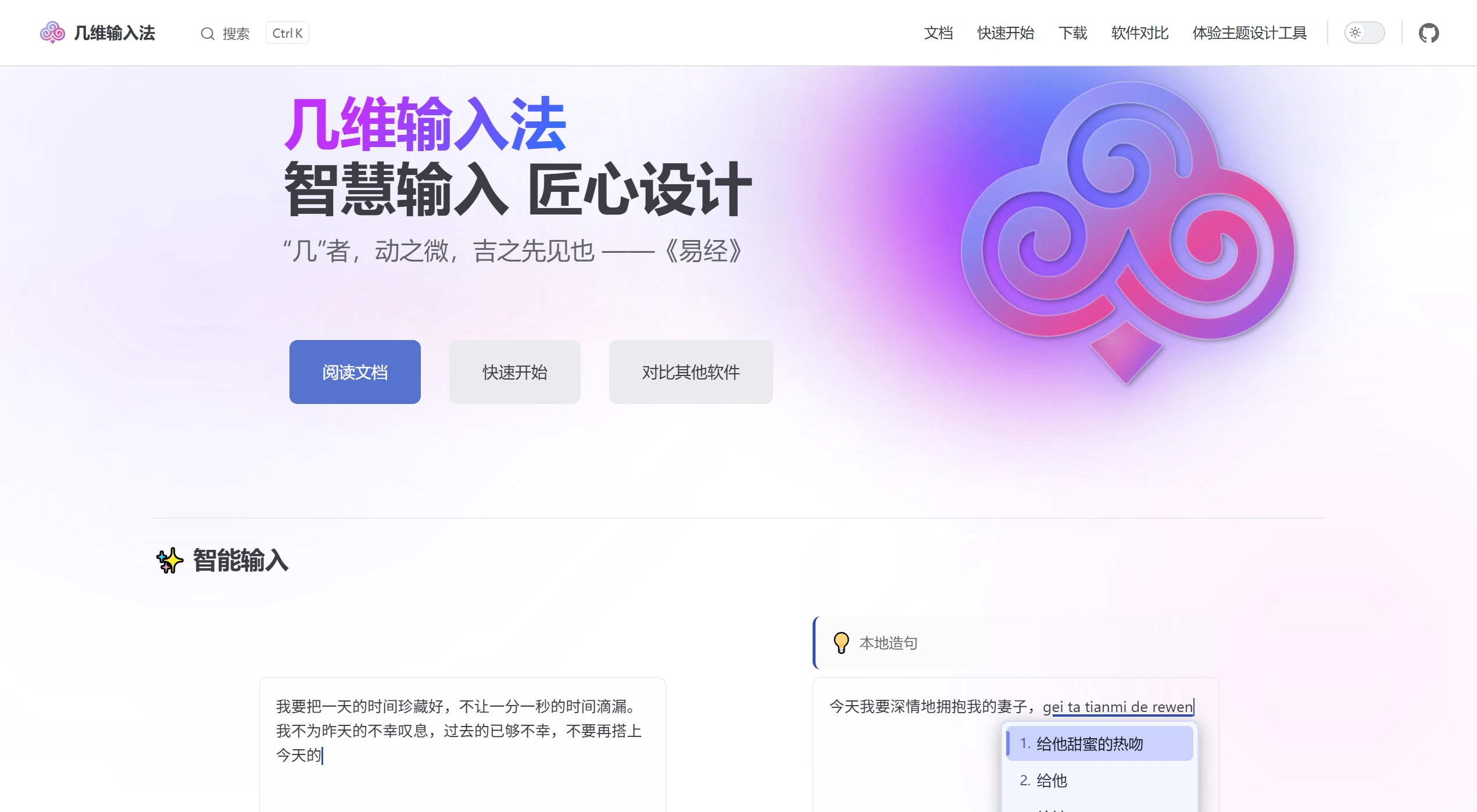
Jiwei Input Method (Outwit) is an intelligent Chinese input tool developed based on the Rime input method engine, positioned as "the easiest-to-learn efficient input method." The name is derived from the I Ching: "Ji is the subtle movement, the first sign of good fortune," emphasizing intelligence and efficiency in the details of input.
Core Features
Three Input Schemes
Witcraft: A primary-auxiliary mixed input scheme that combines pinyin and shape-based codes, suitable for users pursuing efficient and precise input
Witset: An intelligent error-correction scheme based on large language model assistance, suitable for users who prefer full-sentence input
Code tables: Supports importing various shape-based code schemes such as Cangjie and Wubi
Primary-Auxiliary Mixed Input Technology
Traditional input methods require separators (e.g., ;) to distinguish between primary and auxiliary codes. Jiwei intelligently identifies boundaries to achieve separator-free input. For example, typing weiw is automatically recognized as wei (pinyin) + w (auxiliary code), supporting continuous multi-character auxiliary code input.
Input efficiency comparison: Pure pinyin input of 1000 characters requires an average of about 250 candidate selections, while primary-auxiliary mixed input requires only about 10 selections, reducing candidate selection operations by over 95% and increasing speed by 30%-50%.
AI Intelligent Error Correction
The Witset scheme integrates a large language model, achieving approximately 97% accuracy in daily writing. Press the semicolon key to trigger full-sentence error correction, using a combination of local sentence construction and cloud-based AI.
Scheme Compatibility
Supports over ten phonetic code schemes (full pinyin, double pinyin, etc.) and various auxiliary code schemes (Zhengma, Wubi, Tiger Code, Ziranma auxiliary codes, etc.), fully compatible with the Rime ecosystem, allowing installation of any Rime input scheme, importing dictionaries and word libraries, and running Lua scripts.
Visual Configuration
Provides a graphical settings interface, allowing theme design, double pinyin key binding adjustments, and dictionary management without editing YAML files.
Use Cases
Daily office writing: Witset (AI error correction)
Professional documents/programming: Witcraft (primary-auxiliary mixed input)
Classical Chinese/Traditional character input: Code table scheme + Cangjie/Zhengma
Shorthand/high-frequency entry: Witcraft + double pinyin
Basic Operations
Switch schemes: Ctrl + `` or F4 to open the scheme menu, use arrow keys to select and press Enter to confirm
Primary-auxiliary mixed input example (input "jiwei"):
Explicit input: wei;w then select candidate
Implicit input: weiw is automatically recognized by the system
Common Shortcuts
Ctrl + Shift + `` : Switch between Chinese and English punctuation
Ctrl + Shift + 1: Traditional-Simplified conversion
;: LLM intelligent error correction (Witset)
Shift + Delete: Delete user phrases
Tab: Temporarily switch to single-character input
After modifying configuration, right-click the taskbar icon and select "Redeploy"
FAQ
Input Method Won't Start
Confirm Windows has been restarted
Execute "Redeploy"
Check logs: %AppData%\Local\Temp\witty.outwit\*.log
Configuration File Changes Not Taking Effect
Check YAML syntax (space indentation, no tabs)
Confirm "Redeploy" has been clicked
Check deployment logs
Candidate Word Lookup
Use auxiliary codes for precise filtering
Confirm the current scheme is correct
Press ; in Witset scheme to trigger error correction
Learning Auxiliary Codes
Initially use only primary codes and learn through the candidate list
Enable auxiliary code hints in the candidate box
Press Tab to force recognition as auxiliary code
Dictionary Issues
Check that the dictionary is checked and enabled
Confirm configuration has been saved and redeployed
Verify dictionary format and encoding
Related Information:















