
 Script Planner Assistant▸
 AI Apps
 AI News

Vozo AI_云技派,专注ai人工智能!
Vozo AI_云技派,专注ai人工智能!Introduction
🎬 Vozo ai Introduction
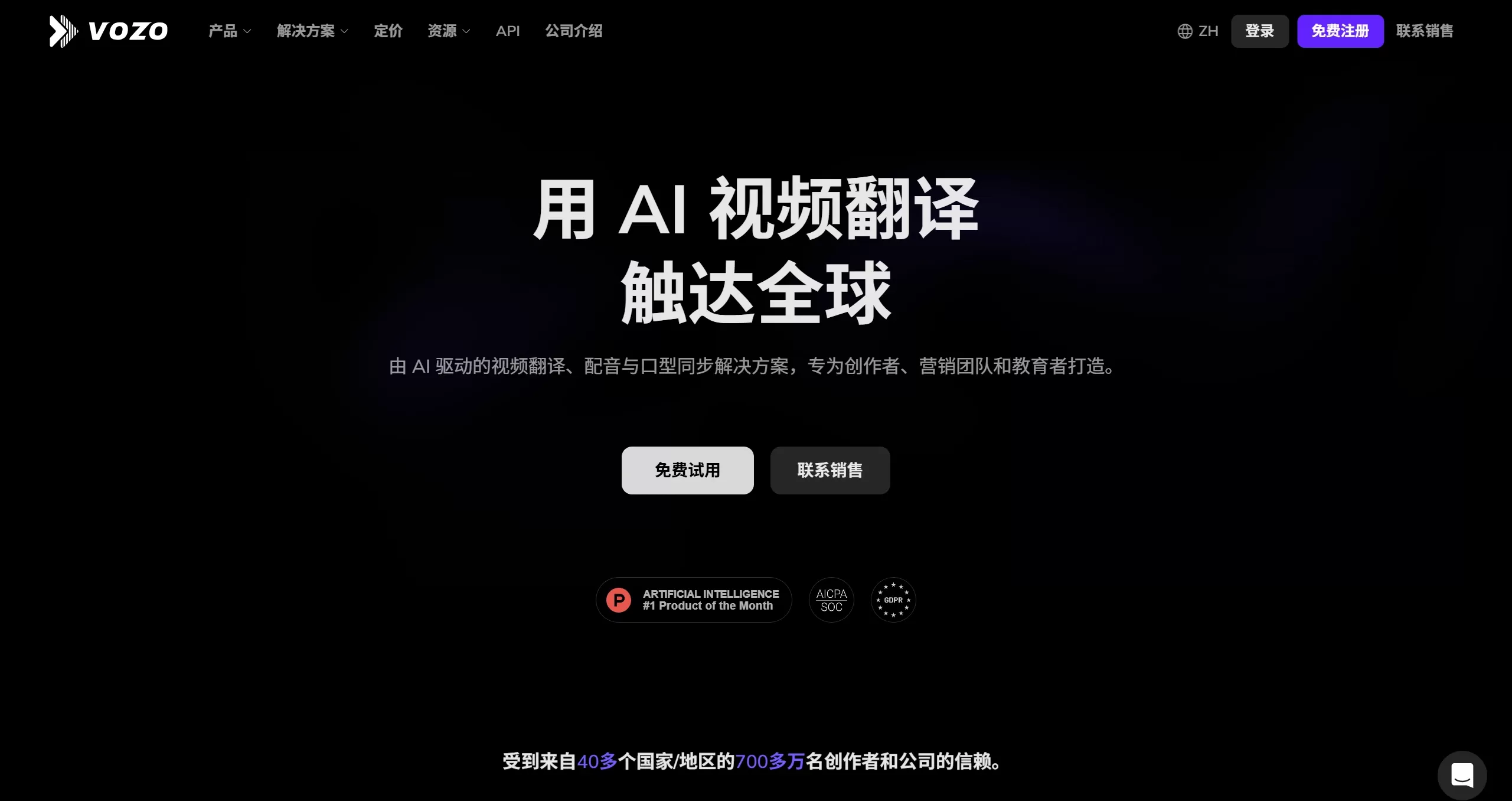
Vozo AI is an intelligent video editing and localization tool launched by Honeybee Technology Ltd. It mainly helps creators, marketers, and teachers make significant adjustments to existing videos, such as changing scripts, swapping voiceovers, and lip-syncing, making video production and multilingual versioning faster.
⭐ Vozo AI Features
AI Video Translation & Dubbing
Supports translation into more than 110 languages and dialects
Translation accuracy is around 98.9%
Automatically dubs the audio and generates subtitles along the way
LipREAL™ Lip Sync
Trained on a large amount of facial data from real people speaking
Lip-sync reproduction looks very natural
Handles multi-person conversations, partially occluded faces, and motion well
Mouth movements stay in sync with the voice across any target language
VoiceREAL™ Voice Cloning
Trained on over 200,000 hours of human voice data
Can replicate the speaker's voice timbre
Preserves tone, emotion, and subtle vocal characteristics
Includes a built-in library of 300+ high-quality AI voices to choose from
AI Video Rewrite
Rewrite a video script from a simple text prompt
Automatically adds new narration
Makes the video look freshly produced without re-recording
Great for quick script revisions or trending content
Text-Driven Voice Editing
Update narration by editing the text directly
Adjust voice timbre, accent, tone, and emotion at the sentence level
No need to re-record in a studio
Photo/Avatar Talking
Upload a still photo and turn it into a dynamic video with a talking mouth
Convenient for creating fun animated avatars
On-Screen Text Translation
Automatically detects on-screen text in the video, removes it, and replaces it with the translation
Layout, font style, and animations are preserved as much as possible
Automatic Video Repurposing
Cut a long video into several short clips with one click
Automatically reformats aspect ratios for different social platforms
Also produces content summaries and segmented short clips
Subtitle Translation
Supports single-language or bilingual subtitles
Line breaks are handled semantically, and styles are customizable
Controllable Review & Editing
The editor is relatively simple, supporting direct drag-and-drop and edits
Edit text, swap voiceovers, adjust the timeline, and more
🎯 Vozo AI Application Scenarios
Content creation: Repurpose old footage into more shareable versions, or cut long videos into engaging short clips
Ad production: Quickly generate multiple versions for different audiences, saving creative turnaround time
Marketing campaigns: Produce promotional videos in more languages to reach broader markets
E-commerce: Create multilingual versions of product videos to improve viewing experience and conversion
Education: Edit teaching content directly via text and clone voiceovers for stronger engagement
Social media operations: Cut longer videos into fast-paced short clips ready for posting
Corporate training: Localize training videos into multiple languages to lower cost and barriers
📖 How to Use Vozo AI
Step 1: Register & Log In
Go to the official website https://www.vozo.ai/, register an account and log in. New users receive 30 credits, which must be used within seven days.
Step 2: Choose a Feature
Select one of the features based on your needs:
Translate & Redub - Translation & Dubbing
Video Rewrite - Video Rewrite
Lip Sync - Lip Sync
Visual Translate - On-Screen Translation
Step 3: Upload Assets
You can select a video to upload from your computer, or paste a link directly from TikTok, YouTube, Google Drive, or Zoom. If you want to try it first, you can use the official sample videos.
Step 4: Configure Settings
Taking video translation as an example:
Select the original language of the video
Select the target language to translate into
Specify the number of speakers (recommend filling it in yourself rather than using auto-detection)
Decide whether to add subtitles
Click "Start Translation", which usually takes 2-4 minutes
Step 5: Review & Adjust
Watch the result in the editor first.
Manually edit the translated text if needed
Use "Tune Translation" to adjust the overall style
Align the audio timeline to ensure audio-video sync
Lip sync and subtitle styles can also be adjusted at this stage
Step 6: Export
Click "Export" to get the finished video, saved as an MP4 for download.
❓ FAQ
Q1: What languages does Vozo AI support?
A: It supports translation into more than 110 languages and dialects in total, covering mainstream markets.
Q2: How accurate is Vozo AI's translation?
A: Accuracy is around 98.9%, and you can manually revise it if you're not satisfied.
Q3: What can the free version do?
A: Free users can rewrite videos unlimited times within the credit period, with 30 minutes of repurposing, 3 minutes of translation, and 1.5 minutes of lip sync available.
Q4: How does Vozo AI charge?
A: There are four tiers:
- p>Free Version: Basic Features
Standard: $19/month
Professional: $49/month
Enterprise: $99/month
The paid version can translate 10-60 minutes of video at a time.
Q5: Can lip sync be used for multi-person videos?
A: Yes, LipREAL™ is specifically designed for multi-person scenarios, and can stay accurate even when faces are occluded or there are large movements.
Q6: Can it preserve the original voice characteristics?
A: Yes, VoiceREAL™ can replicate the timbre, emotion, and intonation.
Q7: Will the on-screen text appearance change after translation?
A: No, Visual Translate preserves the original layout, font style, and animations.
Q8: What formats are supported?
A: Common formats are supported, such as MP4, AVI, MOV, and the original resolution is preserved on export.
Q9: How long does it take to produce a video?
A: Typically around 2-4 minutes for translation, depending on the video length and complexity.
Q10: Does Vozo AI have a mobile app?
A: Yes, a full-featured App is already available, allowing you to shoot, edit, and publish anytime, anywhere.











