
 Script Planner Assistant▸
 AI Apps
 AI News

Meituan CatPaw: AI IDE by Meituan
Meituan CatPaw: AI IDE by MeituanIntroduction
What is Meituan CatPaw
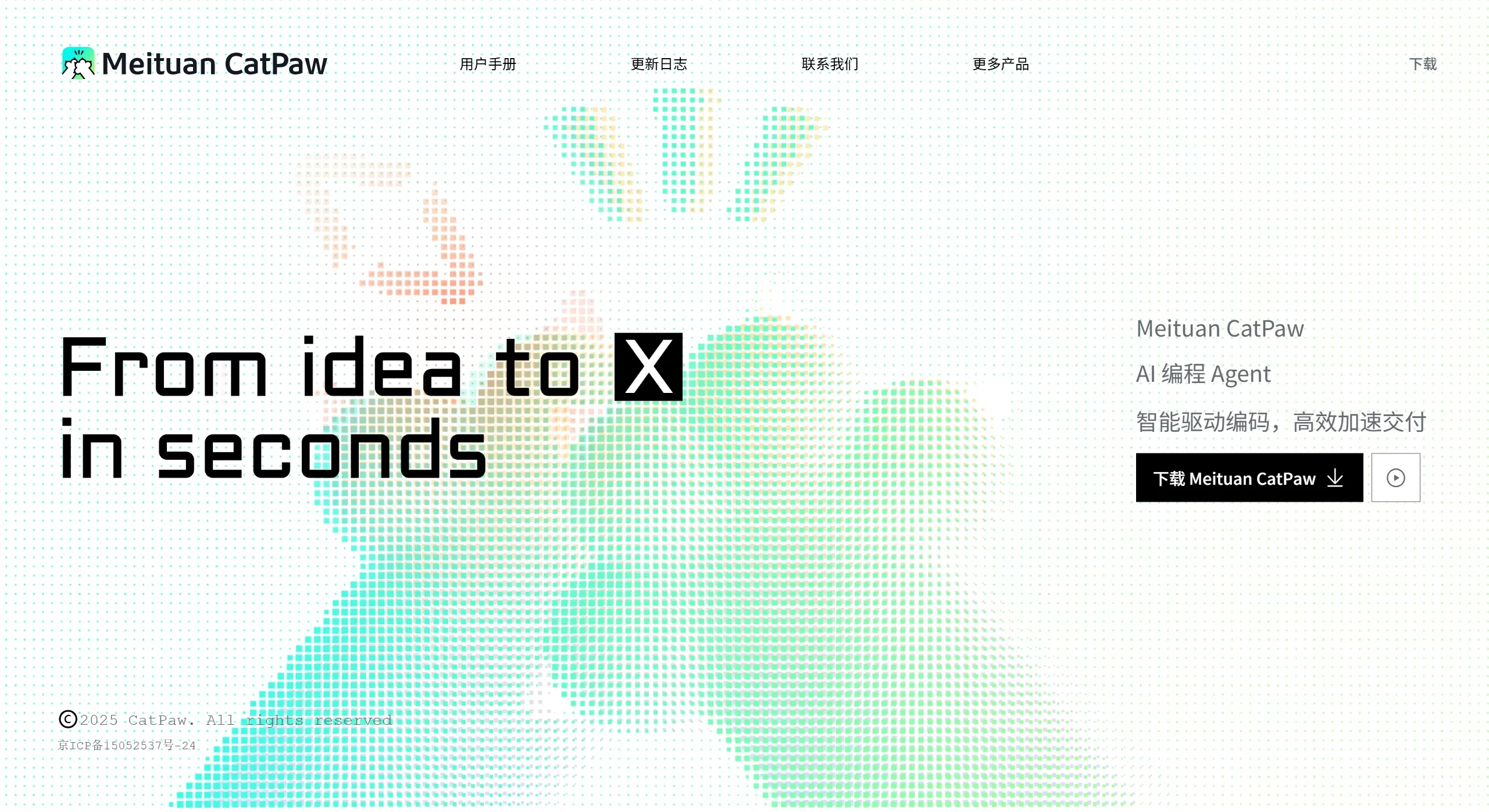
Meituan CatPaw is an AI-integrated development environment launched by Meituan. It primarily relies on Agent to collaborate with humans in writing code, offloading repetitive and mechanical parts to tools as much as possible, so developers can focus their energy on feature design and implementation, and the overall pace becomes significantly faster. It is not just an assistant that can answer code questions. When encountering development work that requires multi-step operations, such as structural adjustments, batch modifications, and cross-file processing, CatPaw can directly participate and complete things step by step. This makes the journey from idea to working code much smoother.
In Meituan's internal use, Meituan CatPaw's effectiveness is quite noticeable. R&D basically uses it, with penetration exceeding 95%. More than half of the newly added code is AI-generated. The completion latency is also very low, less than 150 milliseconds, so you hardly feel any lag in daily use.
Meituan CatPaw is built on Meituan's self-developed LongCat model underneath, specially tuned for programming scenarios. It also supports calling multiple models at the same time, picking the most suitable one based on the task type.
Meituan CatPaw Main Features
Tab: Code Completion and Prediction
It combines context to guess what you want to write next, not just providing syntax hints.
Based on your previous changes, it predicts the next possible edit location.
When it finds repetitive patterns in the project, it can modify all similar code at once.
Two Interaction Modes
Ask mode: Only does Q&A, will not touch your code. Suitable for clarifying logic, checking problems, and doing design. The code provided by AI needs you to click to apply it.
Agent mode: Will read code, read docs, modify files, run commands on its own, and can complete a series of tasks. For example, replacing all Axios requests in the project with Fetch.
Browser: View pages and debug directly in the IDE
Built-in browser, you can preview directly when writing front-end code.
Click to select an element on the page, and send it to AI to help you modify it.
You can see Console errors in real time, and some issues can be handled with one click.
Codebase: Analyze from the perspective of the entire project
Using instructions like @Codebase, tens of thousands of lines of code can be indexed in tens of seconds.
It can understand project structure, dependencies, and key implementations, and the suggestions it gives are cross-file and more accurate.
Extensibility and Customization
Set rules through the .catpaw/rules file, so that AI-generated code matches your team's style.
You can add commonly used documentation or URLs so that the Agent has more references when answering.
Supports MCP extensions to access more tools.
You can also configure System Prompt and tool sets yourself to create a dedicated Agent mode.
Multi-language
Supports mainstream languages such as Python, C++, Java, JavaScript, TypeScript, Go, and Rust.
Meituan CatPaw Use Cases
Developing new features: Agent mode can help you build code scaffolding, write unit tests and interfaces. Internal testing showed that an API with JWT authentication was reduced from 90 minutes to 25 minutes.
Maintaining legacy code: Use Codebase to quickly understand old architectures, modify large amounts of legacy code, saving a lot of manual analysis time.
Front-end tuning: While viewing the effect in the built-in browser, click to select elements and let AI modify styles and logic, no need to search around in the code yourself.
Code Review: Configure team rules, AI will automatically check non-compliant places and fix them, reducing the pressure of manual inspection.
Learning programming: In Ask mode, you can ask while writing, getting immediate explanations of syntax and better ways to write, which is friendly for beginners.
How to Use Meituan CatPaw
Installation
Go to the official website https://catpaw.meituan.com/download to download the installer, available for Mac and WIN.
Initial Setup
After registration, you will receive 500 conversation opportunities.
Select the model in settings, LongCat is the default, you can also switch to others.
To constrain AI's style, you can create a .catpaw/rules file in the project root directory.
Daily Operations
When writing code, you will see gray completion prompts, press Tab to accept.
There are two entry points to open AI: sidebar conversation (choose Ask or Agent), or ask questions directly within a code line.
You can use markers like @Symbols, @Files, @Folders to pull things from the project into context.
Quota
You can see how many times are left in settings.
After using up, you can submit a renewal application, and continue using once it is approved.
Meituan CatPaw FAQ
Q1: What is the difference between Meituan CatPaw and GitHub Copilot, Cursor?
A: Meituan CatPaw focuses on Agent-driven and project-level analysis. It can not only complete code, but also do complex work across files, such as batch refactoring. The underlying LongCat is tuned for Meituan's business, and it also supports mixing domestic large models.
Q2: What if I run out of 500 uses?
A: Submit an application in settings, describe your usage scenario, and wait for approval. It is currently in public beta, and quota expansion is generally still free.
Q3: Can it be deployed privately or use local models?
A: Currently mainly SaaS. Enterprises wanting private cloud deployment need to contact Meituan's business team.
Q4: How about code security and privacy?
A: This is an enterprise-grade product and will comply with Meituan's internal security standards. For sensitive projects, it is recommended to check the official security instructions, or use local Rules to avoid uploading core logic.
Q5: How to make the Agent perform more accurately?
A: First, use @Codebase more to provide context; second, write clear specifications in Rules; third, break complex tasks into steps; fourth, connect the appropriate tool chain and use MCP extensions.
Related News:
MultiTalk: Meituan's open-source audio-driven multi-person dialogue video generation tool
Why does Meituan, a food delivery company, want to build an AI programming tool NoCode












