Script Planner Assistant▸
 AI Apps
 AI News

Tencent WorkBuddy: An All-Scenario Workplace AI Agent Desktop Workstation
Tencent WorkBuddy: An All-Scenario Workplace AI Agent Desktop WorkstationIntroduction
What is Tencent WorkBuddy
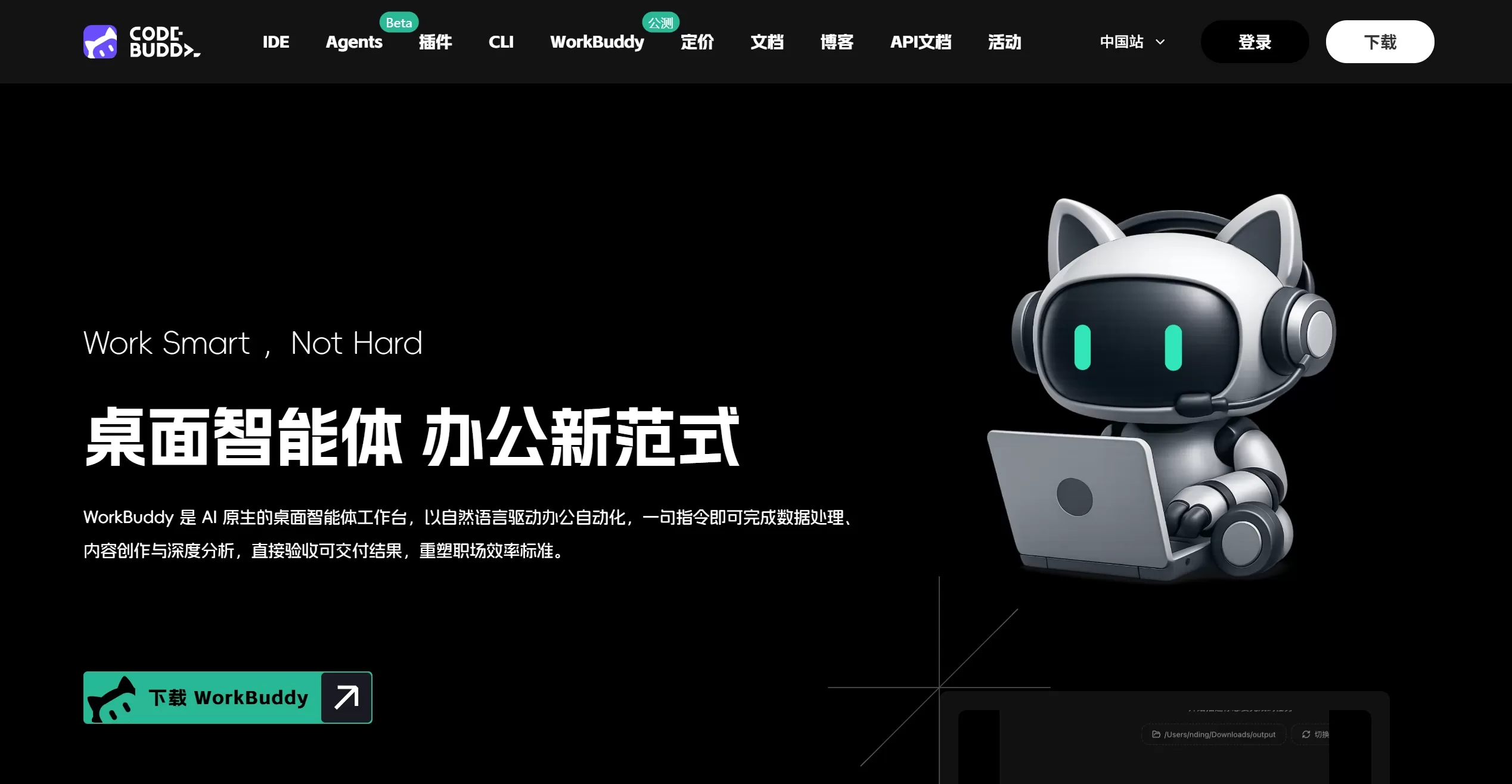
Tencent WorkBuddy, built by the Tencent Cloud CodeBuddy team, is a desktop workstation designed for a wide range of office scenarios.
It is more than just a chat robot—it's more like a colleague who can get work done on your computer. Unlike traditional AI that only offers suggestions or information, WorkBuddy can operate on your computer directly. It understands natural language instructions, plans task steps on its own, operates files, software, and data on your computer, and finally delivers deliverables you can review, such as a finished PPT, a well-organized Excel sheet, or a weekly report.
Tencent WorkBuddy is specifically designed for office workers without a technical background, including HR, administration, operations, and sales roles. Its goal is to enable office automation without the need to learn complex technologies.
Tencent WorkBuddy Official Website:https://www.codebuddy.cn/work/
Tencent WorkBuddy Download:https://www.codebuddy.cn/work/
WorkBuddy Features
Natural language driven: You can describe what you need in plain language, such as 'compile last week's sales data into a chart and generate a PPT'—no coding or complex commands required.
Autonomous planning and execution: The AI breaks down the task on its own, calls tools on your computer such as Excel, Word, and browser, and completes the task step by step, handling issues that come up along the way.
Local file operations: With your authorization, it can read, write, and modify files on your computer, and process documents, images, and data directly.
Multi-agents parallel execution: Supports multiple intelligent agents working simultaneously, greatly speeding up the completion of complex tasks.
Ecosystem compatibility: It comes with mainstream MCP services and a wide range of Skills (skill packs), and is compatible with the OpenClaw skill ecosystem, offering extensive extensibility.
Lightning-fast deployment: Ready to use right after download. After installation, you can connect to tools like WeCom and start working in as little as 1 minute, with no need to configure a complex local development environment.
WorkBuddy Use Cases
WorkBuddy is suitable for a variety of office scenarios, especially those that involve repetitive operations, data processing, and content generation.
Data processing and analysis: Automatically batch-process Excel/CSV files, perform data cleansing and statistical analysis, and create visual charts.
Content creation and reporting: Generate weekly reports, monthly reports, and marketing copy with one click, automatically lay out content, and create polished presentation slides.
File and information management: Automatically organize messy folders, batch rename files, extract key information from large volumes of documents, and build a local knowledge base.
Industry research: Automatically search for information online, aggregate industry trends, and generate research reports.
Design and multimedia: Generate poster drafts, edit simple videos, or process images based on your commands.
Developer assistance: Although the product is primarily aimed at non-technical users, it can also help programmers with simple code debugging, bug fixing, and environment setup.
WorkBuddy Pros and Cons
Pros
High efficiency: Completes tasks that would normally take several hours of manual work within minutes, and can operate 7x24.
Low barrier to entry: No programming required—just like giving instructions to an intern, you can operate it with natural language.
Strong practical capability: It can actually operate files and software, not just chat with you.
Good compatibility: Rich ecosystem that is compatible with OpenClaw skills and supports a wide range of office software and protocols.
Low cost: Generous benefits for new users, with plenty of credits and a very sufficient free quota.
Cons
Time-consuming for complex tasks: If a task is especially complex or non-standard, the AI's planning and execution may take a relatively long time, and may require your manual intervention.
Learning curve: You need to learn how to describe your requirements more precisely (i.e., prompt engineering) in order to get the best results.
Security concerns: Since it operates files on your computer, you may worry about data privacy and accidental operations such as deleting files. However, it has multiple confirmation mechanisms in place.
Environment dependency: Some advanced features may require specific local software environments, such as the full Office suite.
How to Use WorkBuddy
Download and install: Go to the Tencent WorkBuddy official website at https://www.codebuddy.cn/work/ to download the Windows or macOS client. The installation process is similar to installing any regular software.
Account connection: Open the software and scan the QR code to log in using WeCom, QQ, Feishu, or DingTalk. It supports connection with a variety of office instant messaging tools.
Issue instructions: Enter instructions in natural language in the dialog box. For example, "Please read all Excel files in the 'D:\Data' folder, calculate the total sales for each file, summarize the results into a new Excel sheet, and finally generate a bar chart."
Monitor and review: WorkBuddy displays its thinking and planning process, as well as the execution steps. At key points—such as file deletion or message sending—you can confirm or intervene. Once the task is complete, simply view the generated deliverable file.
WorkBuddy Frequently Asked Questions
Q: Is WorkBuddy secure? Will it randomly delete my files?
A: WorkBuddy generally asks for your confirmation before performing sensitive operations such as deletion, overwriting, or sending external messages. It runs in a local sandbox or a controlled setting, with permissions you grant. Its purpose is to assist you, not to cause damage. Still, it's recommended to back up important data regularly.
Q: Do I need to know how to code to use it?
A: Not at all. This product is designed for non-technical users, and you can interact with it entirely using natural language.
Q: Which operating systems are supported?
A: Currently, mainstream versions of Windows and macOS are supported.
Q: What is the pricing model?
A: It uses a "free quota + on-demand subscription / top-up" model. New users typically receive a certain number of credits upon registration (e.g., 5,000 points), which you can use to try it out. Once the free quota is used up, you'll need to purchase a plan.
Q: Can it search the internet?
A: Yes, it has internet access capabilities and can perform tasks that require going online, such as market research and information gathering.
Q: How is it different from traditional RPA?
A: Traditional RPA requires pre-recording or writing fixed script flows, resulting in poor flexibility. WorkBuddy is built on large models, can understand vague instructions, plan and complete tasks on its own, is highly adaptable, and can handle non-standardized tasks.
Q: How is it different from Openclaw?
A:OpenClaw is an open-source project. Think of it as a bunch of powerful parts and blueprints. It's quite capable and can control a computer to perform tasks. But to assemble and use these things, you need to understand technology—you have to set up the environment yourself, install dependencies, and run command lines.
WorkBuddy is the official finished product built by Tencent based on OpenClaw. Tencent has handled all the complex installation and configuration processes and packaged it into an installer. You just download and install it, and it's ready to use—no need to worry about the technical details behind the scenes.
Related News:
WorkBuddy vs. Loomy: Which Is Better? An In-Depth Desktop AI Agent Comparison for 2026