
 Script Planner Assistant▸
 AI Apps
 AI News

Lynote: AI Study Assistant to Save You Time
Lynote: AI Study Assistant to Save You TimeIntroduction
What is Lynote
Lynote is an ai platform designed to improve learning efficiency. Its goal is to help users avoid getting overwhelmed by too much information and truly understand what they learn.
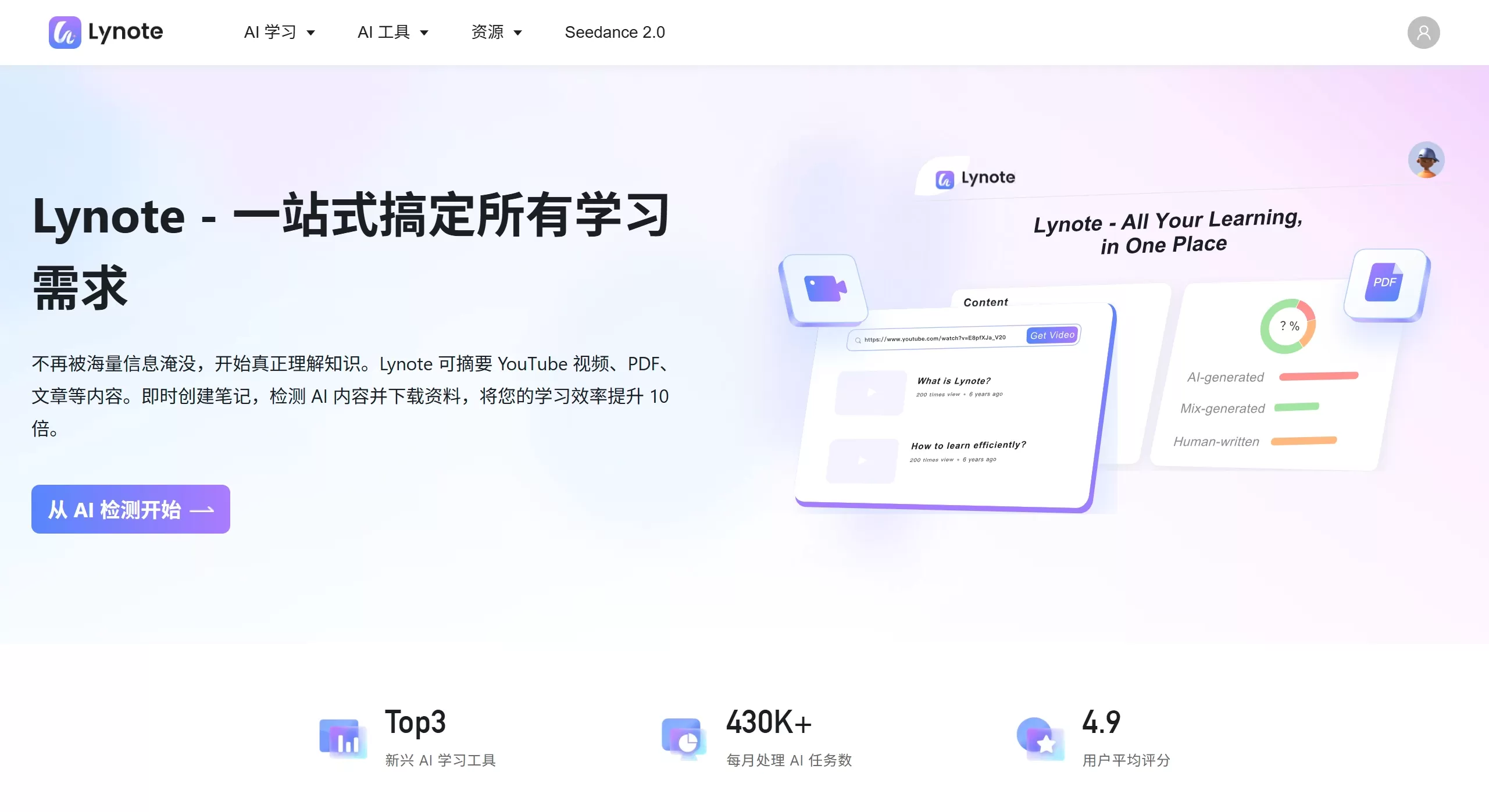
Lynote can handle many types of content, such as YouTube videos, podcasts, books, PDFs, audio, and more. The goal is to increase learning efficiency tenfold. It currently processes more than 430,000 AI tasks every month, with an average user rating of 4.9, and has made it into the top three emerging AI learning tools.
Lynote Main Features
AI Content Check: Nearly 99% accuracy in detecting whether something is AI-written. Suspicious parts are highlighted in color so you can spot them at a glance. Great for students avoiding plagiarism, teachers checking assignments, and creators verifying originality.
Video to Text: Turns YouTube videos into text in seconds, automatically grabbing subtitles and descriptions. Perfect for summarizing long videos and finding key points.
Make AI Text Sound More Human: Converts stiff AI drafts into natural, conversational language. The result is smooth, can bypass AI detection, and keeps the original meaning. Ideal for content creators.
It also offers online translation, document translation, YouTube video summarizer, and other tools.
Features coming soon:
AI Research Assistant: Can summarize videos and articles, transcribe audio to text, and let you ask questions directly about documents.
AI Content Studio: Helps create outlines, write drafts, polish text, make ppt, and edit PDFs.
AI Study Buddy: Automatically creates flashcards and practice questions, and schedules reviews based on your personal needs.
Knowledge and Collaboration Hub: Build your own knowledge base, share it with your team, and collaborate safely.
Who is Lynote for
Students: Quickly summarize lecture videos and papers for exam prep. Check whether your homework is original, and learn on the go.
Teachers: Check student assignments for plagiarism, save lesson prep time, and run interactive classes.
Content Creators / Publishers: Quickly review videos and articles for research, check originality before publishing, and refine AI drafts.
Professionals: Read industry reports, competitive analyses, and online courses in a short time to quickly understand the market.
Researchers: Speed up literature review and extract key points from long, complex articles and videos.
Lifelong Learners: Use spare time to listen to podcasts, read long articles, and pick up new things.
Lynote Pros and Cons
Accurate AI writing detection with clear color highlighting.
Fast — articles tens of thousands of words long, or videos dozens of minutes long, are processed in minutes. Some users say it has saved them weeks of time.
Strong privacy — uploaded content is not used for training and is never sold.
Simple interface — get results with just a few clicks.
Cons: Some features are not yet available, such as directly asking questions about documents and auto-generating quizzes. You'll need to wait a bit.
How to Use Lynote
Open the Lynote official website.
Choose a tool:
AI Check: Click "AI Detector", paste text or upload a file, and scan for free.
Video to Text: Click "YouTube Transcript Generator", paste the video link, and transcribe for free.
Draft Polish: Use "AI Humanizer", paste your AI draft, and optimize.
View Results: You'll instantly get a color-coded analysis, transcript, or polished content.
Sign up and log in to access more features, download files, save notes, or activate a monthly membership to unlock all features.
A Chrome extension is available, so you can use Lynote directly while browsing — for example, transcribing YouTube videos on the fly.
Frequently Asked Questions
What is Lynote? An AI platform for boosting learning efficiency that can summarize content, detect AI text, download videos, and more.
How is privacy protected? Privacy is taken very seriously. Analyzed content is handled securely and is never used to train AI, sold, or shared with others.
What types of content are supported for summarization? YouTube videos, web articles, PDFs, text, and more are supported now and going forward.
Can I cancel my subscription? Yes. You can upgrade, downgrade, or cancel anytime in your account. No hidden fees.
Is there a free trial? Yes. Core features like AI detection and video transcription are available to try for free.















