
 Script Planner Assistant▸
 AI Apps
 AI News

1ClickClaw: One-Click Hosting Platform for OpenClaw
1ClickClaw: One-Click Hosting Platform for OpenClawIntroduction
What is 1ClickClaw
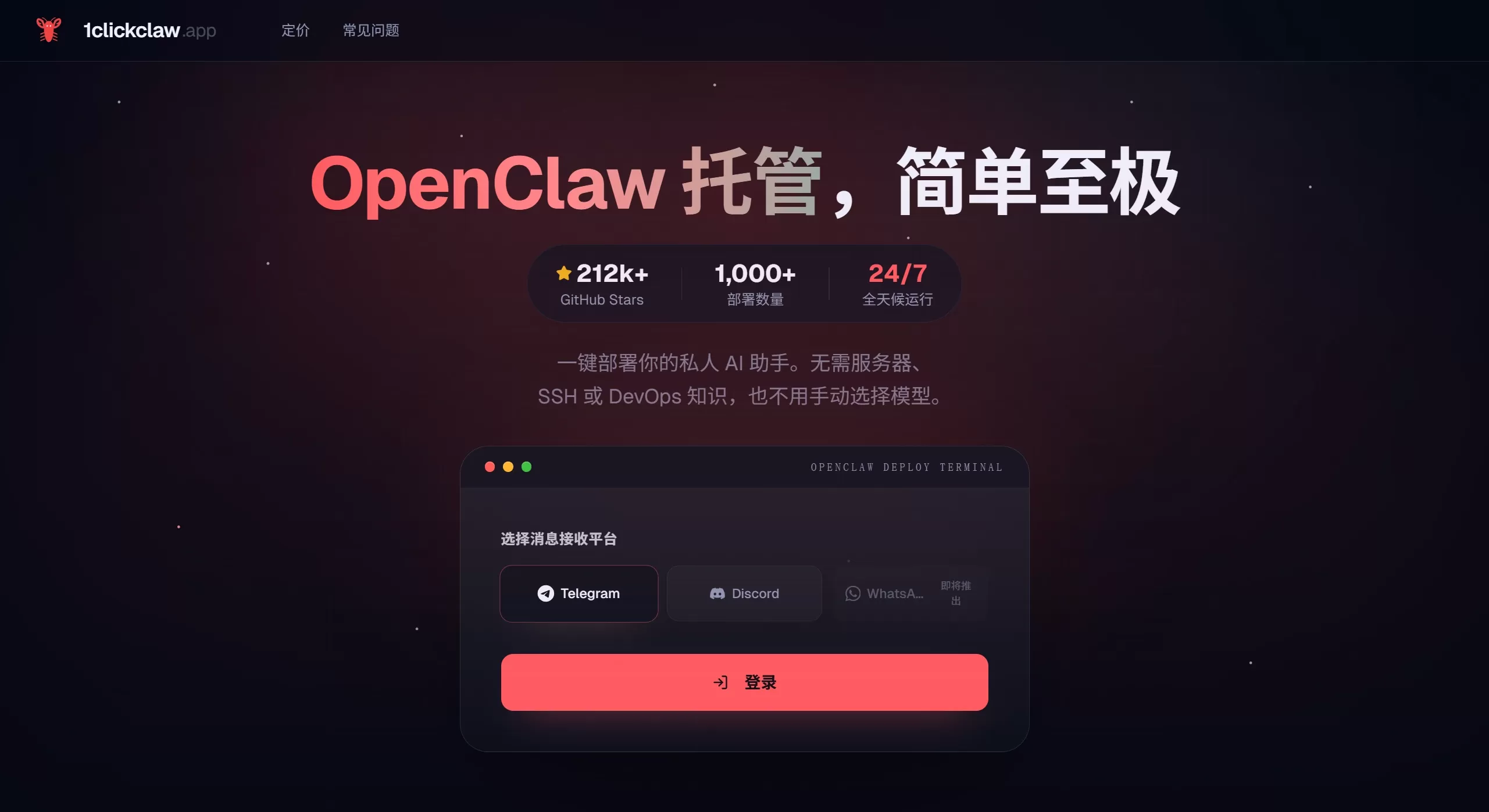
1ClickClaw is a one-click hosting platform built specifically for OpenClaw.
OpenClaw is a powerful open-source ai agent that can simulate human operations in the browser. However, deploying the original version is very troublesome—you need to buy a server, configure the environment, and write code. Without some technical background, it's basically impossible to get it done. 1ClickClaw was created to solve this hassle: no coding knowledge required, no operations and maintenance to worry about, and you can have your own OpenClaw up and running in just a few minutes.
Main Features of 1ClickClaw
Extremely Fast Deployment
Previously, manual deployment took 45 minutes or more—buying a server, installing dependencies, configuring certificates—the steps were tedious.
Now with 1ClickClaw, it's just 2 steps and under 1 minute. No command line needed, no SSH to manage, the system handles everything automatically.
Easy Connection
Supports mainstream chat platforms like Telegram, Discord, and WhatsApp.
You just need to copy and paste the bot's Token, and the platform will automatically connect it for you.
Cloud Hosting
Provides a dedicated cloud server (for example, the Starter plan offers 2 cores and 2GB).
The bot runs 24/7 in the cloud, so you don't need to keep your own computer on.
Built-in AI model routing that automatically optimizes Token usage to save you money.
Security & Privacy
Supports private deployment so your data isn't exposed on the public internet.
Server maintenance and security updates are handled by the platform, so you don't have to worry about them.
Who is 1ClickClaw For
People who want to use OpenClaw for automation (filling forms, scraping data, testing workflows) but don't know coding or servers.
Community operators who want to quickly add an AI assistant to their Discord or Telegram groups.
Developers or regular users who don't want to deal with environment configuration and just want to use AI features directly.
How to Use 1ClickClaw
The core idea is this: even without any technical background, you can get it done in just two steps. No software to install, no code to write, no server to configure.
Step 1: Register and Choose a Plan
Go to the official website 1clickclaw.app.
Click "Get Started" or "Sign Up", and log in with your email or Google/GitHub account.
Choose a plan. For personal trial use, the most basic Starter plan (about $29/month) is enough.
Bind a payment method (credit card or cryptocurrency).
Step 2: One-Click Deployment
After payment, enter the dashboard:
Click the "Create New Instance" or "One-Click Deploy" button.
Wait for the progress bar to finish (about 30-60 seconds). The system will automatically allocate a server, install the program, configure the network and certificates, and start the service.
Once deployed, the page will display the management backend address, username, and password.
Step 3: Connect to Chat Platforms
This is the key to bringing the bot "to life":
Log in to the management backend you just received.
Find the "Integrations" or "Channels" tab and select the platform you want to use (Telegram, Discord, etc.).
Taking Telegram as an example:
Search for @BotFather on Telegram.
Send /newbot to create a new bot, and follow the prompts to name it.
Copy the API Token given by BotFather.
Paste the Token into the corresponding field in the 1ClickClaw backend.
Click "Connect" or "Save".
Test it: send a message to your bot (such as "check the weather" or "open google.com"). If it replies, you're all set.
Step 4: Configure Models and Tasks
Now you have an online AI assistant, but you need to tell it which "brain" to use and what to do:
Configure the large model: Find "Model Settings" in the backend and enter your large model API Key (supporting OpenAI, Claude, Alibaba Cloud Bailian, etc.). Note: 1ClickClaw only provides the runtime environment; the cost of calling large models is on you.
Start Using:
Just speak: Use natural language in the chat window to give commands. For example: "Help me fill out and submit this web form", "Take a screenshot and save this page", "Check the stock price every hour".
Watch the screen: Some versions support viewing the bot's real-time operation screen on a web page.
1ClickClaw FAQ
Do I need to keep my computer on? It's cloud-deployed, so even if you turn off your computer, the bot still runs 24/7.
Is it private and secure? The platform promises data isolation, but for sensitive operations (such as transfers), it's recommended to test in a test environment first.
How do I stop/delete it? If you don't want to use it anymore, be sure to click "Terminate" or "Delete Instance" in the Dashboard and cancel your subscription, otherwise you will continue to be charged.
The overall process is: register and pay -> click deploy -> paste Token -> start chatting. What used to take hours of configuration now takes just a few minutes.
Related News:
Shenzhen Longgang District Government Just Released Ten Policy Measures Supporting OpenClaw / OPC
OpenClaw From Beginner to AI Master: 15 Recommended OpenClaw Skills















