
 Script Planner Assistant▸
 AI Apps
 AI News

OpenClaw101: Go from Zero to Pro in 7 Days
OpenClaw101: Go from Zero to Pro in 7 DaysIntroduction
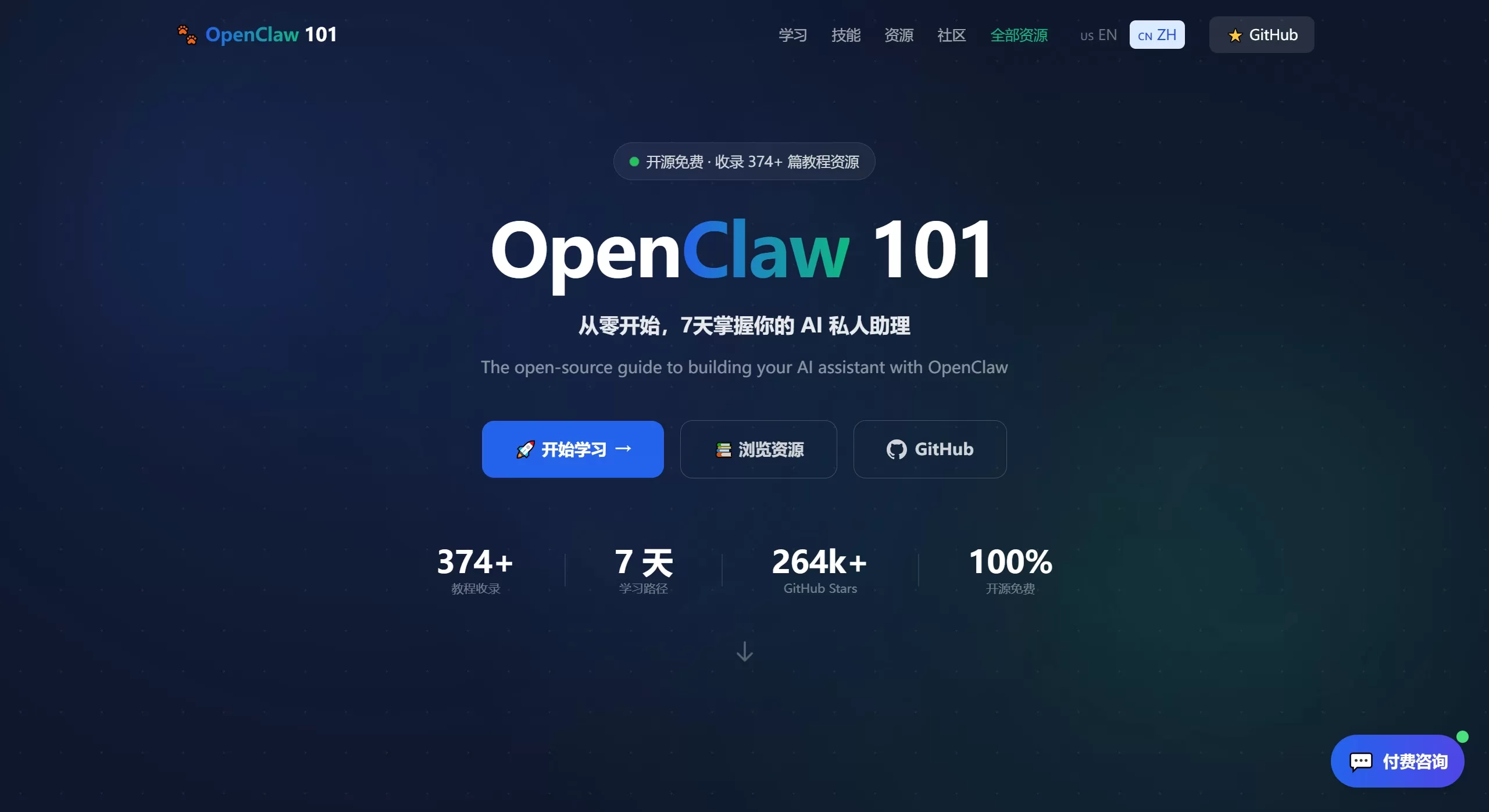
What is OpenClaw101
OpenClaw101 is a guide and resource aggregation site dedicated to helping users master OpenClaw from scratch. OpenClaw101 provides a structured 7-day learning path, from beginner to advanced, progressively mastering all the capabilities of OpenClaw, helping users build their personal ai assistant from scratch.
OpenClaw is an open-source AI tool. When it was released in early 2025, it quickly went viral online, gaining 60,000 stars on GitHub in just three days, and now has over 200,000 stars. Its main idea is to let AI do more than just chat—it can actually help you get things done, like operating your computer, sending emails, placing orders, acting like a real digital assistant.
OpenClaw Core Features
Local data storage: Everything is stored on your own computer, not uploaded to the internet, ensuring privacy
Support for multiple chat apps: Can be controlled via 20+ tools including Telegram, WhatsApp, WeChat, DingTalk, Slack, etc.
Computer operation: Can execute commands, read/write files, control browsers, simulate mouse and keyboard
Plugin system: Over 3,000 plugins available, such as connecting Gmail, viewing calendars, search, etc.
Memory: Saves your preferences and history, getting better the more you use it
Automated operation: Can set scheduled tasks to automatically check emails, website updates, etc., without manual start-up each time
Support for multiple AI models: Can use online models like Claude, GPT, Gemini, or local models
OpenClaw System Architecture
Gateway layer: Receives messages
Routing layer: Distributes tasks
Agent loop: Think-Act-Observe-Feedback
Reasoning layer: Communicates with AI models
Memory layer: Stores information in four levels
Scheduler layer: Manages scheduled tasks
OpenClaw Application Scenarios
Schedule management: Automatically organize emails, set reminders, extract information from meeting screenshots into your calendar
File processing: Classify files, convert formats (such as ppt to PDF), create expense reports
Information retrieval: Search the web, monitor website updates, such as new stock information, data scraping
Automated trading: Connect to exchange APIs, execute trading strategies, do trade reviews
Remote control: Remotely operate your computer via Telegram or WeChat
Development assistance: Write code, manage GitHub, analyze SEO
OpenClaw Pros and Cons
Pros:
Data is completely stored locally, under your own control
Open-source and free, can be modified freely
Features can be infinitely extended
No need to install new software, use directly in common chat tools
Can take initiative, not just wait for your commands
Cons:
Security risks exist, as it can operate the system, improper configuration may be exploited
Doesn't work well directly on Windows, need to install WSL2
Using cloud models incurs API fees
Documentation and community support not as complete as commercial products
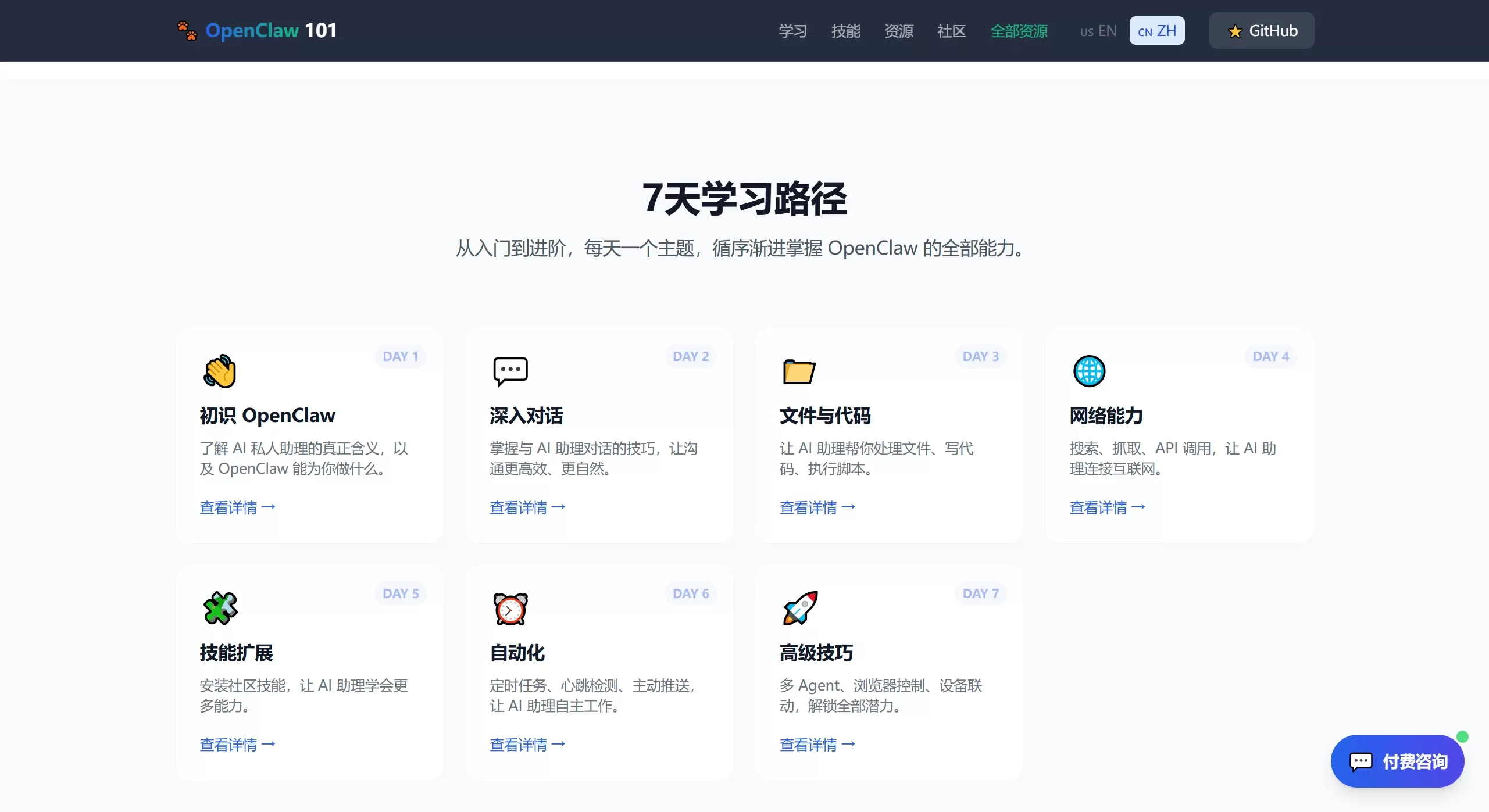
OpenClaw101 7-Day Learning Plan
| Day | Learning Content | Outcomes |
|---|---|---|
| Day 1 | Understand the concept of AI assistants | List your own automation needs |
| Day 2 | Install locally and connect chat tools | Assistant is online and able to chat |
| Day 3 | Write configuration files | Set personality and memory for the assistant |
| Day 4 | Connect Gmail, calendar, search | Able to handle real work |
| Day 5 | Install skill plugins | Extend browser, command line and other features |
| Day 6 | Set up automated tasks | Achieve automatic reminders and scheduled operations |
| Day 7 | Develop your own features | Become an advanced user |
OpenClaw101 Tutorials and Resources
OpenClaw101 has collected over 60 quality articles and videos, nearly half of which are in Chinese. Sources include Alibaba Cloud, Tencent Cloud, IBM, and Bilibili, among others.
Official materials: Official website manuals, code repository, skill marketplace entry.
Installation guides: Teach you how to install it on Alibaba Cloud, Tencent Cloud, DigitalOcean, or even your own computer. The steps are very detailed with illustrations.
In-depth articles: Analytical articles written by major media outlets, discussing its principles and security.
Video tutorials: Step-by-step operation videos available on Bilibili and YouTube.
FAQ
1. What's the difference between OpenClaw and ChatGPT?
ChatGPT can only tell you how to do something, OpenClaw can directly do it for you. For example, to clean up your inbox, ChatGPT tells you the steps, OpenClaw directly deletes them for you.
2. Is the data secure?
It runs completely locally by default, but connecting third-party services (like Gmail) requires authorization. It's recommended to manage API keys and permissions properly.
3. Can it be used on Windows?
Native support is poor, it's recommended to install via WSL2 (Ubuntu).
4. Do I need to know how to code?
For basic use, no, but for custom features, you need to know JavaScript or Python.
5. Does it cost money?
The software itself is free, but using online models like Claude or GPT requires API fees; using local models can be cost-free.
6. Why is it called "101"?
This is a course numbering system used in American universities, where 101 represents an introductory course, meaning starting from zero foundation.
Links
OpenClaw101 itself is also an open-source project. Here are the related links:
Tutorial website:https://openclaw101.dev/zh/
GitHub:https://github.com/openclaw/openclaw
Chinese navigation:https://aiopenclaw101.com/zh
Related information:
WeChat Integration with Openclaw Tutorial Guide
Openclaw from beginner to AI expert: 15 OpenClaw Skill recommendations















