
 Script Planner Assistant▸
 AI Apps
 AI News

PixPark AI: A Free Universal AI Image Generation and Editing Platform
PixPark AI: A Free Universal AI Image Generation and Editing PlatformIntroduction
What is PixPark AI?
PixPark AI is a free, general-purpose AI image generation and editing platform that covers the complete workflow from generation to editing. It supports text-to-image, image-to-image, background removal, object erasure, inpainting, image outpainting, and HD upscaling, integrating multiple workflows into a single interface. No registration is required, with free unlimited usage, allowing you to iterate quickly, compare results, and output finished products. It is suitable for ad creatives, social media content, e-commerce product images, cover designs, and creative experiments.
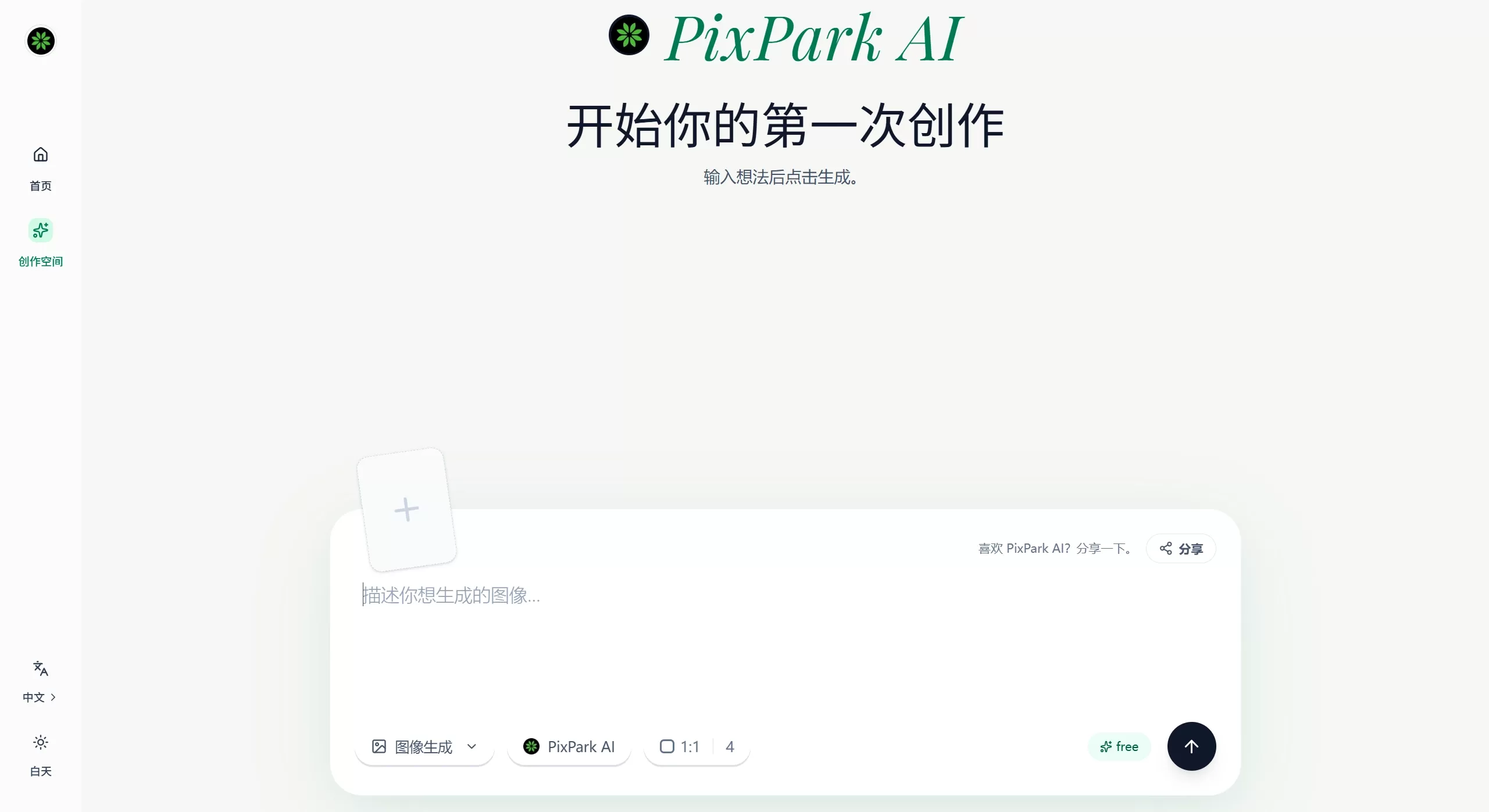
✨ PixPark AI Features
Text-to-Image / Image-to-Image: Enter text descriptions or upload reference images to generate images
Smart Editing: Integrates cutting-edge models such as IMG1, Kontext pro, and Nano, supporting conversational commands
Sketch Refinement: Upload concept sketches, and AI generates refined assets with high completion
Local Refinement: Precisely adjust selected regions while keeping the overall composition intact
2D to 3D: Convert 2D design drawings into 3D images with adjustable viewing angles
Video Generation: Supports AI video content creation
Photo Editing: Provides full-spectrum AI photo handling capabilities
🎯 PixPark AI Application Scenarios
Game Art — Quickly generate characters, props, and scene assets
Advertising & Marketing — Create promotional posters and social media visuals
E-commerce Design — Product image generation, background replacement, and photo retouching
Content Creation — Self-media visuals, blog illustrations, and video thumbnails
Concept Design — Quickly turn sketches into usable design drafts
3D Preview — Provides 3D angle references for 2D designs
📝 How to Use PixPark AI
Visit the website: pixpark.ai
Choose a feature: Text-to-Image, Image-to-Image, or editing functions
Enter a description: Describe your creative needs
Select a model: Choose an AI model based on your project style
Generate and adjust: Review results and refine with local editing
Export and save: Download the final output
Advanced features:
Sketch Refinement: Upload hand-drawn sketch → Enter style description → Generate refined draft
Local Editing: Select a region → Describe modification needs → Smart repaint
3D Conversion: Upload 2D design → Select viewing angle → Generate 3D preview
❓ PixPark AI FAQ
Q: Is PixPark AI completely free?
A: Yes, PixPark AI is positioned as a free, unlimited AI image generation platform.
Q: Does PixPark AI require registration?
A: No, it supports use without registration.
Q: What languages does PixPark AI support?
A: It supports natural language descriptions in Chinese, with no need for complex English prompts.
Q: What are the differences between PixPark AI and Midjourney / Stable Diffusion?
A: PixPark AI focuses on zero barrier to entry and specialization:
Compared to Midjourney: No Discord needed, no complex parameters required
Compared to Stable Diffusion: No local deployment required, ready to use out of the box
Unique advantage: Dedicated models optimized for casual game art
Related Information:















