
 Script Planner Assistant▸
 AI Apps
 AI News
Magic Comic Creator – AI Film-Production Tool for Batch Script-to-Video Workflows
Magic Comic Creator – AI Film-Production Tool for Batch Script-to-Video WorkflowsIntroduction
What is Moyin Creator
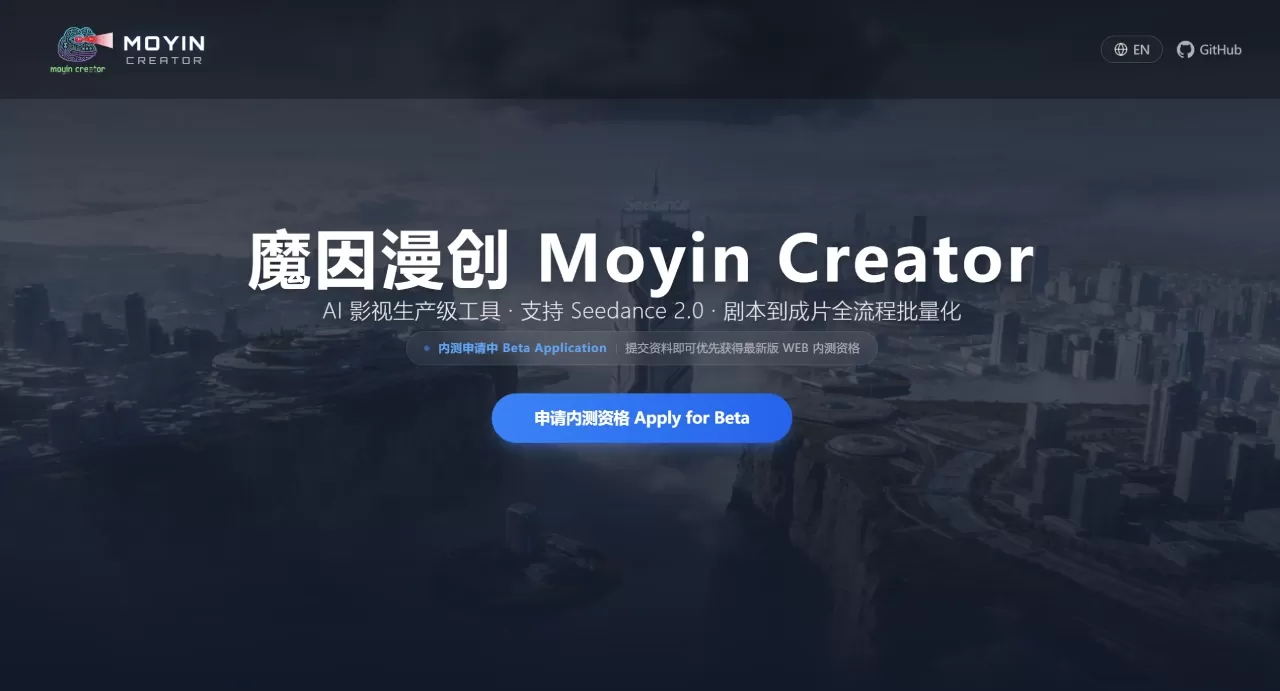
Moyin Creator (魔因漫创) is an open-source AI film and video production tool developed by the MemeCalculate team. It is desktop-based and focuses on the automated production pipeline from script to finished film, making it suitable for batch creation scenarios such as short dramas, anime series, and trailers.
Moyin Creator itself does not include any AI models. Instead, it integrates with services such as Seedance 2.0 (Jimeng) and SkyReels via APIs to handle script breakdown, character and scene generation, and video composition. It is released under the GNU AGPL-3.0 license, allowing free use and modification (with modifications required to be open-sourced); commercial use requires an authorization request.
Features of Moyin Creator
📝 Script Parsing: Breaks down scripts into scenes, storyboards, and dialogue, recognizing characters, settings, emotions, and camera language, supporting multi-episode or multi-act structures.
🎭 Character Management: Maintains visual consistency based on 6-layer identity anchors, supporting character bible management and reference image binding.
🌄 Scene Generation: Multi-view composition, automatically converting scene descriptions into visual prompts, with "four-view" output to ensure spatial coherence.
🎬 Director Storyboard: Adjustable camera parameters (position, zoom, shooting method), automatic layout export, with one-click switching between visual styles.
⭐ S-Tier Rendering: Integrated with Seedance 2.0, supporting multi-shot narrative video merging, capable of referencing multimodal assets such as images, videos, and audio.
Other Features
Full-Process Automation: Each stage connects automatically, with no manual handoff required.
Batch Production: Supports parallel multi-task execution and failure retry.
Multi-Model Scheduling: Can poll among multiple AI service providers with load distribution.
Professional Storyboard System: Covers shot size, camera movement, transitions, and pacing control.
Use Cases for Moyin Creator
Short Video / Short Drama: Quickly convert scripts into finished films, shortening production cycles; a single episode can go from 3–5 days down to 3–5 hours.
Anime Series: Batch-generate animation clips with consistent characters and standardized storyboards.
Trailer / Concept Film: Directly generate visual trailers from scripts for pitches or marketing.
Storyboard / Visual Previsualization: Create high-quality, low-cost storyboard previews for film, TV, or game projects.
Educational Videos: Educational institutions can customize teaching content on demand.
Advertising Creation: Quickly generate multiple versions of assets for A/B testing.
Pros and Cons of Moyin Creator
✅ Pros
Covers the full pipeline from script to finished film, simplifying operations.
Character consistency technology addresses a common pain point of AI video.
Optimized for large-scale production, supporting parallel tasks.
Compatible with mainstream AI large models, configurable as needed.
Open-source and free, with community-driven iteration.
Backed by Seedance 2.0, output can reach commercial-grade quality.
❌ Cons
Requires your own API key; calls to external models incur costs.
Deployment depends on Node.js, creating a high barrier for non-technical users.
Style consistency is difficult to control precisely, with results varying.
Some users report issues with the character calibration feature, with configurations possibly being lost.
Generation quality and stability are affected by third-party services.
How to Use Moyin Creator
Installation & Deployment
git clone https://github.com/MemeCalculate/moyin-creator.git
cd moyin-creator
npm install
npm run dev
npm run build
Environment Requirements: Node.js ≥ 18, npm ≥ 9.
API Configuration
After launch, go to "Settings" → "API Configuration" in the upper right corner to fill in your keys. It is recommended to configure multiple keys to improve stability and speed.
Creation Workflow
① Import the script; the system automatically generates an outline and calibrates storyboards, characters, and scenes.
② Set character parameters and generate their appearances.
③ Match appropriate scenes to the storyboards and generate multi-view backgrounds.
④ Set camera position, zoom, dialogue, sound effects, etc., and integrate them.
⑤ Batch-render to generate the finished film.
Key Parameters
Film Generation Model: Defaults to Google nano banana
Video Generation Model: Defaults to 1.5 test model
Number of Processes: Increasing this speeds up batch processing but requires more API keys.
Visual Continuity: When enabled, the last frame is automatically converted to an image to keep scenes connected.
Image Hosting: ImgBB is recommended.
Frequently Asked Questions about Moyin Creator
Q1: Is it free?
A: Moyin Creator is open-source and free, but calling AI services requires payment; you need to purchase your own API keys.
Q2: Can users without coding experience use Moyin Creator?
A: Currently, some technical ability is required; a one-click installer may be offered in the future.
Q3: How is the video quality?
A: It depends on the AI model and prompts used, limited by the capability of the underlying models.
Q4: How is character consistency ensured?
A: Through 6-layer identity anchors and a character bible, the same reference image is referenced across storyboards.
Q5: Which models does Moyin Creator support?
A: It supports video and image models such as Seedance 2.0 and SkyReels-V4, and you can switch freely.
Q6: What should I do if I encounter a BUG?
A: Report it via GitHub Issues. Known issues include abnormal character calibration and configuration being cleared; you can follow for updates.
To get started, you can first watch the Bilibili tutorial, then follow the steps to deploy and use it.
Bilibili Tutorial: https://space.bilibili.com/612396586/lists/7462950?type=season
GitHub Repository:https://github.com/MemeCalculate/moyin-creator
Related News:
AI Short Drama Creation Platform
AI Comics/Drama Production Tools
Complete Analysis of AI Comics/Drama Production Process and Tools












