
 Script Planner Assistant▸
 AI Apps
 AI News

Gaga AI: A Cinematic AI Video Generation Model Focused on Character Dialogue
Gaga AI: A Cinematic AI Video Generation Model Focused on Character DialogueIntroduction
What is Gaga ai?
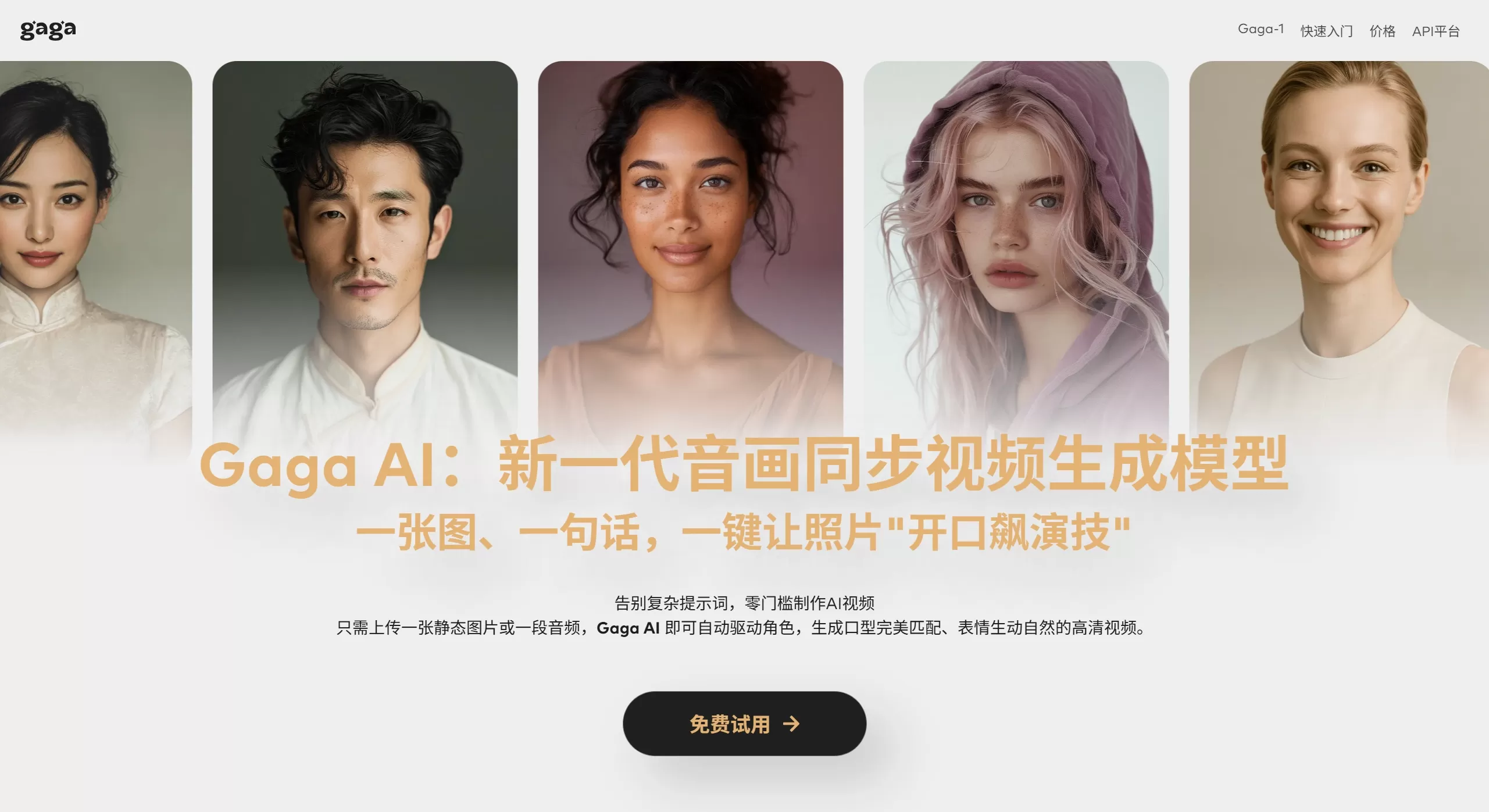
Gaga AI is the world's first cinematic-grade AI video generation model focused on the "character dialogue" scenario, developed by the Sand.ai team. Powered by its self-developed GAGA-1 video model, it achieves simultaneous generation of voice, lip movements, and facial expressions in one pass ("audio-visual co-generation"). Users only need to upload a photo of a person and input dialogue lines to generate cinematic-quality video content with acting performances within minutes.
Gaga AI Features
Cinematic-grade character performance: Accurately captures subtle emotional shifts, delivering vivid performances through micro-expressions, tone, and movement details, with natural transitions and turns in complex emotions
Audio-visual synchronized generation: Voice, lip movements, and expressions are produced all at once in perfect sync—no need for the traditional "picture first, audio later" approach
Multilingual support: Supports multiple languages worldwide (including Chinese), with perfect lip-audio matching, making it look as if a native speaker is talking
Multi-character scene performance: Supports two-person dialogue scene generation, handling complex multi-person interactions including eye contact, head turns, and conversational rhythm
Emotion and motion control: Control the character's emotion, movement, and dialogue pauses through prompts, achieving complex performance effects like emotional shifts
Adaptive background audio: Voice tone naturally matches the character's visual appearance and scene, automatically generating background sound effects that fit the atmosphere
Gaga AI Application Scenarios
1. Short Drama & Film Production
Quickly generate high-quality character dialogue videos, providing low-cost素材 for short dramas and producing professional-grade content
2. Virtual Anchors & Digital Humans
Virtual anchor video generation
Online education virtual lecturers
Brand digital spokespersons
3. Knowledge Popularization & Content Creation
Historical commentary, such as letting historical figures "personally" narrate
Emotional radio/nighttime listening content
Knowledge science popularization videos
4. Advertising & Marketing
Create personalized ad videos that attract viewers' attention through vivid character performances
5. Social Media Content
Quickly generate fun and engaging short video content for distribution on platforms like Douyin, Xiaohongshu, and Bilibili
6. Dialogue Interviews & Podcasts
Generate two-person dialogue scenes suitable for interviews and debate-style content, supporting content going global
Gaga AI Pros & Cons Analysis
Pros
Cinematic-grade acting performance: Micro-expressions, eye details, and lip movements are precise, with natural emotional expression—far superior to ordinary lip-sync tools
Audio-visual co-generation technology: Voice and visuals are generated simultaneously with strong cohesion, which is the key to natural and smooth AI video
Extremely low cost: Generation cost is only 1/20 of Sora 2, and generating a 10-second video only takes 3-5 minutes
Excellent Chinese optimization: Accurate Chinese voice-lip synchronization and micro-expression handling, better than foreign products like Grok Imagine
Completely free: Currently no usage limits, and no invite code required
Simple operation: No complex prompts needed—upload an image + input dialogue to generate
Cons
Video length limitation: Currently supports up to 10 seconds of video
Resolution limitation: Maximum supported resolution is 720p
Single aspect ratio: Currently only supports 16:9 ratio
Scene limitations: Focused on "above the chest" dialogue scenes; full-body actions, singing, eating, and other scenarios are still being optimized
Success rate: Officially admitted success rate is around 40%, requiring multiple attempts
Unstable multi-character scenes: Although the two-person dialogue feature is supported, it is not as stable as single-character scenes
How to Use Gaga AI
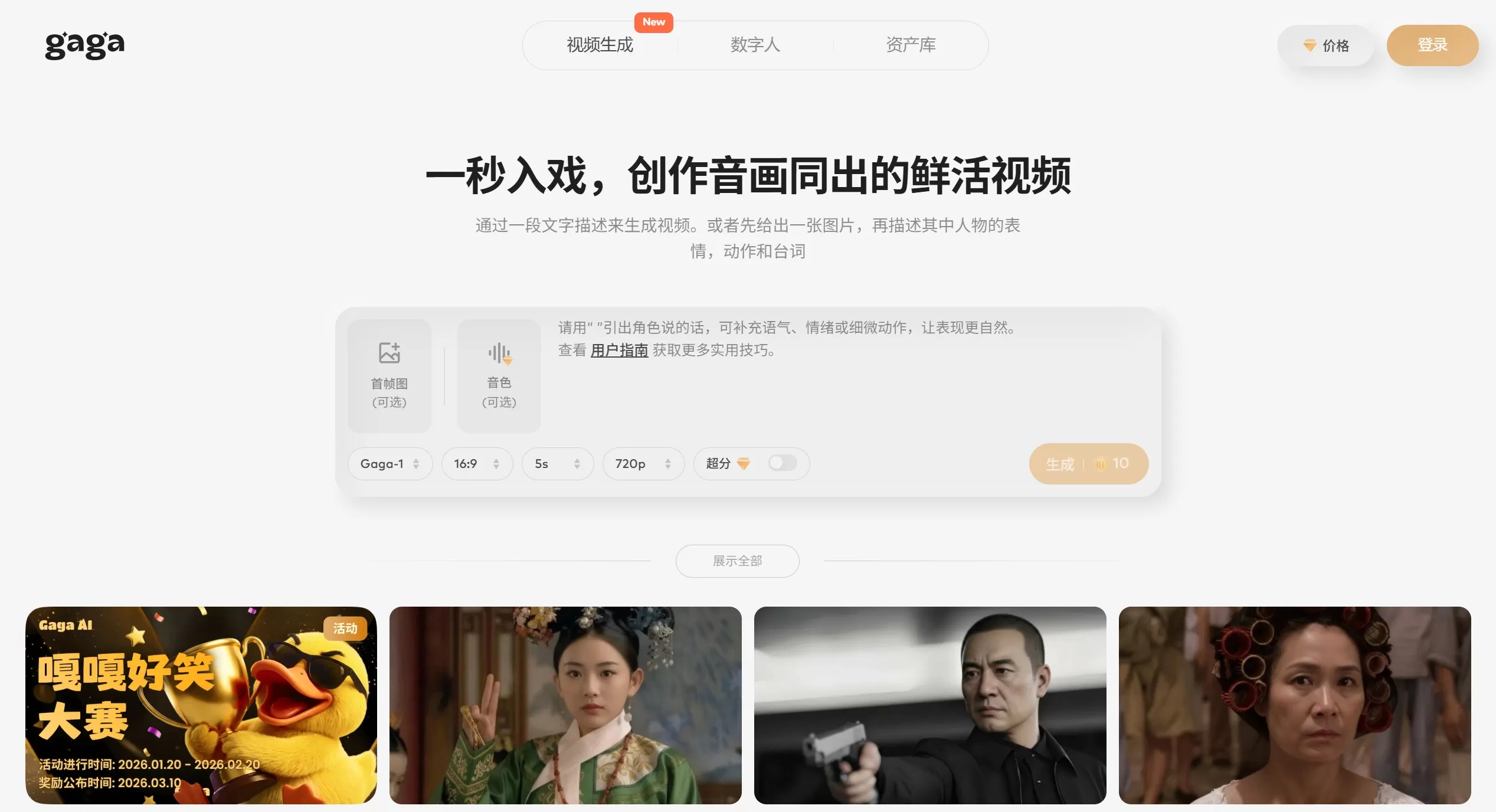
Step 1: Access & Register
Visit the official website: https://gaga.art
Register using WeChat or email
Step 2: Prepare Materials
Upload image: Upload a clear frontal photo of a person (realistic-style photos are recommended; you can also use AI-generated first-frame images)
Input dialogue: Enter the dialogue lines you want the character to say
Step 3: Set Parameters
Select model
Select video aspect ratio
Select video duration
Step 4: Add Prompts (Optional)
Describe the character's emotions, movements, background sound effects, and other details, e.g., "gentle with a hint of melancholy, speak slowly"
Step 5: Generate & Download
Click generate and wait 3-5 minutes
Download the generated video or share it directly to social platforms
Gaga AI FAQ
Q1: Is Gaga AI free?
A: Yes, Gaga AI is now fully launched, no invite code required, no usage limits, completely free.
Q2: Why did my video generation fail?
A: The official success rate is around 40%. Suggestions:
Use clear, frontal realistic-style photos
Avoid complex backgrounds
Try generating multiple times
Q3: What languages are supported?
A: Multiple languages worldwide are supported, including Chinese, English, etc., with particularly excellent optimization for Chinese.
Q4: Can it generate multi-person dialogue videos?
A: Yes, it is supported, but the two-person scene performance is not as stable as single-person. We recommend using it in single-person lip-sync scenarios for the best results.
Q5: How long can the video be?
A: Currently supports up to 10 seconds, with a maximum resolution of 720p.
Q6: How does it compare to Sora 2?
A: Gaga AI focuses on the single track of "character dialogue." In this scenario, the cost is only 1/20 of Sora 2, and generation speed is faster (3-5 minutes vs. Sora 2's longer time), but it is not as good as Sora 2 in complex scenes and duration.
Q7: What is the team background?
A: Developed by the Sand.ai team, with core members including Mr. Cao Yue. The team previously open-sourced the world's first high-quality autoregressive architecture video model, known as the "Deepseek" of the video field.
Related News:
"../ai-zhuanti/1153.html" target="_blank" rel="noreferrer noopener">AI Digital Human











